Loading video…
All breakouts
15.5App DemoHow-To hookAI Tools
Hook
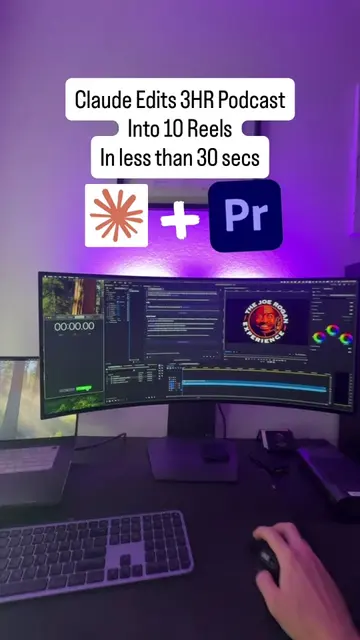
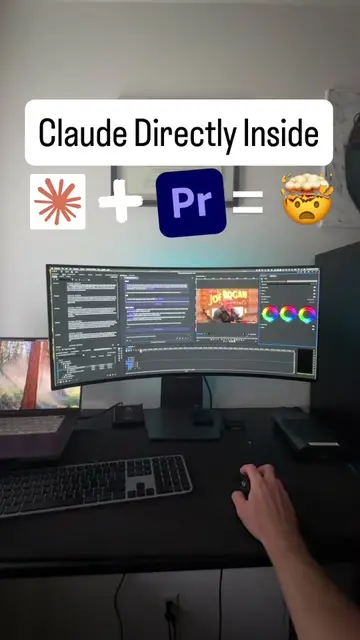
Fable 5 + Omni Directly Inside
@chatvideopro
4.3K followers · usually 687 views a post
Views
11.0K
Likes
168
Comments
8
Shares
19
Why it worked
It solves a specific, high-friction problem for video editors—switching between AI tools and editing software—by demonstrating a seamless, 'all-in-one' workflow.
Summary
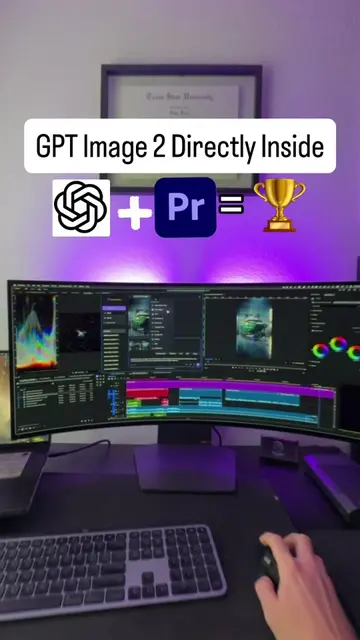
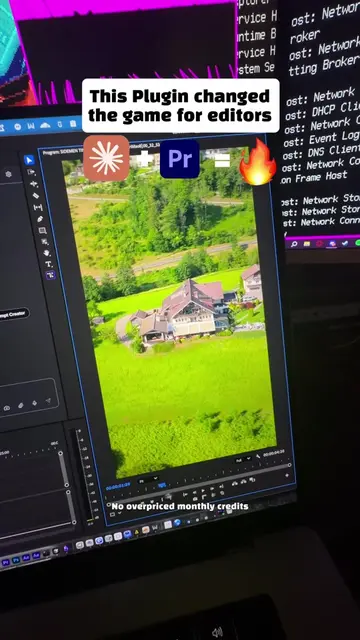
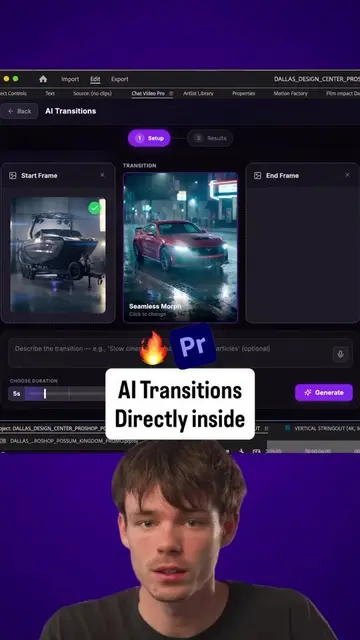
The creator demonstrates an Adobe Premiere Pro plugin that integrates AI models like Claude Fable 5 and Google Omni directly into the editing workflow. The video showcases the ability to generate cinematic VFX shots without leaving the software.
Structure
- 1Hook with text overlay
- 2Demonstration of model selection in Premiere Pro
- 3Showcasing the AI-generated video result
- 4
Original caption
DM “Chat Video Pro”for access. 🚀 Stop wasting time rewriting prompts. I use Claude Fable 5 to generate the perfect prompt, then send it directly to Google Omni inside Adobe Premiere Pro to create cinematic visuals on the first try. Need to make it look like you’re skydiving? Flying through space? Creating impossible VFX shots? One great prompt is often the difference between average AI output and something that looks production-ready. The best part? You never have to leave Premiere Pro. ✅ Claude Fable 5 writes the prompt. ✅ Google Omni generates the visuals. ✅ Chat Video Pro keeps the entire workflow inside Premiere Pro. This workflow has completely changed how I create AI-powered motion graphics and visual effects. DM “Chat Video Pro” below and I’ll send you access. #fable5 #googleomni #premierepro #chatvideopro #aifilmmaking
More from @chatvideopro
More breakout videos from this creator.