Loading video…
All breakouts
20.8App DemoDirect Question hookCreator Economy
Hook
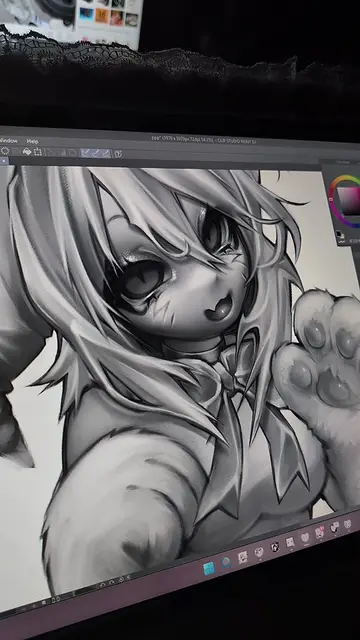
do your drawings look flat or low-contrast?
@kivsomnia
66.7K followers · usually 34.5K views a post
Views
708.2K
Likes
138.5K
Comments
410
Shares
4.0K
Why it worked
The video provides a quick and practical art tutorial that addresses a common problem for digital artists, offering a clear solution with visual demonstration and helpful tips.
Summary
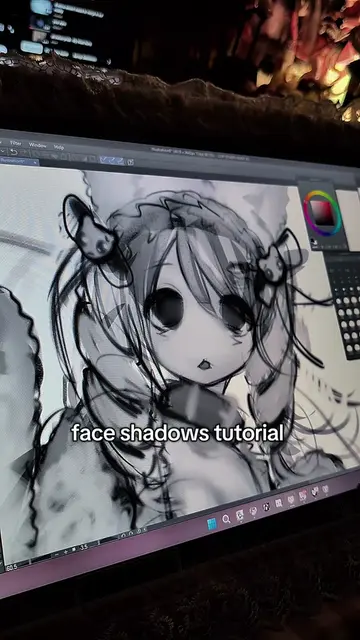
This video demonstrates a digital art technique to add depth and contrast to drawings. It shows how to use blending modes like Overlay and Soft Light on new layers, and how to utilize clipping masks to keep brush strokes within the layer boundaries.
Structure
- 1Introduce the problem of flat drawings
- 2Suggest a solution: new layer with blending modes
- 3Demonstrate using black for shadows and white for light
- 4Showcase using Soft Light blending mode
- 5Explain the clipping mask feature
On-screen text
do your drawings look flat or low-contrast?
try this!
create a new layer.
use black where the shadows should be
and white where the light hits
(or don't use white at all, like i do for the face).
you can also use Soft Light!
don't forget to turn on this button!
it keeps your brush strokes inside
the boundaries of the layer below.
Original caption
an easy way to make your drawings look deeper! never underestimate blending modes!!1! my favorites are Overlay and Soft Light, and they work for almost everything! :3 #kawaiicore #digitalart #illustration #arttutorial
More from @kivsomnia
More breakout videos from this creator.