Loading video…
All breakouts
735Talking HeadHow-To hookCreator Economy
Hook
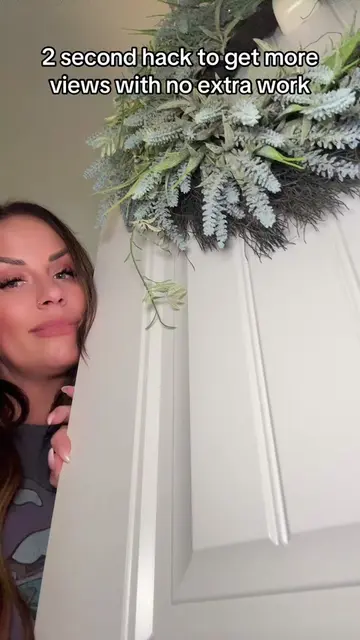
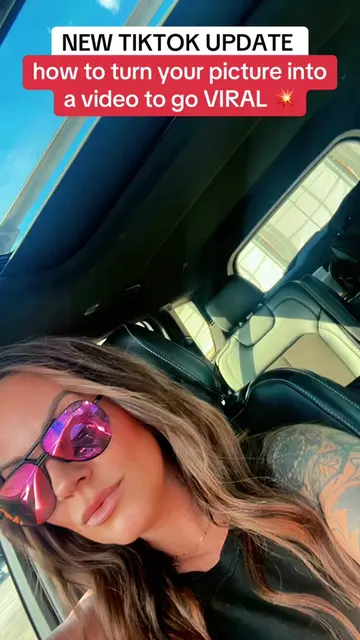
How to create Ai Video here on Tiktok
@tyoung6722
110.2K followers · usually 2.1K views a post
Views
1.6M
Likes
34.5K
Comments
1.8K
Shares
2.6K
Promoted product
TikTok
Why it worked
The video provides a simple, free, and accessible method for users to create AI-generated content within a popular platform, tapping into the trend of AI creativity and offering a quick, visually engaging result.
Summary
This video demonstrates how to create AI-generated videos directly within the TikTok app using its built-in templates. The creator guides viewers through selecting a photo, choosing an AI template, and processing the video, emphasizing that the feature is free and accessible within the app.
Structure
- 1Intro and hook
- 2Explain how to access AI video creation on TikTok
- 3Select a photo and AI template
- 4Process and wait for the AI video
- 5Post or share the AI video
- 6Encourage engagement and sharing experiences
Product placement
TikTok: ACTS - it is the platform where the AI video is created and posted. Removing it would change what happens in the video. AI Create: APPEARS - it is a hashtag used in the caption, not a specific tool or feature being demonstrated. Removing it would not change what happens in the video.
Original caption
Create your own AI video on Tiktok! Tutorial included. Go create one today! #AICreate #tiktoktips #smallcreator #a
More from @tyoung6722
More breakout videos from this creator.