Loading video…
All breakouts
2.5Talking HeadProblem Callout hookEducation
Hook
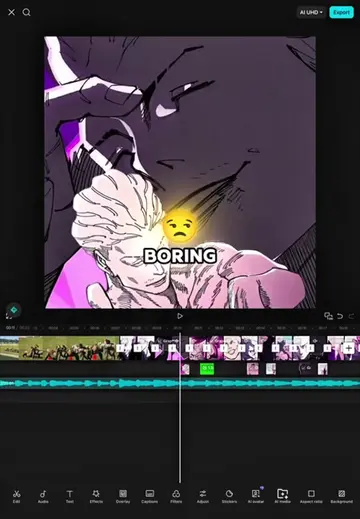
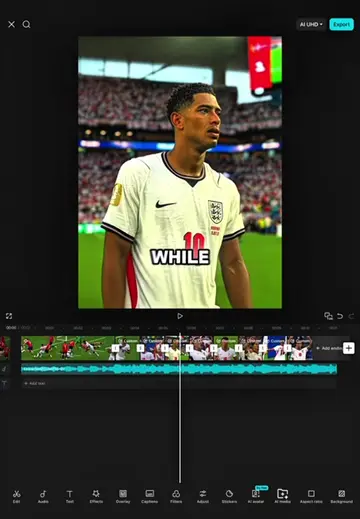
While editing I realized how boring and flat this edit looked.
@hamproject016
120.0K followers · usually 47.3K views a post
Views
117.3K
Likes
3.2K
Comments
118
Shares
248
Why it worked
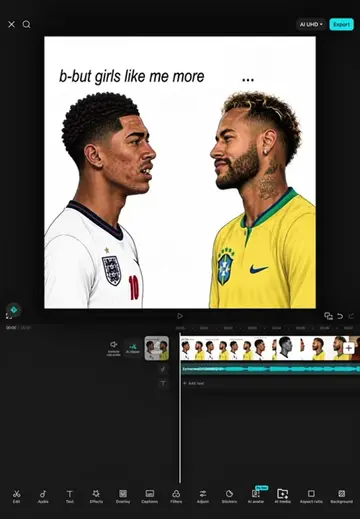
The video provides a clear, step-by-step tutorial for a popular editing trend, making it highly shareable and valuable for users looking to replicate the effect. The use of on-screen text and visual cues guides the viewer through the process effectively.
Summary
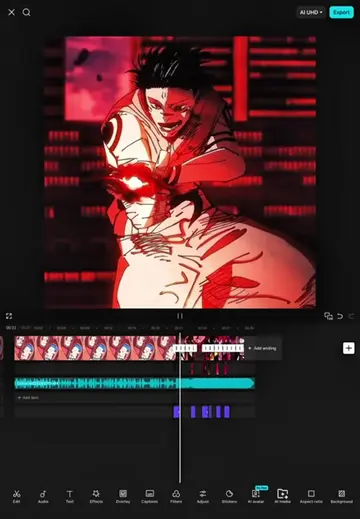
The video demonstrates how to create a specific editing effect in CapCut, likely for a TikTok trend involving Lamine Yamal. The tutorial walks through applying various effects like keyframes, zoom, transforms, oblique blur, rebound swing, and mirror effects across multiple video clips to achieve a dynamic visual style.
Structure
- 1Introduction to the editing process
- 2Applying keyframes and transforms to the first clip
- 3Adjusting zoom and position
- 4Applying effects to subsequent clips
- 5Using blur, rebound, and mirror effects
- 6Finalizing the edit with adjustments and effects
Product placement
CapCut (editing software)
On-screen text
LAMINE YAMAL
EDITING
REALIZED
FLAT
LOOKED
FIRST
VIDEO
THEN
FRAMES
SECOND
CLIP
PART
TRANSFORM
SELECT
ADVANCED
TO
AXIS
POSITION
NEXT
SECOND
AND
KEYFRAME
CLIP
GRAPH
QUAD
KEYFRAME
IN
KEYFRAME
THIRD
CLIP
GRAPH
CUBIC
APPLY
GRAPH
VIDEO
NEXT
FOURTH
VIDEO
APPLY
CLIP
SIXTH
CLIP
THE
EFFECT
MINIMAL
AND
INTENSITY
SIZE
TEN
THAT
EFFECTS
THE
CLIP
GO
CLIP
THEN
MIRROR
SELECT
EFFECT
THE
IS
AND
JUST
AFTER
THE
DID
NEXT
ADJUST
SATURATION
AND
TO
THE
EFFECT
SECTION
THAT
THE
IT
DID
NEXT
COPY
THE
EFFECT
AND
APPLY
THEM
TO
THE
FIRST
VIDEO
CLIP
NEXT
GO
TO
THE
SECOND
CLIP
AND
GO
AGAIN
TO
EFFECTS
THEN
LOOK
FOR
THE
MIRROR
EFFECT
SELECT
THE
MIRROR
EFFECT
AND
REDUCE
THE
EFFECT
UNTIL
IT
IS
MINIMAL
AND
POSITION
THE
EFFECT
JUST
AS
I
DID
AFTER
THAT
COPY
THE
EFFECT
AND
POSITION
IT
JUST
AS
I
DID
NEXT
ADD
A
KEYFRAME
THEN
SET
THE
SPEED
TO
100
AND
THE
ROTATE
TO
100
AFTER
THAT
COPY
THE
EFFECT
FOUR
TIMES
NEXT
GO
TO
EFFECTS
AGAIN
AND
SELECT
THE
SHAKE
EFFECT
THEN
GO
TO
THE
OBJECT
AND
SELECT
ALL
VIDEOS
AND
CUT
THE
EFFECT
SO
IT
ENDS
AT
THE
FIRST
PART
OF
THE
FOURTH
VIDEO
NEXT
GO
TO
ADJUST
AND
SET
THE
SATURATION
TO
NEGATIVE
50
AND
CUT
THE
FILTER
UP
TO
THE
MIRROR
EFFECT
SECTION
THAT'S
ALL
FOR
THE
TUTORIAL
WE'RE
FINISHED
Original caption
Tutorial Edit Capcut ( Lamine Yamal Trend Edit Reverse) #CapCut #capcutpioneer #capcuttutorial #tutorial #fyp
More from @hamproject016
More breakout videos from this creator.