Loading video…
All breakouts
24.6OtherOther hookCreator Economy
Hook
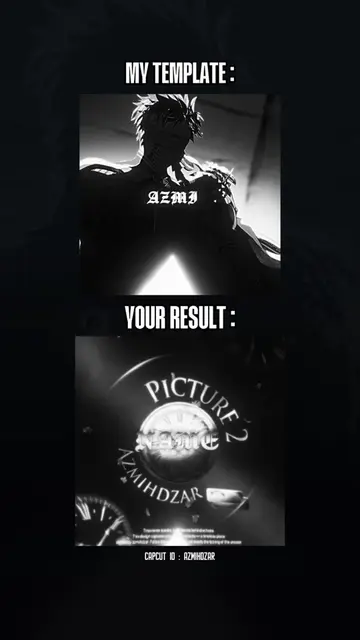
MY TEMPLATE :
@azmihdzar1
190.8K followers · usually 42.6K views a post
Views
929.7K
Likes
102.0K
Comments
254
Shares
2.7K
Promoted product
CapCut
Why it worked
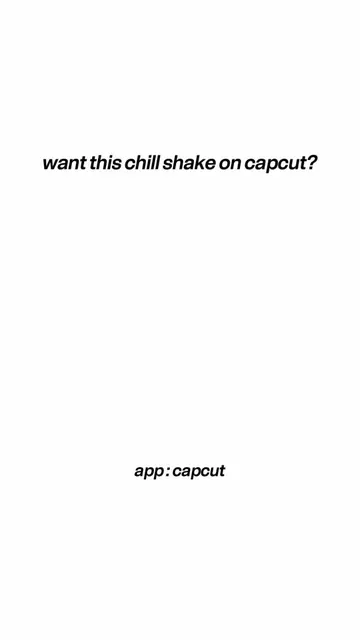
The video leverages the popular trend of "template" videos on platforms like TikTok, where creators offer pre-made edits for others to use. By showing a clear comparison between a template and the resulting output, it appeals to users looking for easy ways to create engaging content.
Summary
The video showcases a "template" for creating fandom videos, contrasting a creator's template with the "your result" section which displays a generic "MEDIA" graphic. The creator is demonstrating how their templates can be used to achieve a certain aesthetic.
Structure
- 1Introduction of "My Template"
- 2Display of "Your Result" with generic media graphic
- 3Showcasing different clips within the template structure
- 4Concluding with the CapCut ID
Product placement
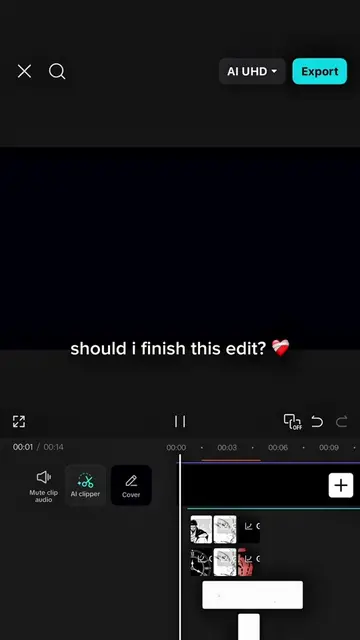
CapCut: video editing software. It ACTS by providing templates for users to create videos. Removing it would change the result of the video. It is the substrate for the video, as the video is about using CapCut templates.
AZMIHDZAR: This is a CapCut ID, which is a username or identifier within the CapCut platform. It merely APPEARS as a watermark/identifier and does not ACT. Removing it would not change what happens in the video.
On-screen text
MY TEMPLATE :
YOUR RESULT :
(FREE TEMPLATE)
MEDIA
CAPCUT ID : AZMIHDZAR
Original caption
ib : @eban Save time. Use my templates to create your fandom videos 🤝✨ #azmihdzar #trending #capcut #capcutpioneer #pioneertemplate
More from @azmihdzar1
More breakout videos from this creator.