Loading video…
All breakouts
5.4App DemoHow-To hookCreator Economy
Hook
HOW TO CREATE
@yaqucv2
18.5K followers · usually 1.1K views a post
Views
10.3K
Likes
41
Comments
0
Shares
7
Why it worked
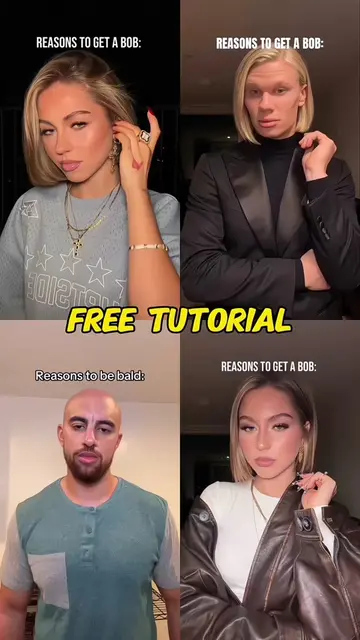
The video provides a clear, step-by-step tutorial for a popular video editing trend, making it easy for users to replicate the effect. The use of on-screen text and direct instructions caters to a broad audience seeking quick and visually appealing content creation methods.
Summary
This video demonstrates how to create a three-screen expression beat sync video filter effect using CapCut. It guides viewers through copying a video link, finding the template on the creator's profile, and uploading a single photo to achieve the effect.
Free accountLocked — create a free account to open
Transcript, structure and on-screen text
5 beats, a 72-word transcript and 25 lines of on-screen text — the parts you need to write your own version.
Original caption
Beginner tutorial: Three-screen beat sync filter + Aiden McNilly paparazzi trend animation Two viral edits you can finish in minutes! Learn to make three-screen expression beat sync video filters, then follow the aonadow paparazzi trend tutorial to copy the original Aiden McNilly paparazzi animation style. Match the paparazzi song beat perfectly and grab tons of likes on your posts! Tag your editing friends to try this combo edit together. How to create three-screen expression beat sync video filter effects paparazzi trend animation paparazzi trend tutorial paparazzi trend animation tutorial paparazzi trend tutorial aonadow aiden mcnilly original paparazzi #BeginnerTiktokEdit #PaparazziTrend2026 #ThreeScreenAesthetic #capcut #capcutpioneer
More from @yaqucv2
More breakout videos from this creator.