Loading video…
All breakouts
24.2Talking HeadHow-To hookConsumer Apps
Hook
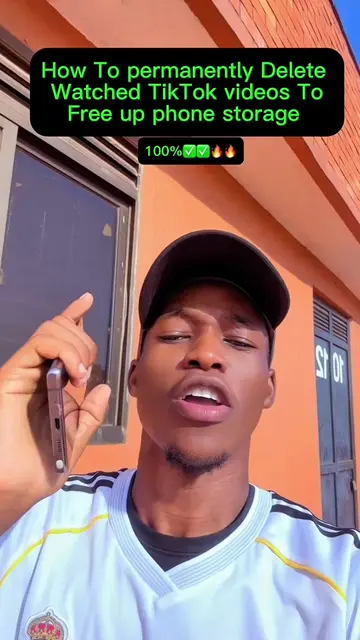
How To Delete TikTok Watched Videos To Free Up Phone Storage
@cristianocr7gadgets
258.3K followers · usually 42.6K views a post
Views
1.1M
Likes
32.6K
Comments
872
Shares
2.2K
Promoted product
TikTok
Why it worked
The video addresses a common pain point for TikTok users: limited phone storage. By providing a clear, step-by-step solution to clear watch history, it offers immediate value and utility, making it highly shareable and engaging.
Summary
The video demonstrates how to delete watched videos from the TikTok app to free up phone storage. It guides the viewer through the process of accessing watch history within the app and clearing it.
Structure
- 1Introduction and problem statement
- 2Navigating to TikTok app and profile
- 3Accessing settings and watch history
- 4Selecting and deleting watch history
- 5Confirmation of deletion
- 6Concluding remarks and showing phones for sale
Product placement
TikTok (app): The video is about managing storage on a phone, and the process involves interacting with the TikTok app. Removing it would change the video's topic.
Samsung (phone): Several Samsung phones are displayed and implied to be for sale. Removing them would change the context of the video.
iPhone (phone): iPhones are mentioned as being for sale. Removing them would change the context of the video.
Original caption
How to delete TikTok watched videos to free up phone storage #TechTips #fyp #storage #tiktok @CRISTIANO CR7 📱📱 #creatorsearchinsights
More from @cristianocr7gadgets
More breakout videos from this creator.