Loading video…
All breakouts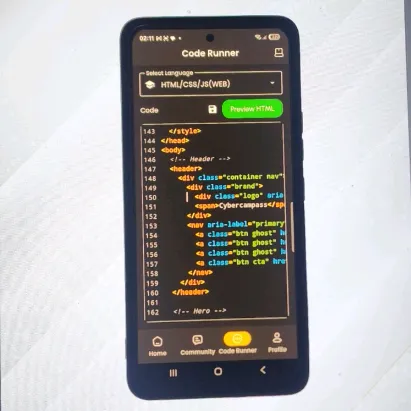
49.7Silent UGCOther hookEducation
Hook
I want this app
@mobileprogrammerz
47.5K followers · usually 6.4K views a post
Views
317.5K
Likes
6.1K
Comments
76
Shares
77
Promoted product
Why it worked
The video provides an immediate, helpful response to a specific user question, which builds trust and serves as a natural, low-friction demonstration of the product.
Summary
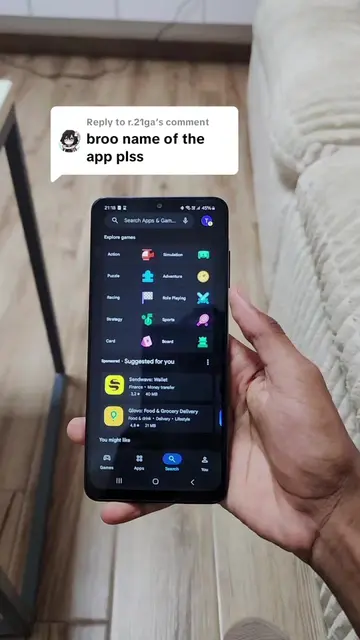
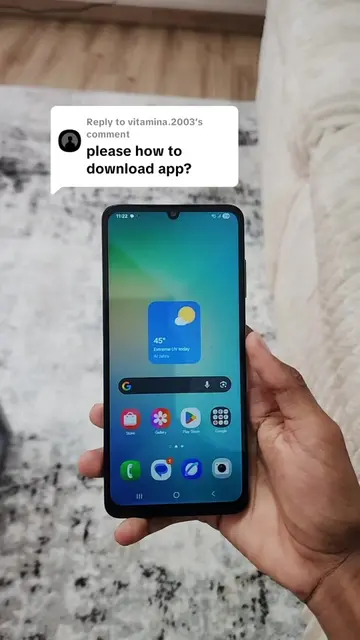
The creator demonstrates how to find and install the Dashcode app by searching for it in the Google Play Store. The video serves as a direct response to a user's request for the app's name.
Structure
- 1User comment requesting app name
- 2Opening Google Play Store
- 3Typing Dashcode into search bar
- 4Selecting and showing the app listing
- 5Demonstrating the install process
Product placement
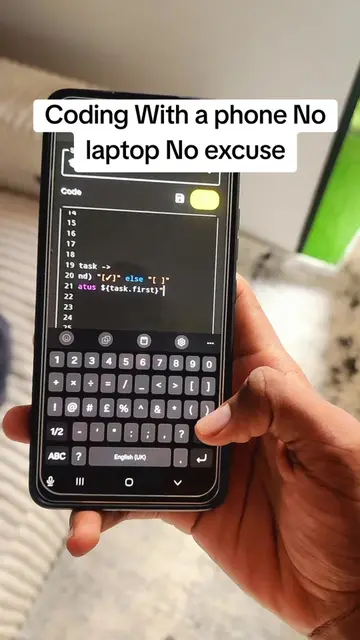
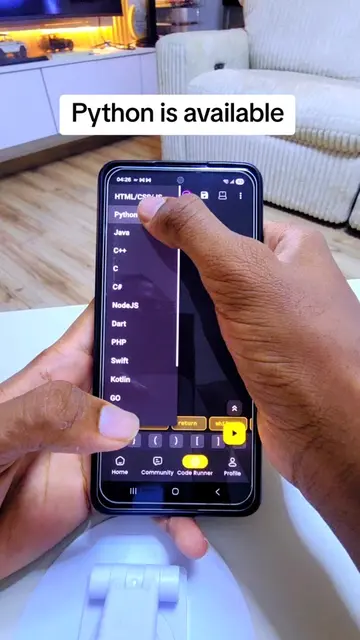
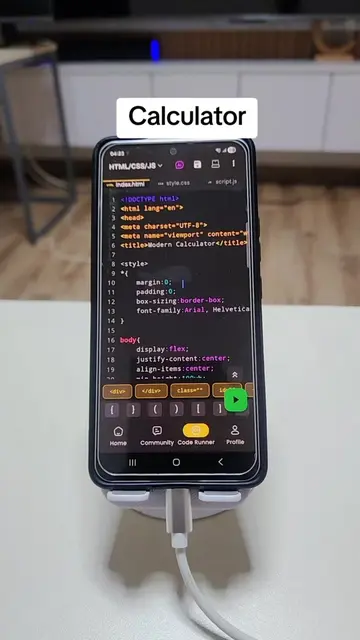
The Dashcode app is the central focus of the screen recording.
On-screen text
Replying to ajape.suleiman's comment
I want this app
Original caption
Replying to @ajape.suleiman this is the app name #programming #programmer #learningcodeforbeginners #coding #codinglife
More from @mobileprogrammerz
More breakout videos from this creator.