Loading video…
All breakouts
9.0App DemoDirect Question hookConsumer Apps
Hook
Is it time to downgrade to iOS 26
@ryans.tech
9.6K followers · usually 5.1K views a post
Views
45.4K
Likes
1.1K
Comments
72
Shares
15
Promoted product
iOS 27 Developer Betabeta.apple.com ↗
Why it worked
The video taps into a common user behavior of evaluating new software updates, particularly beta versions, and the potential desire to revert to a more stable previous version. The direct question in the hook and the clear demonstration of the update process make it relatable and informative.
Summary
The video shows a user navigating through their iPhone settings to check for software updates. They are considering downgrading from iOS 27 beta to iOS 26, and the video displays information about the iOS 27 beta program and its website.
Structure
- 1Showing iPhone home screen
- 2Navigating to settings
- 3Checking battery health
- 4Viewing device information
- 5Accessing software update settings
- 6Viewing iOS 27 beta information
Product placement
Apple: ACTS - The operating system for the iPhone. The video shows the user navigating through the settings to check for software updates, specifically beta updates for iOS 27. Removing it would change what happens in the video.
iOS 26: ACTS - Mentioned as a potential downgrade target. Removing it would change what happens in the video.
iOS 27 Developer Beta: ACTS - The specific beta version being considered. Removing it would change what happens in the video.
beta.apple.com: ACTS - A URL provided for more information about the beta program. Removing it would change what happens in the video.
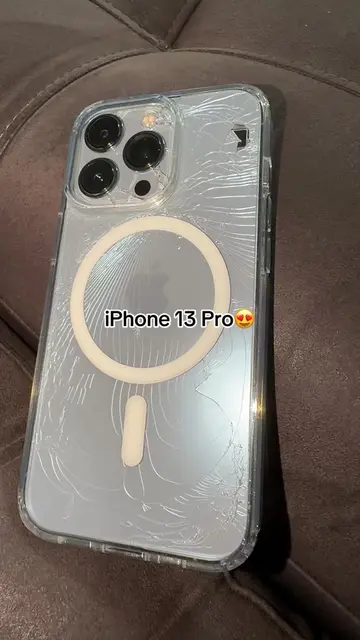
iPhone 13 Pro: APPEARS - The device model shown in the video. Removing it would not change what happens in the video.
Original caption
iOS 27 is kind of mid after using it for a while #Tech #technology #apple #iphone #ios
More from @ryans.tech
More breakout videos from this creator.