Loading video…
All breakouts
7.7App DemoWarning hookConsumer Apps
Hook
Safety Check
@techdude99___
197.5K followers · usually 49.1K views a post
Views
370.7K
Likes
13.4K
Comments
525
Shares
854
Promoted product
Safety Check
Why it worked
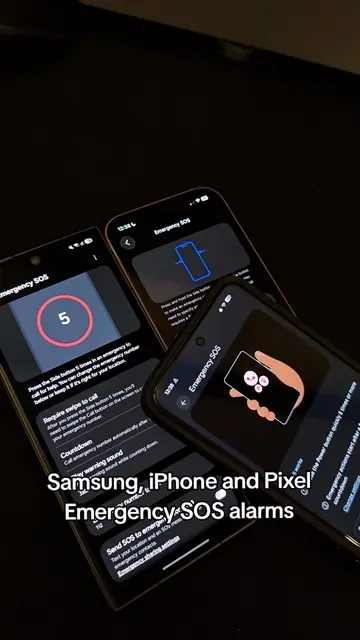
The video uses a dramatic countdown to create suspense and highlight the functionality of the Safety Check app, making it engaging and informative.
Summary
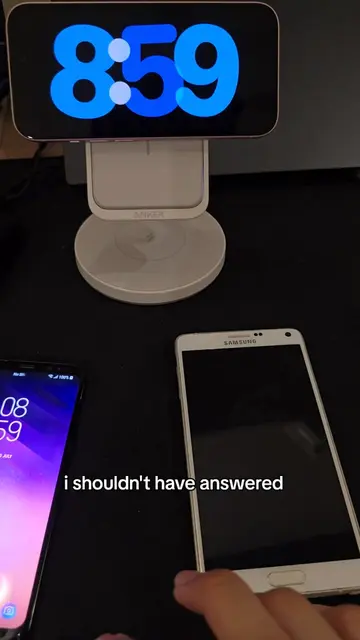
The video shows a phone screen displaying the Google Safety Check app counting down from 20. A finger interacts with the screen, pressing "I'm OK" just before the countdown reaches zero, which stops the emergency sharing process.
Structure
- 1Phone displays Safety Check app with countdown
- 2Countdown progresses from 20 to 2
- 3Finger presses 'I'm OK'
- 4Safety Check stops before emergency sharing begins
Product placement
Google Pixel: ACTS - it is the device running the Safety Check app. Removing it would change what happens in the video.
Safety Check: ACTS - it is the app being demonstrated, counting down and offering options to respond. Removing it would change what happens in the video.
Original caption
why does it sound low-key nice tho 😭 #googlepixel #alarm #techtok
More from @techdude99___
More breakout videos from this creator.