Loading video…
All breakouts
15.0App DemoHow-To hookCreator Economy
Hook
how I change characters skin color
@nyakangwhiteew
4.4K followers · usually 9.8K views a post
Views
147.6K
Likes
11.0K
Comments
389
Shares
391
Why it worked
The video provides a clear and concise tutorial on a specific digital art technique, appealing to creators interested in character customization and diversity in their artwork.
Summary
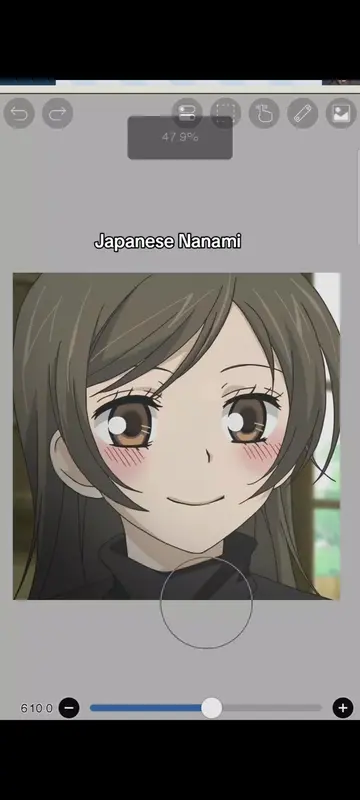
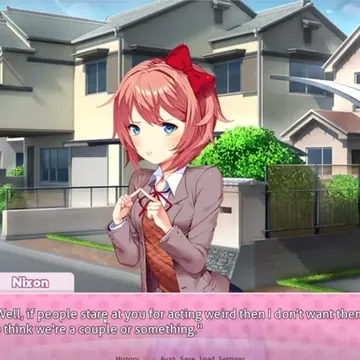
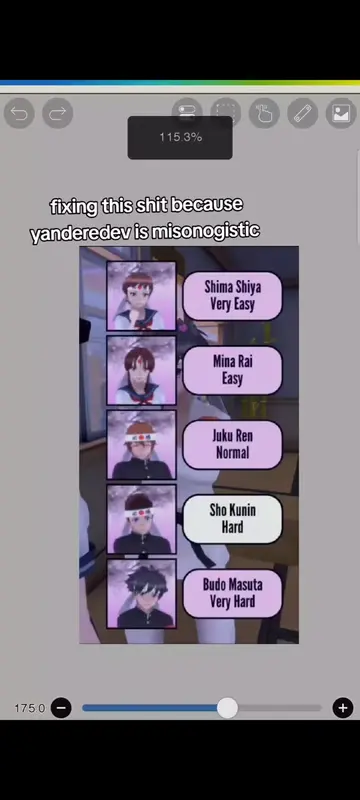
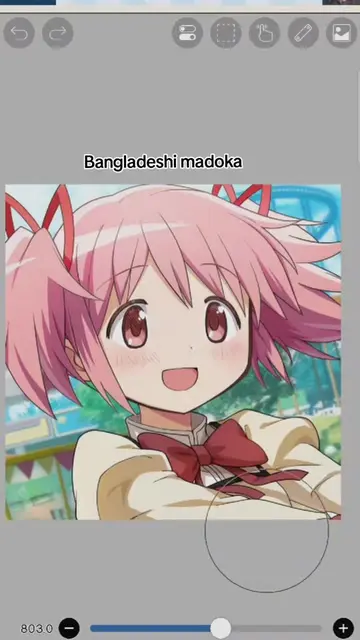
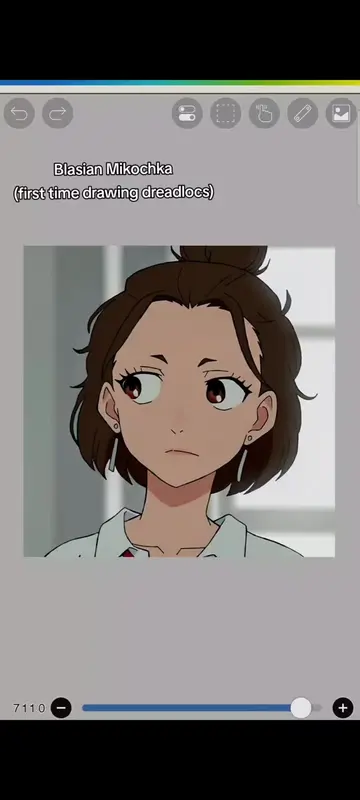
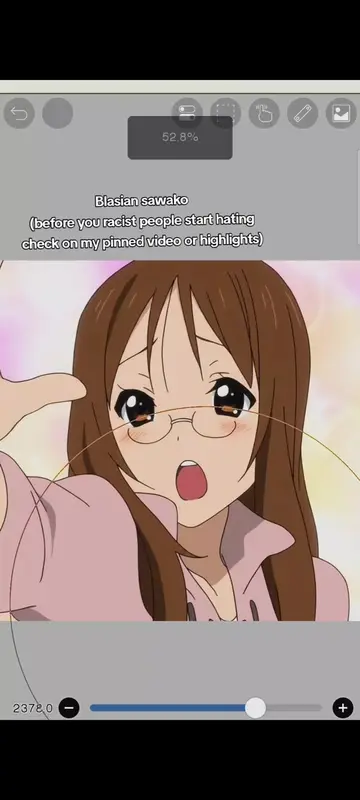
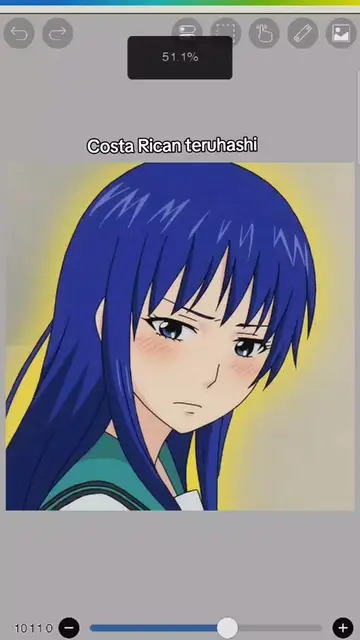
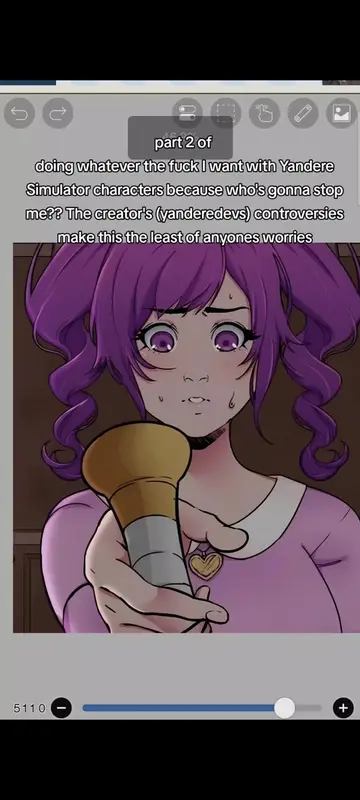
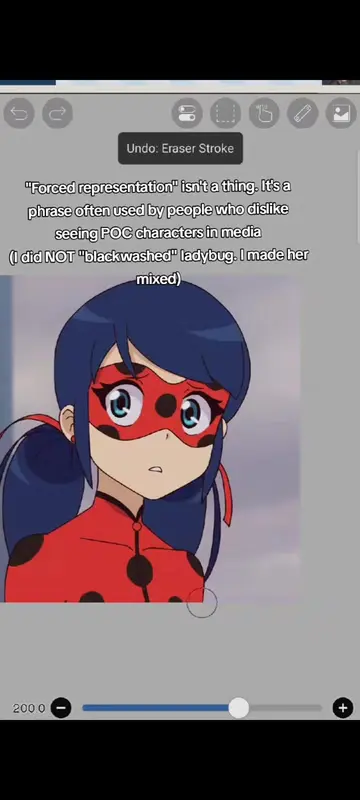
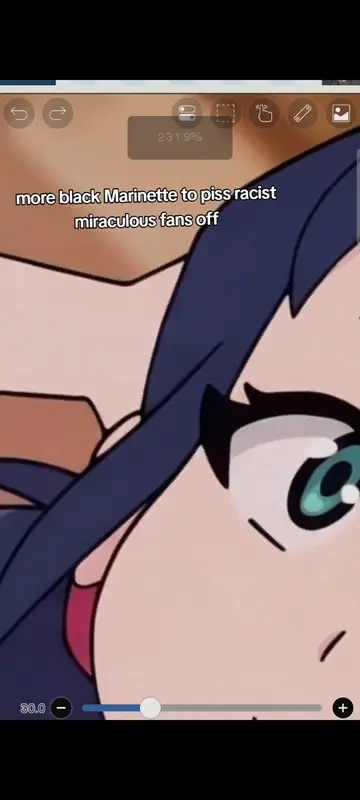
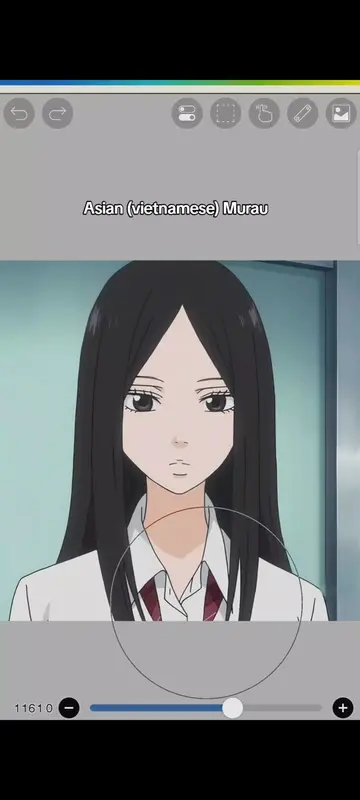
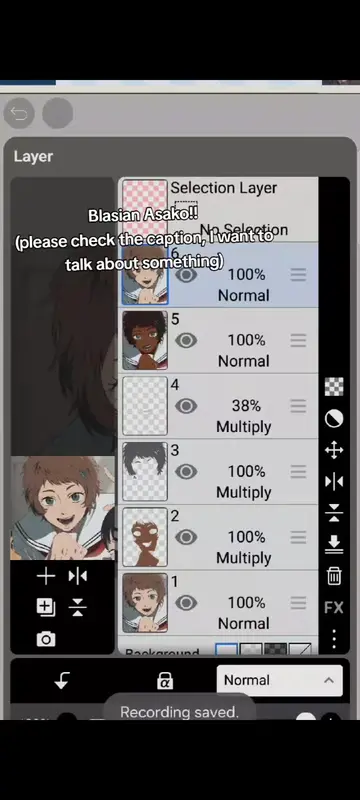
The creator demonstrates how to change the skin color of an anime character using digital art software. They explain the process of using the bucket tool, blending modes, and the liquify tool for hair adjustments.
Structure
- 1Introduce skin color change
- 2Change skin color with bucket tool
- 3Adjust hair color with multiply blending mode
- 4Modify lips and nose
- 5Use liquify tool for hair
- 6Show final results
On-screen text
how I change characters skin color
First use the Bucket Tool to change the skin color
Then go to Blending Modes, select Multiply
for the hair, I do the same thing.
I add a new layer, set it to Multiply, and color the hair.
Sometimes I leave the original hair color unchanged
I hate drawing the lips, but whatever.
omg this is so shit
Then add a Layer from Canvas and adjust it however you like
I also usually change the nose.. a bit.
For the hair, if youre feeling lazy you can use the Liquify tool
i used to draw afros in an anime style
but when I dont feel like drawing them from scratch
i just use Liquify instead
This is how I used to draw afros. im too lazy to do that now so whatever
this is the results
Original caption
a lot people wanted the tutorial so yeah, I love reika #tutorial #changingskin #redesign #redesigncharacter #fyppppppppppppppppppppppp
More from @nyakangwhiteew
More breakout videos from this creator.