Loading video…
All breakouts
6.5Text-HeavyHow-To hookEducation
Hook
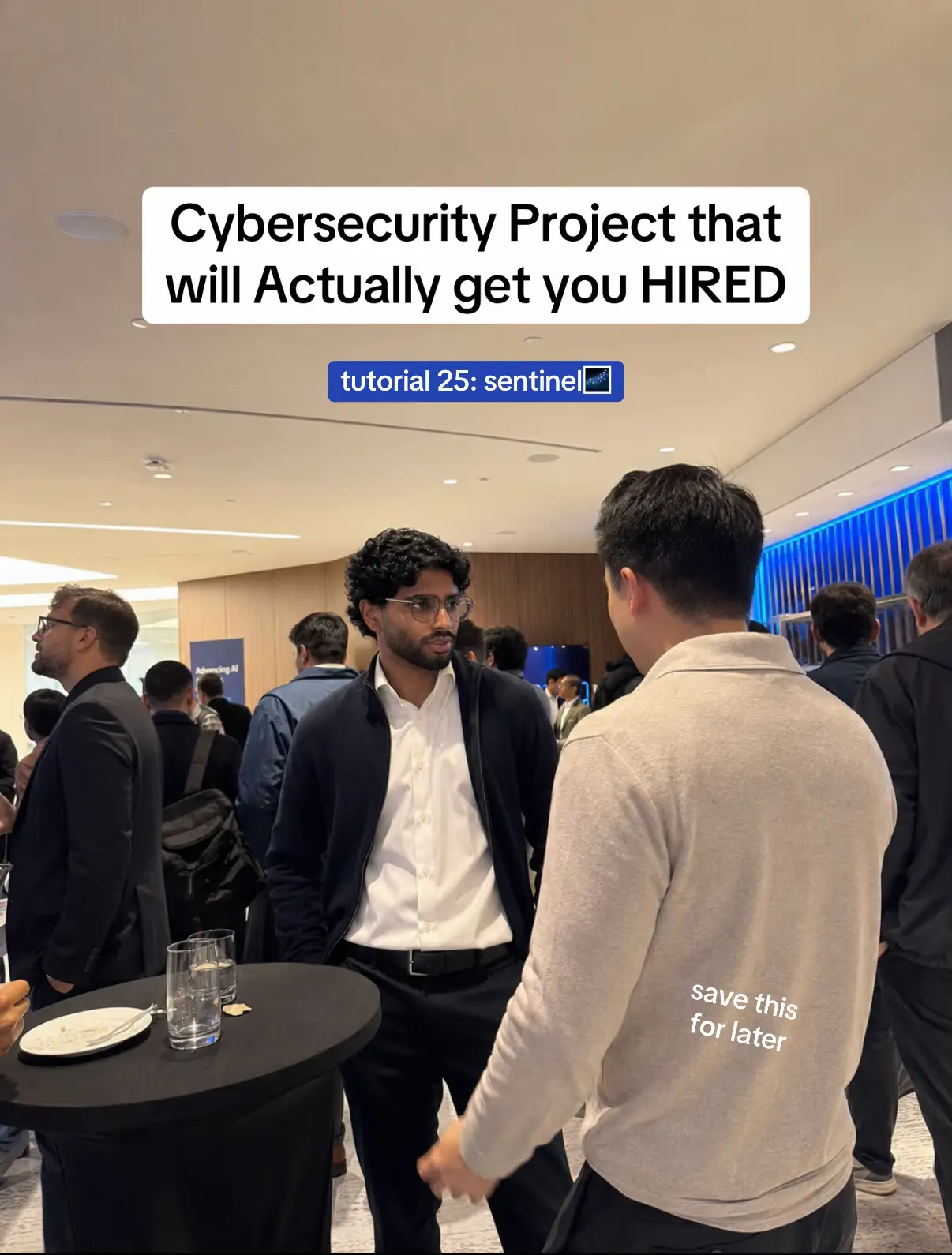
Cybersecurity Project that will Actually get you HIRED
@myfirsthack
97.7K followers · usually 3.9K views a post
Views
56.1K
Likes
4.7K
Comments
18
Shares
350
Promoted product
Microsoft Sentinel
Why it worked
The content provides a practical, project-based approach to learning a valuable cybersecurity skill, directly addressing the common need for job seekers to demonstrate real-world experience.
Summary
This slideshow outlines a cybersecurity project focused on building a mini SOC using Microsoft Sentinel. It details why this project is valuable for job seekers, what they will build, and how to document it for their CV.
Structure
- 1Introduction to the project and its value
- 2Setting up the Microsoft Sentinel lab
- 3Connecting data sources
- 4Generating alerts and creating rules
- 5Investigating incidents
- 6
Original caption
Here’s a Microsoft defender project tutorial to help you land a cybersecurity job as a beginner🏆 #cybersecurity #techtok #cybersecuritycareer #techcareers #techjobs
More from @myfirsthack
More breakout videos from this creator.