Loading video…
All breakouts
5.0Silent UGCOther hookConsumer Apps
Hook
windowName:transition snapshot:
@mrtotally
8.7K followers · usually 1.3K views a post
Views
3.9K
Likes
85
Comments
24
Shares
0
Why it worked
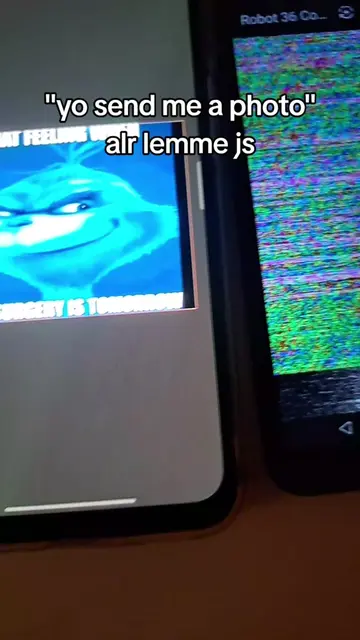
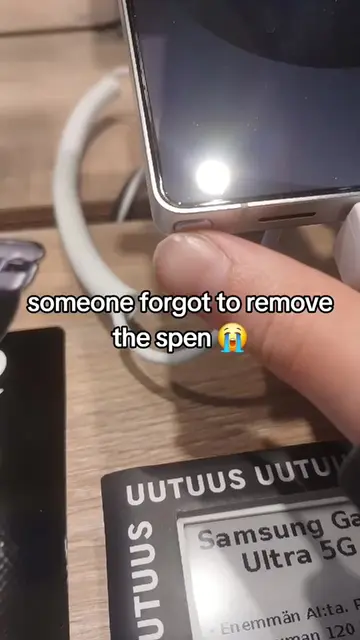
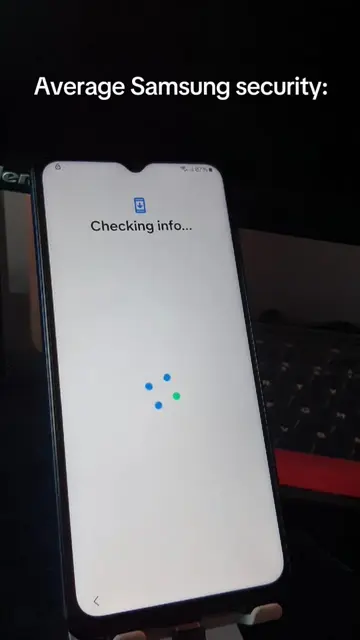
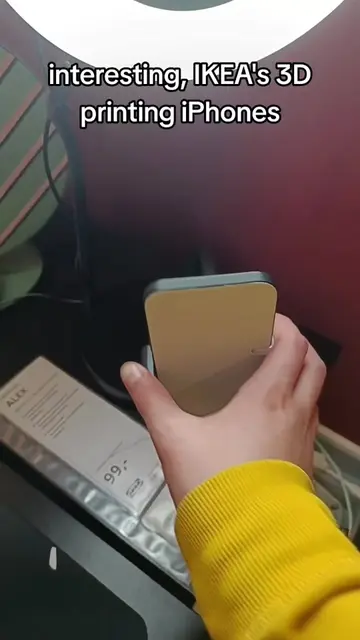
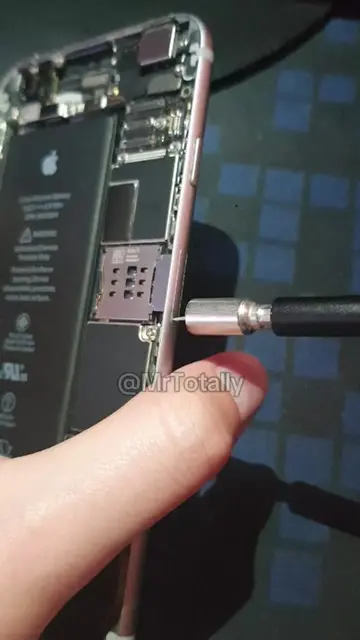
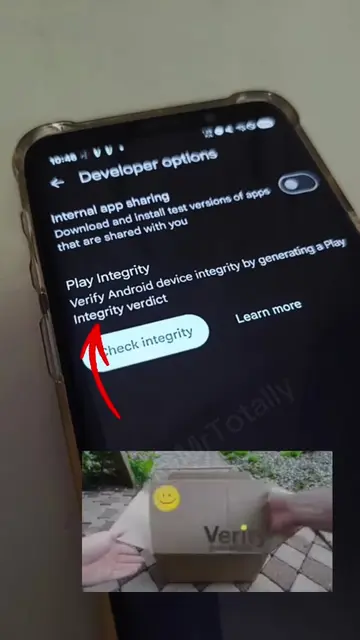
The video likely gained traction due to its relatable depiction of a common smartphone issue or a technical glitch that piques curiosity among tech-savvy audiences. The clear on-screen text and the visual of a finger interacting with the phone make it easy to understand the context, even without audio.
Summary
The video shows a finger interacting with a smartphone screen, triggering a system notification. The notification displays technical details about the display and Android version, along with a warning about potential touch input delays.
Structure
- 1Finger interacts with phone screen
- 2System notification appears
- 3Notification details displayed
- 4Warning about touch input
On-screen text
7:07
14°
Helsinki
Sunny
12°F/10°F
34
windowName:transition snapshot:
Display:(#0 state=ON size=1080x2220
ROTATION_0)#660 isn't optimized
for the latest version of Android.
Screen touches may be delayed or not
recognized.
@MrTotally
Original caption
#Samsung #Android #OneUI #Tech #TechTok
More from @mrtotally
More breakout videos from this creator.