Loading video…
All breakouts
 227 videos126 creators
12.7App DemoHow-To hookEducation
Hook
This looks hard but it's the easiest Canva animation
@imjenmichele
11.6K followers · usually 2.8K views a post
Views
34.7K
Likes
1.8K
Comments
23
Shares
340
Promoted product
Canvacanva.com
Why it worked
The video taps into a relatable "girl boss" or "that girl" trend, using Canva's animation features to create visually engaging content that is easy to follow and replicate. The "Which girl are you?!" question encourages audience interaction.
Summary
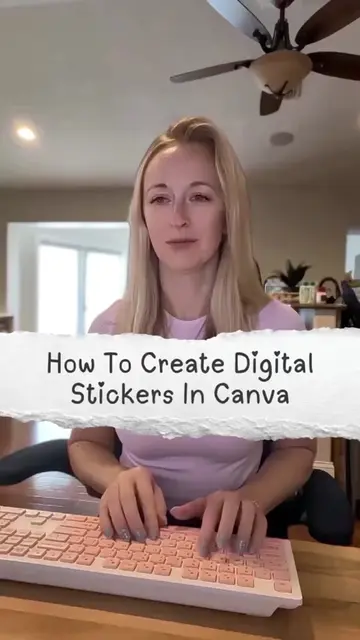
The video demonstrates how to create an animation in Canva using quarter circle frames. It shows the process of duplicating and rotating frames, grouping them, adding images, and changing background colors and text to create different "girl" personas.
Structure
- 1Introduction to Canva animation
- 2Creating quarter circle frames
- 3Adding images and text
- 4Demonstrating different "girl" personas
Original caption
Nobody told me Canva could animate like this. And honestly it's so much easier than it looks. Now tell me in the comments which girl you are because I know we're all at least two of them 🫠 Here's how to create it: ✨Open a canvas in Canva ✨Add a quarter circle frame ✨Duplicate it - Spin it 90 degrees & line up with the first ✨ Repeat two more times ✨Select all & group ✨ Drag & drop images into each frame ✨ Resize & align on page ✨ Change the background color & add text on page 1 ✨ Duplicate page 1 - Spin the circle 90 degrees ✨ Move the text on page 2 to the left until you can't see the text but the text box is still on the page ✨ Change the background color & add text on page 2 ✨ Repeat that process for pages 3 & 4 ✨ Copy the text from page 4 - Paste it on page 3 & move to the right of the page ✨ Repeat for pages 2 & 1 ✨ Add transition - Select Match & move - Slow speed to 1 - Apply between all pages ✨ Hit play! Save this so you can try it yourself ✨ Follow for more Canva tutorials 💻 @imjenmichele #canvatutorial #canvatips #canvadesign #canvahacks #howtousecanva
More from @imjenmichele
More breakout videos from this creator.