Loading video…
All breakouts
3.6App DemoContrarian hookConsumer Apps
Hook
No monopoly
@appsherlockin
7.1K followers · usually 2.1K views a post
Views
7.8K
Likes
58
Comments
6
Shares
15
Why it worked
The video effectively showcases a niche AI tool that taps into curiosity about finding people online. By demonstrating its functionality and providing a direct download link, it appeals to a specific user need and facilitates immediate action.
Summary
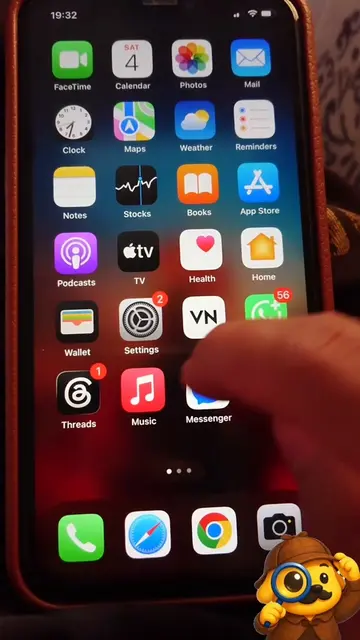
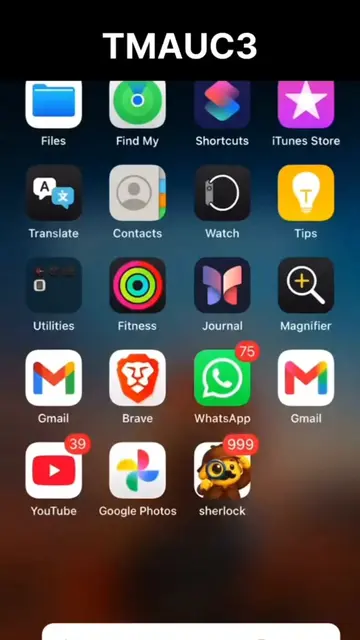
The video demonstrates the "Sherlock: AI Face Search" app, which allows users to find people's social media profiles by uploading a photo. It shows the app's interface, its listing on a website called oogle.com, and the download process for iOS.
Structure
- 1Show iPhone home screen with Sherlock app
- 2Navigate to oogle.com
- 3Show Sherlock app trending on oogle.com
- 4
Original caption
Post 57 Sherlock prank #sherlockapp #sherlockin
More from @appsherlockin
More breakout videos from this creator.