Loading video…
All breakouts
635Text-HeavyWarning hookAI Tools
Hook
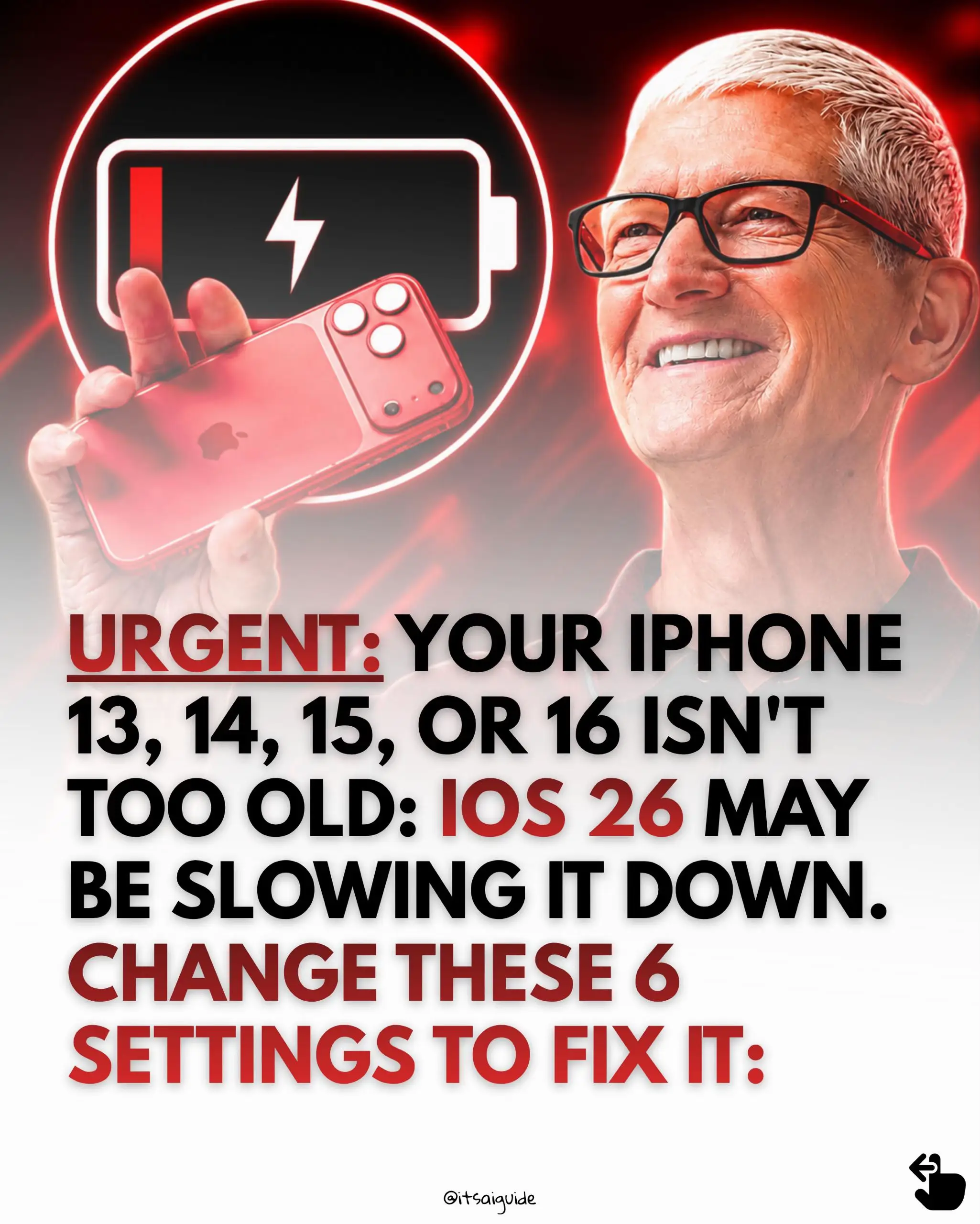
URGENT: YOUR IPHONE 13, 14, 15, OR 16 ISN'T TOO OLD: IOS 26 MAY BE SLOWING IT DOWN.
@itsaiguide
168.2K followers · usually 6.2K views a post
Views
4.0M
Likes
60.1K
Comments
335
Shares
16.8K
Why it worked
The post addresses a common pain point for iPhone users (slow performance and battery drain) with actionable, easy-to-follow tips. It then seamlessly transitions into a promotional offer for an AI bundle, leveraging the audience's interest in tech solutions.
Original caption
Your iPhone may not be old. iOS 26 may just be working it harder. Liquid Glass adds live blur, transparency, animations, and background processing that can heat the phone, drain the battery, and create noticeable lag. These 6 settings reduce the extra load without buying a new device. And remember... iOS may keep indexing files for up to 72 hours after an update. Change these before blaming your iPhone. ➡️ Follow @itsaiguide for tech fixes you can actually use.
More from @itsaiguide
More breakout videos from this creator.