Loading video…
All breakouts
3.4Text-HeavyHow-To hookLifestyle
Hook
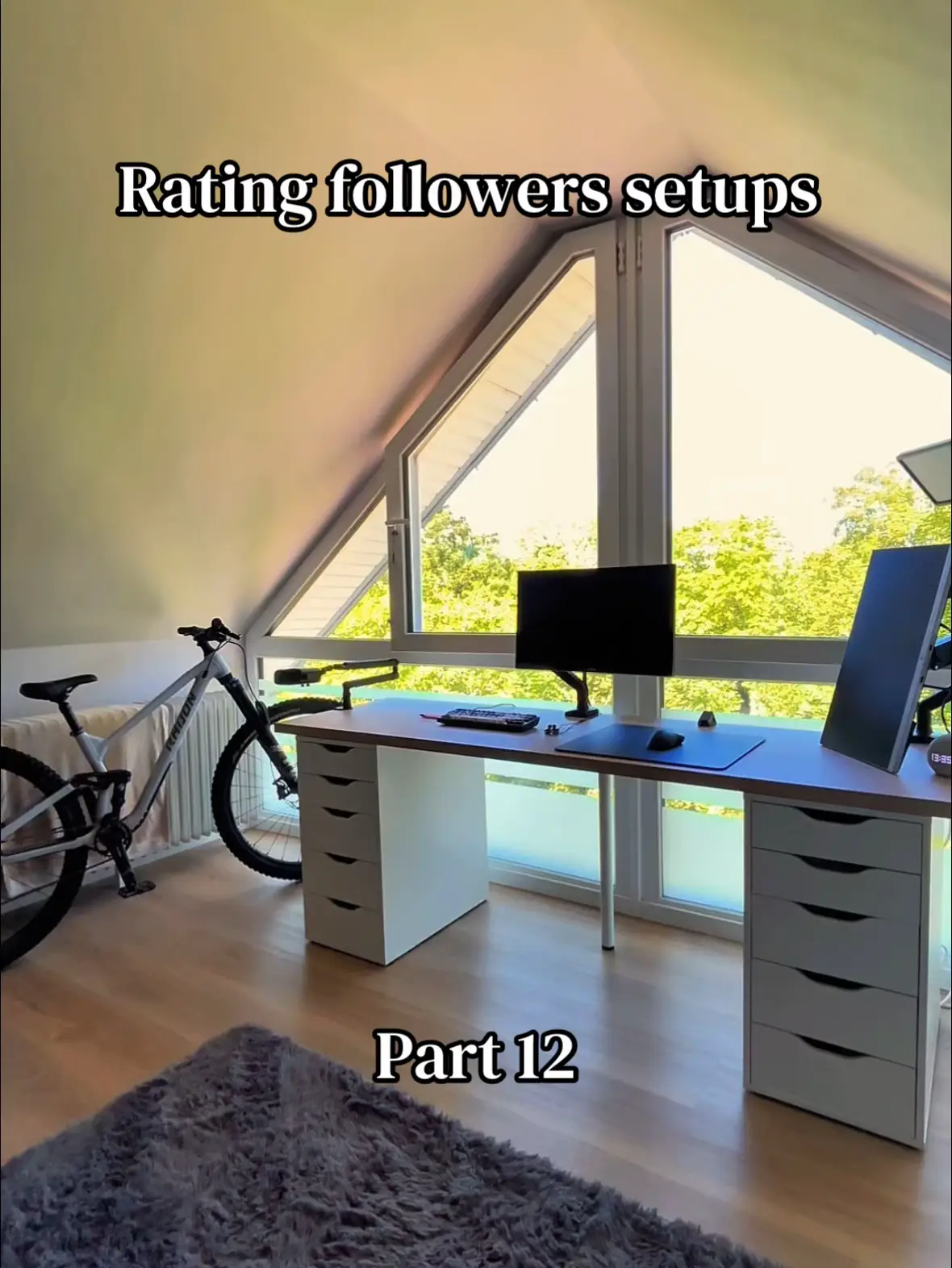
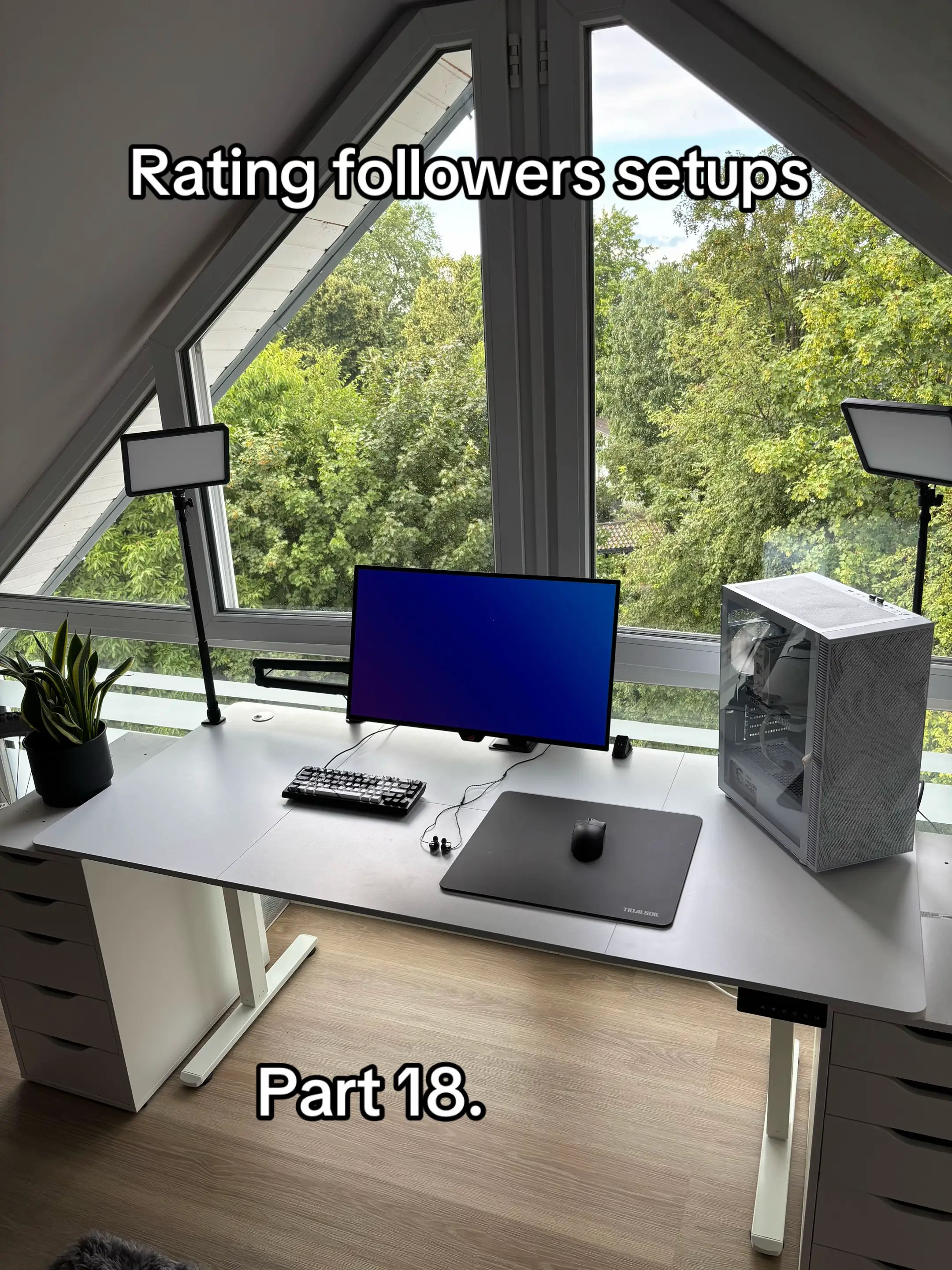
Rating followers setups
@cantu.setup
5.5K followers · usually 3.5K views a post
Views
8.0K
Likes
305
Comments
79
Shares
5
Why it worked
The content taps into the popular 'setup tour' and 'rating' trends, providing relatable and aspirational content for a niche audience interested in PC builds and gaming setups. The format is easily digestible and encourages engagement through user submissions.
Summary
This is a slideshow rating various followers' computer setups. Each slide displays a username, a score out of 10, and suggestions for improvement or positive comments about the setup.
Structure
- 1Introduction slide: Rating followers setups, Part 18.
- 2Slide 1: @arm1xs setup rating and suggestions.
- 3Slide 2: @TTIIWatu setup rating and suggestions.
- 4Slide 3: @EZ_setup setup rating and suggestions.
- 5Slide 4: @jaden setup rating and suggestions.
- 6Slide 5: @Vector setup rating and comment.
- 7Slide 6: @jack setup rating and suggestions.
- 8Slide 7: @LR10S_builds setup rating and suggestions.
On-screen text
Rating followers setups
Part 18.
@arm1xs
7,5/10
-get a new mousepad
-Monitor Arm
-pc on table
@TTIIWatu
7/10
-get a new mousepad
-maybe second monitor
-black mouse and
keyboard cable
@EZ_setup
8,3/10
-get a new Keyboard
-maybe other desk for
more leg space
@jaden
7/10
-put your Monitor Arm
under your Monitor
-get a new mousepad
-upgrade your peripherals
@Vector
10/10
-love it
@jack
7,8/10
-get 2 Single Monitor
Arms
-upgrade your
peripherals
@LR10S_builds
8,8/10
-would get a smaller pc
case
-maybe a second Monitor
Original caption
#setup #rating #window #viral #foryoupage
More from @cantu.setup
More breakout videos from this creator.