Loading video…
All breakouts
63.1Text-HeavyOther hookLifestyle
Hook
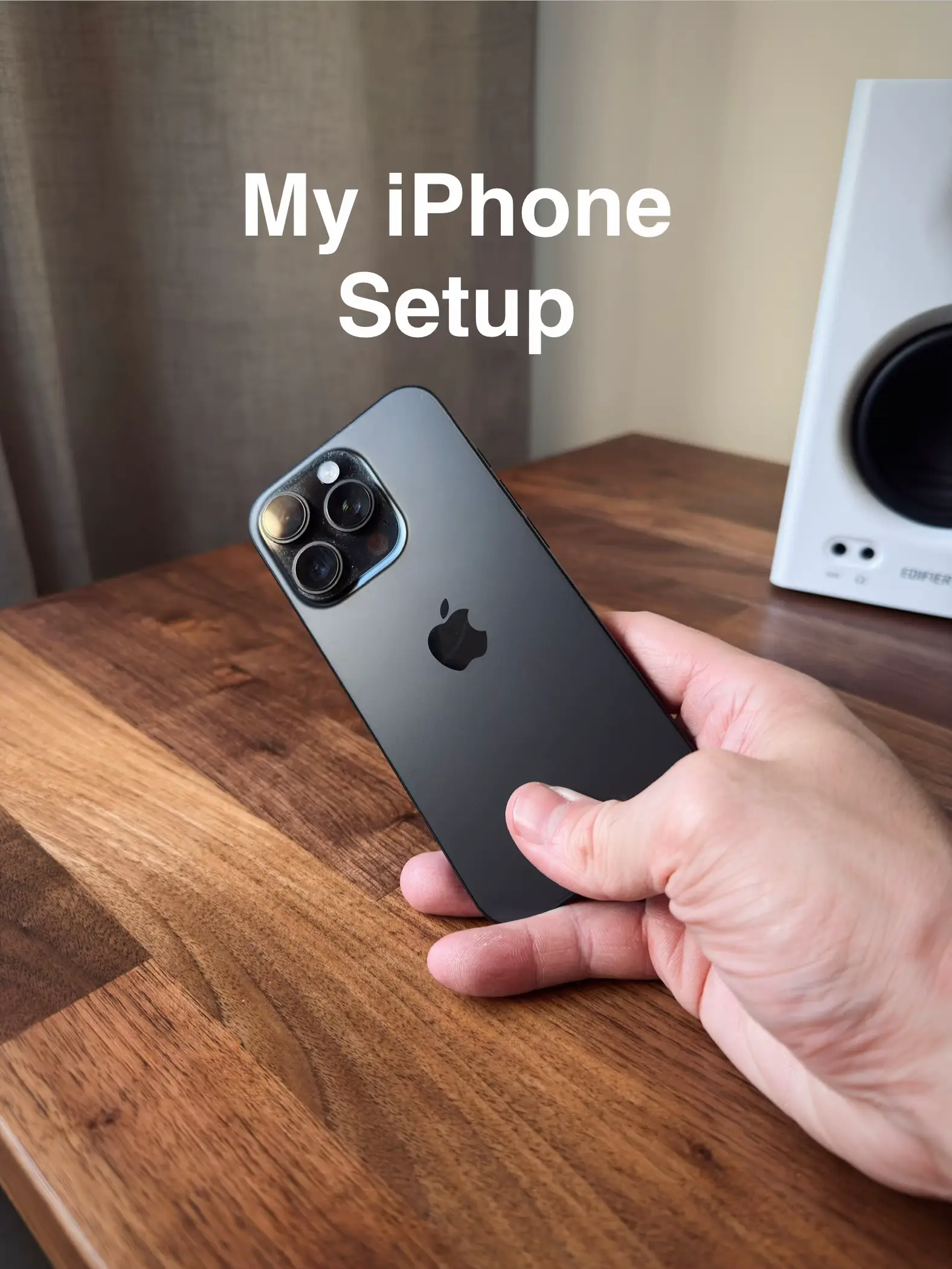
My iPhone Setup
@peakset__
3.3K followers · usually 2.0K views a post
Views
122.7K
Likes
2.4K
Comments
54
Shares
54
Promoted product
iPhone
Why it worked
The video taps into the widespread interest in personalizing smartphones and offers visually appealing, organized home screen ideas that viewers can replicate, driving engagement through a direct question about preference.
Summary
This TikTok slideshow showcases a personalized iPhone setup, detailing the lock screen and three distinct home screen layouts for lifestyle, fitness, and content creation. The creator highlights various apps and widgets, inviting viewers to share which setup they would adopt.
Structure
- 1Introduction of the iPhone setup
- 2Lock screen customization
- 3Home screen 1: Lifestyle focus
- 4Home screen 2: Fitness focus
- 5Home screen 3: Content creation focus
- 6Call to action for viewer preference
Product placement
iPhone (Apple): ACTS - the device is operated and its interface is shown, demonstrating its functionality and customization. Removing it would change what happens in the video. Apple: APPEARS - logo on the iPhone, not central to the video's function. Removing it would not change what happens in the video. ChatGPT: ACTS - a shortcut is shown on the lockscreen, implying its use. Removing it would change what happens in the video.
Original caption
The iPhone setup that reached 1.3M views - updated for 2026 📱 Which screen would you copy? #iphonesetup #homescreenideas #iphonetips #iphone #ios26
More from @peakset__
More breakout videos from this creator.