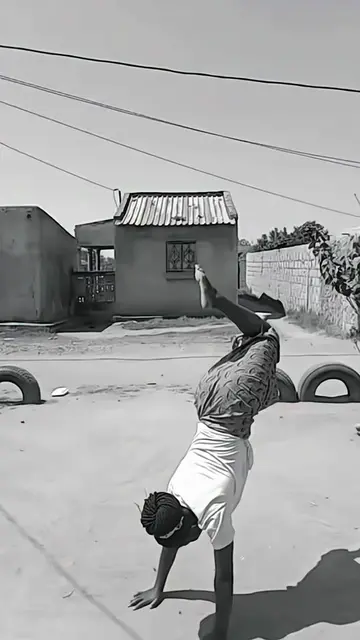
Loading video…
All breakouts
 CapCutseen in 621 videos →
Locked — included with Pro.Open on TikTokPro
Pro links straight through to the original post.
8.5App DemoOther hook
Hook
CapCut
@e9822074zwx
111.9K followers · usually 29.9K views a post
Views
233.9K
Likes
7.7K
Comments
105
Shares
685
Selling · SaaS › Other SaaS
Why it worked
The video effectively showcases a trendy video effect achievable with a popular editing app, encouraging user engagement through a clear call to action and the promise of easy creation.
Summary
The video demonstrates how to use a CapCut template to create a specific video effect. It shows a user interacting with the CapCut app on a phone to apply the template and create a stylized video.
ProLocked — included with Pro
Transcript, structure and on-screen text
4 beats and 1 lines of on-screen text — the parts you need to write your own version.
The hook, the summary, why it worked and what it sells stay open on every video, signed in or not.
Original caption
#capcut #capcutpioneer #capcutforus 📸 Click the CapCut icon above to create the same effect in just one tap! ✨ Photogenic Filter 2026 This template is so fun and easy to use — give it a try and create your own viral video! 🎬 Features: • Slow Motion • Freeze Frame • Still Photo Effect • Cinematic Transition 👇 Tap the template in the bottom-left corner and recreate this video instantly. #fypシ #trending Photogenic Filter Tutorial 2026 Slow Motion • Freeze Frame • Still Image • Freeze Effect
More from @e9822074zwx
Their other posts in the index, biggest breakout first.