Loading video…
All breakouts
5.3App DemoHow-To hookGames
Hook
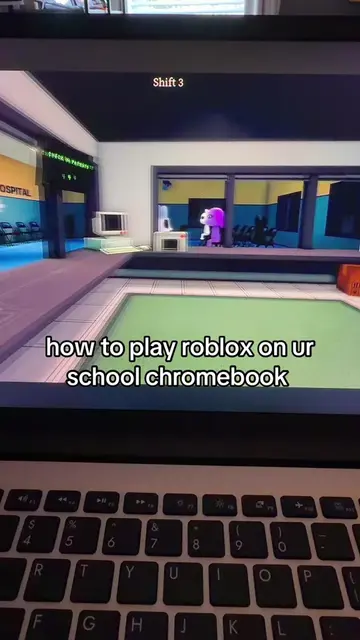
how to play roblox on school chromebook
@magicmaria69
6.2K followers · usually 3.0K views a post
Views
15.5K
Likes
239
Comments
19
Shares
18
Why it worked
The video addresses a common pain point for students wanting to play games on school devices, offering a direct and simple solution. The use of a specific, accessible website like Ducklit makes the tutorial actionable and trustworthy.
Summary
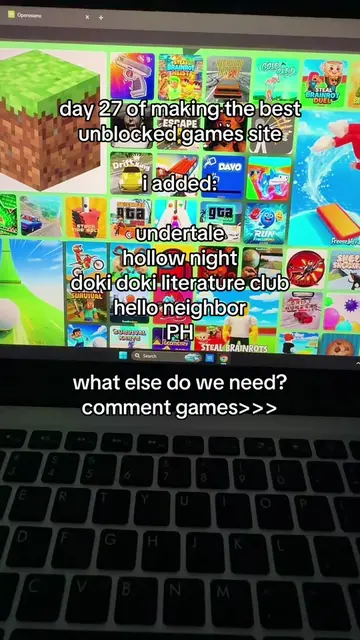
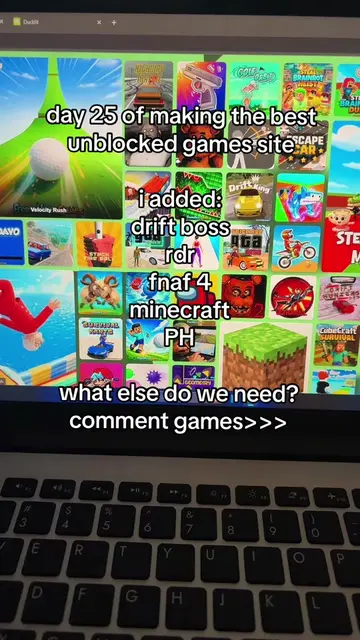
The video demonstrates how to play Roblox on a school Chromebook by navigating to the Ducklit website and searching for Roblox. The user is then shown playing the game.
Structure
- 1Show Roblox gameplay on a school Chromebook.
- 2Instruct viewers to go to a specific link (Ducklit).
- 3Show the Ducklit website and instruct viewers to search for Roblox.
- 4Show Roblox gameplay being accessed and played through Ducklit.
Original caption
I GOT U GUYS 😛😛 #unblocked #fyp #roblox #murdermysteryroblox
More from @magicmaria69
More breakout videos from this creator.