Loading video…
All breakouts
 229 videos128 creators
24.1Text-HeavyListicle hookEducation
Hook
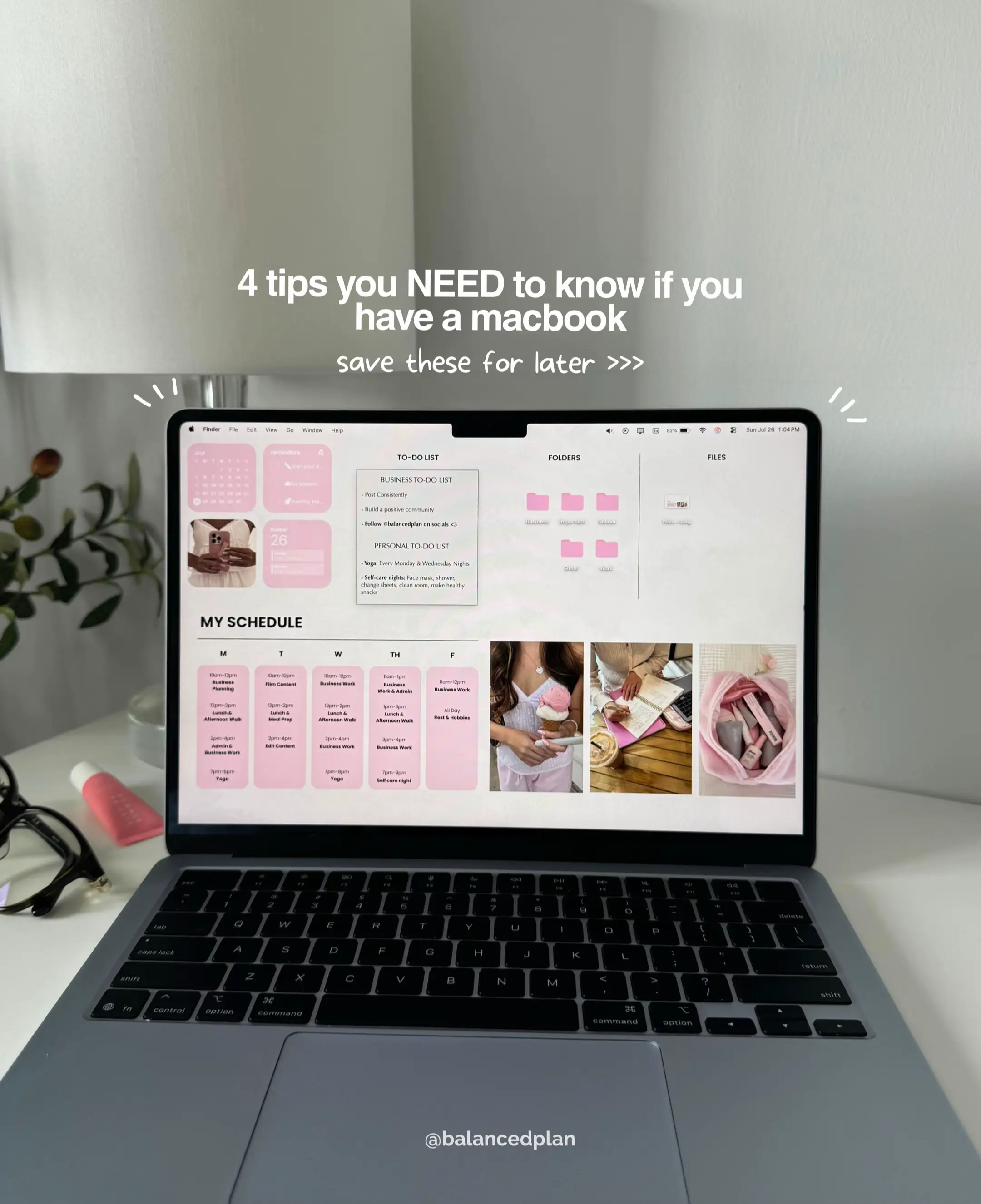
4 tips you NEED to know if you have a macbook
@balancedplan
69.9K followers · usually 10.8K views a post
Views
253.8K
Likes
16.7K
Comments
37
Shares
900
Promoted product
Canvacanva.com
Why it worked
The post offers practical, visually appealing tips for MacBook users, leveraging popular aesthetic trends for workspace organization and productivity. The use of clear, actionable advice combined with aesthetically pleasing visuals likely resonated with users looking to personalize their digital environment.
Summary
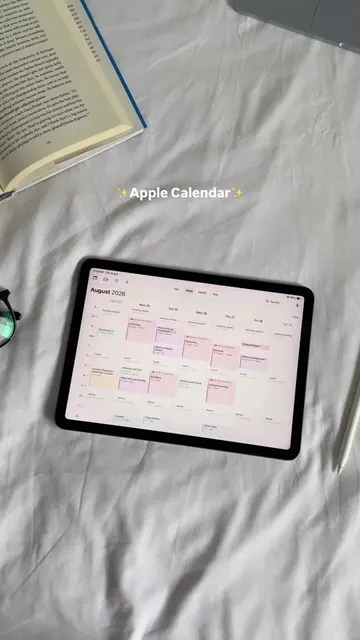
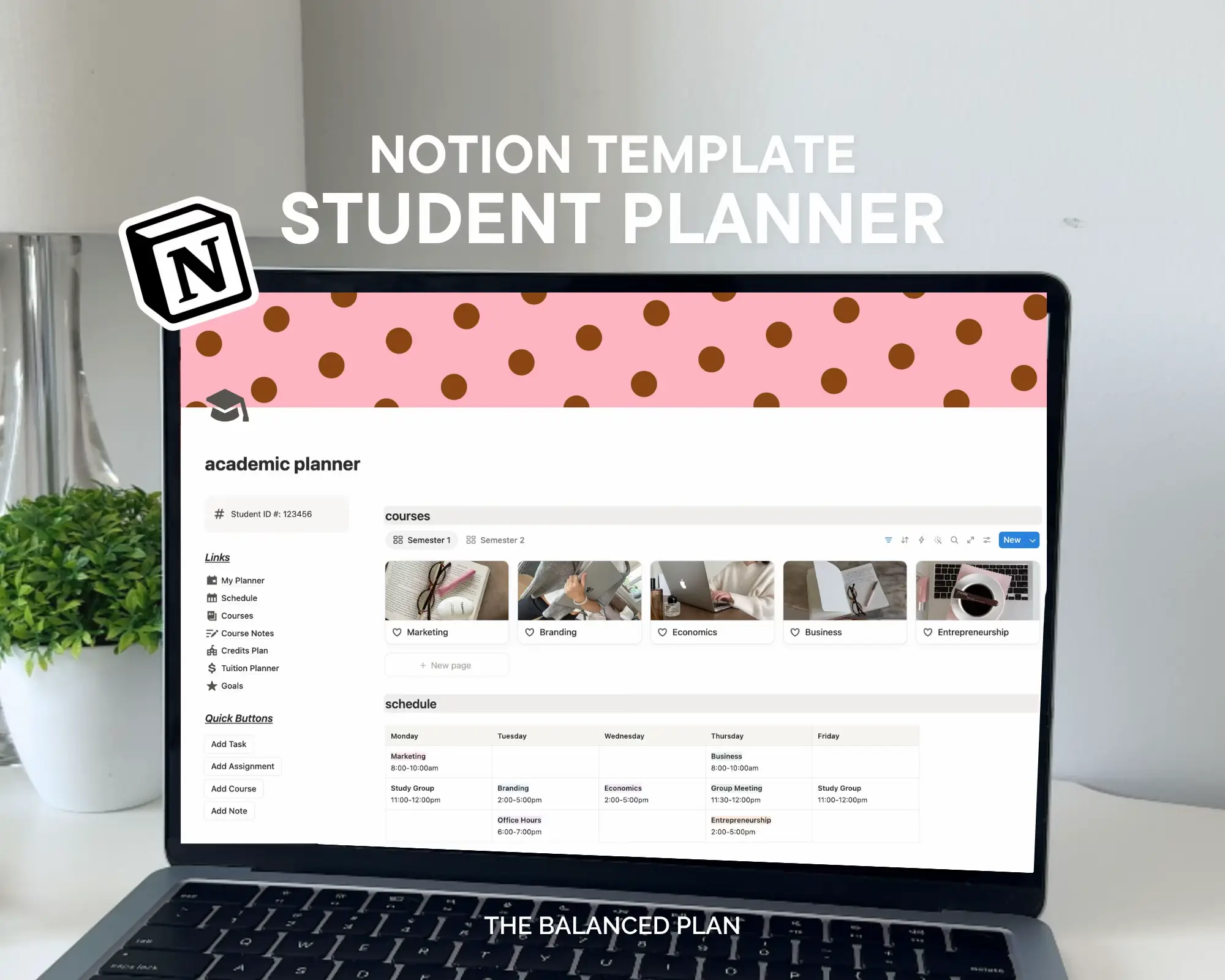
This photo post provides four tips for customizing a MacBook's desktop to improve organization and aesthetics. It covers creating a weekly schedule wallpaper using Canva, utilizing the Stickies app for to-do lists, organizing desktop folders by color, and adding functional widgets.
Structure
- 1Introduction to MacBook customization tips
- 2Tip 1: Creating a weekly schedule wallpaper with Canva
- 3Tip 2: Using the Stickies app for to-do lists
- 4
Original caption
If you love a cute and organized workspace, you’ll love these MacBook customization tips! The full setup video + template link is in my bio💌 #MacBookSetup #MacBookTips #DesktopSetup #MacBookCustomization #ProductivityTips
More from @balancedplan
More breakout videos from this creator.