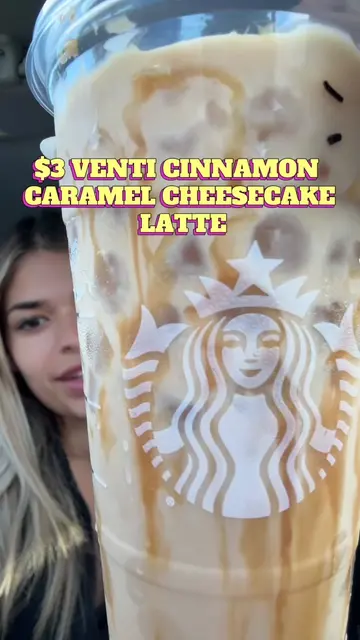
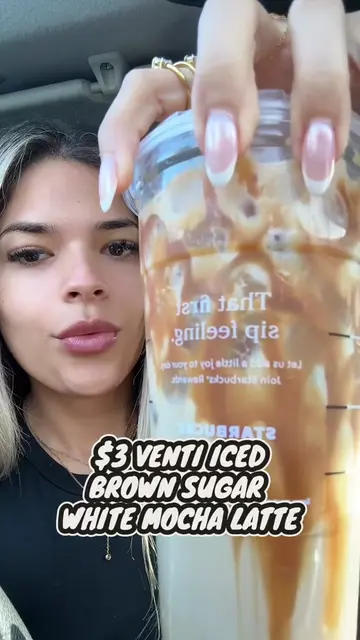
Loading video…
All breakouts
350App DemoHow-To hookLifestyle
Hook
HOW TO ORDER: STARBUCKS HACK TUTORIAL
@leilanigonz
10.6K followers · usually 1.2K views a post
Views
414.8K
Likes
19.2K
Comments
195
Shares
2.3K
Why it worked
The video provides a clear, step-by-step tutorial on how to customize a popular Starbucks drink, addressing a common user need and offering a cost-saving hack, which drives engagement and shares.
Summary
This video provides a tutorial on how to customize and order a drink through the Starbucks mobile app. It demonstrates how to select drink options, add customizations like syrups and drizzles, and adjust shot counts and milk types.
Structure
- 1Open Starbucks app and navigate to order screen
- 2Select 'Iced Espresso' and customize size and shots
- 3Add toppings, drizzles, and syrups
- 4
Original caption
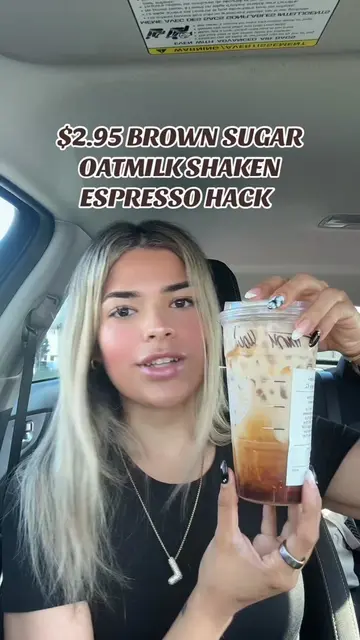
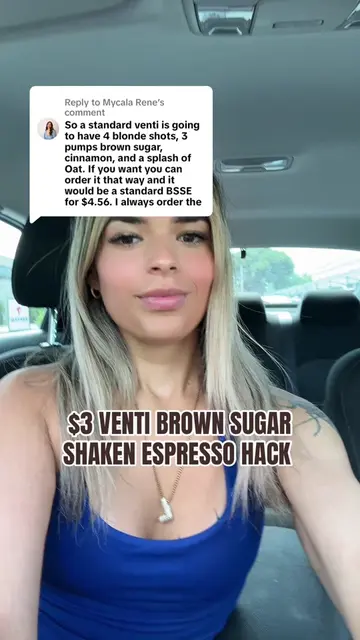
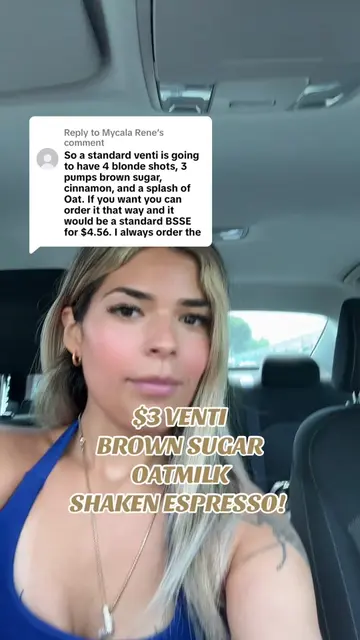
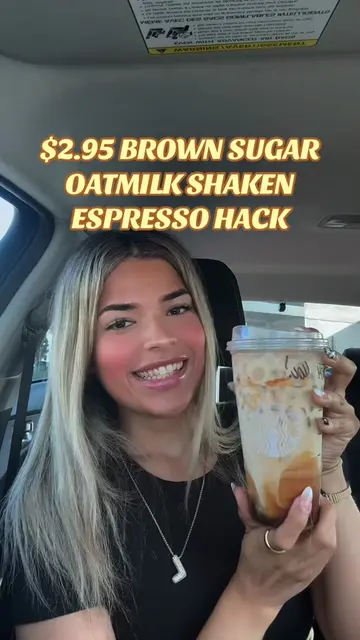
Replying to @M.O.L.N.S.O.H TUTORIAL ON HOW TO ORDER THE CHEAPER ($4 VS $8) BROWN SUGAR OATMILK. (Comes out to 3.55 for 3 shots if you use 25 stars! I didn’t have any left today) #starbuckshack #brownsugarshakenespresso #starbucksdrinks #starbucksorder
More from @leilanigonz
More breakout videos from this creator.