Loading video…
All breakouts
 CapCutseen in 576 videos →
22.1App DemoOther hook
Hook
AI UHD
@frameonixtuts
1.8K followers · usually 1.7K views a post
Views
37.2K
Likes
1.4K
Comments
10
Shares
131
Selling · SaaS › Other SaaS
Why it worked
The video provides a clear, step-by-step tutorial for a visually appealing editing effect that is popular on social media. The use of a popular editing app like CapCut makes the tutorial accessible to a wide audience.
Summary
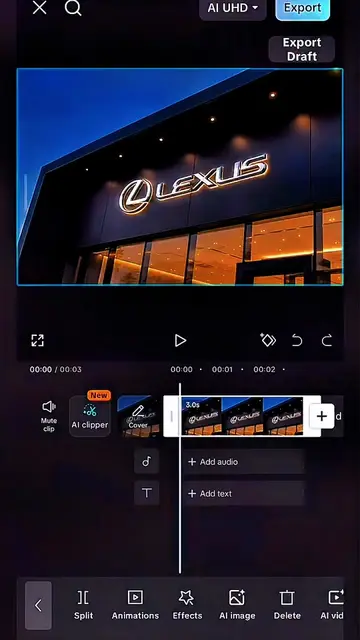
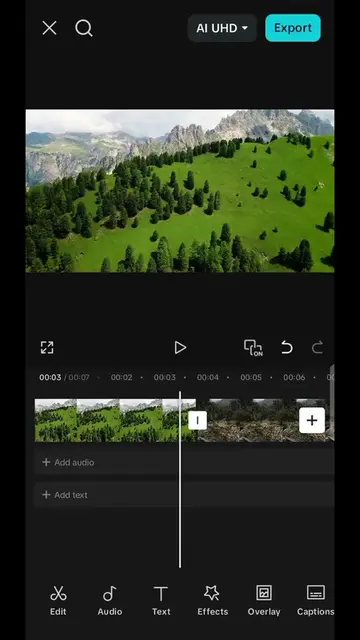
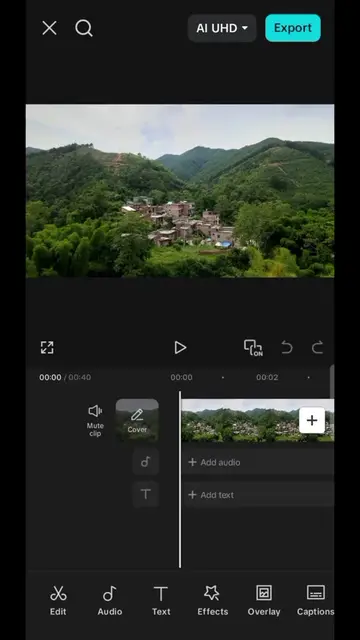
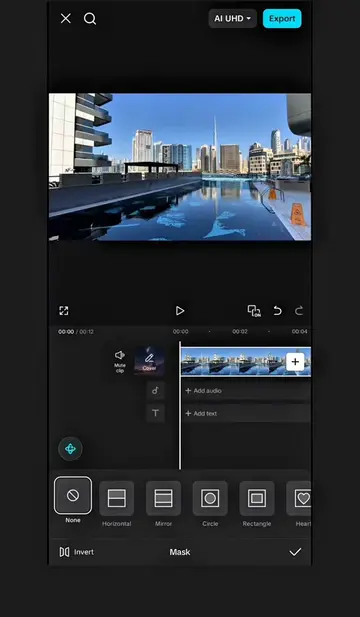
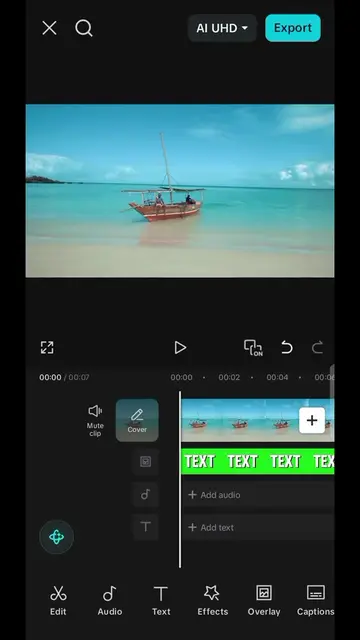
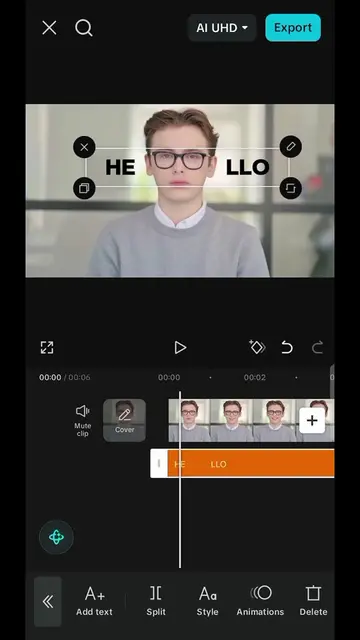
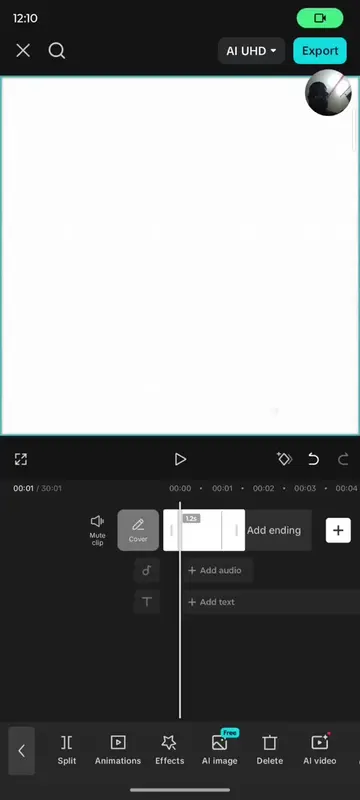
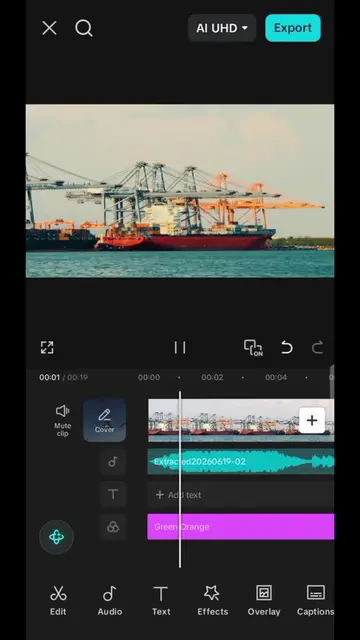
This video demonstrates how to create a slide screen effect in CapCut by using duplicate clips, mirror masks, and layering. The tutorial guides viewers through adding keyframes and adjusting masks to achieve the desired visual transition between clips.
Structure
- 1Identify flat-looking clips
- 2Duplicate and overlay first clip
- 3Apply mirror mask and keyframes
- 4Add black background overlay and invert mask
- 5Layer and arrange clips
- 6Repeat for other clips
Product placement
CapCut: video editing software, its interface is operated to edit video clips. Removing it would change what happens in the video.
Original caption
capcut pro edit tutorial mask tutorial in capcut #capcut_edit #capcutedit #capcuttutorial #capcutpioneer #capcutvelocity
More from @frameonixtuts
Their other posts in the index, biggest breakout first.