Loading video…
All breakouts
302Talking HeadOther hookCreator Economy
Hook
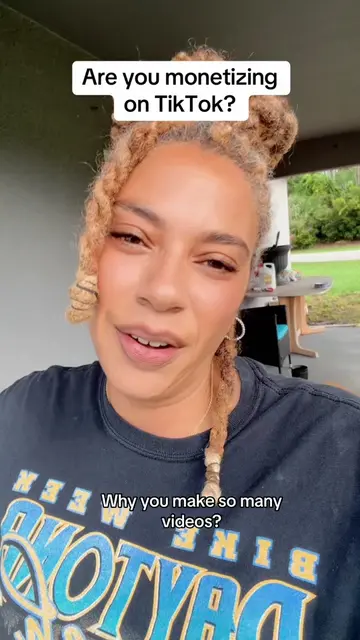
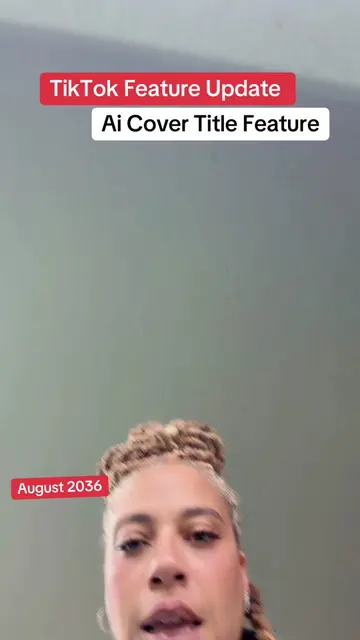
TikTok New Feature Ai Cover Title
@duvalbeautygoddess
163.6K followers · usually 1.2K views a post
Views
501.8K
Likes
8.1K
Comments
437
Shares
731
Why it worked
The video provides a timely tutorial on a new, potentially viral feature within a popular platform. By explaining how to use it and encouraging its adoption, it taps into users' desire to stay current and potentially increase their reach.
Summary
This video explains how to use TikTok's new AI Cover Title feature. The creator guides viewers through the process of selecting a photo, choosing a title, and applying the feature to their content.
Structure
- 1Introduction to the AI Cover Title feature
- 2Instructions on how to use the feature
- 3Explanation of where to find the feature
- 4Guidance on selecting a title
- 5Concluding remarks and encouragement
Product placement
TikTok (app): platform for sharing videos. It ACTS by providing the AI Cover Title feature. Removing it would change the video's topic. TikTok (app): platform for sharing videos. It ACTS by providing the AI Cover Title feature. Removing it would change the video's topic.
On-screen text
TikTok New Feature
Ai Cover Title
Original caption
Tiktok cover title feature tutorial. Not everyone has this yet, but it's rolling out.Save this so you're ready.When it hits your account. #covertitle #newfeature #tiktoktips #smallcreators
More from @duvalbeautygoddess
More breakout videos from this creator.