Loading video…
All breakouts
9.7Text-HeavyHow-To hookSaaS
Hook
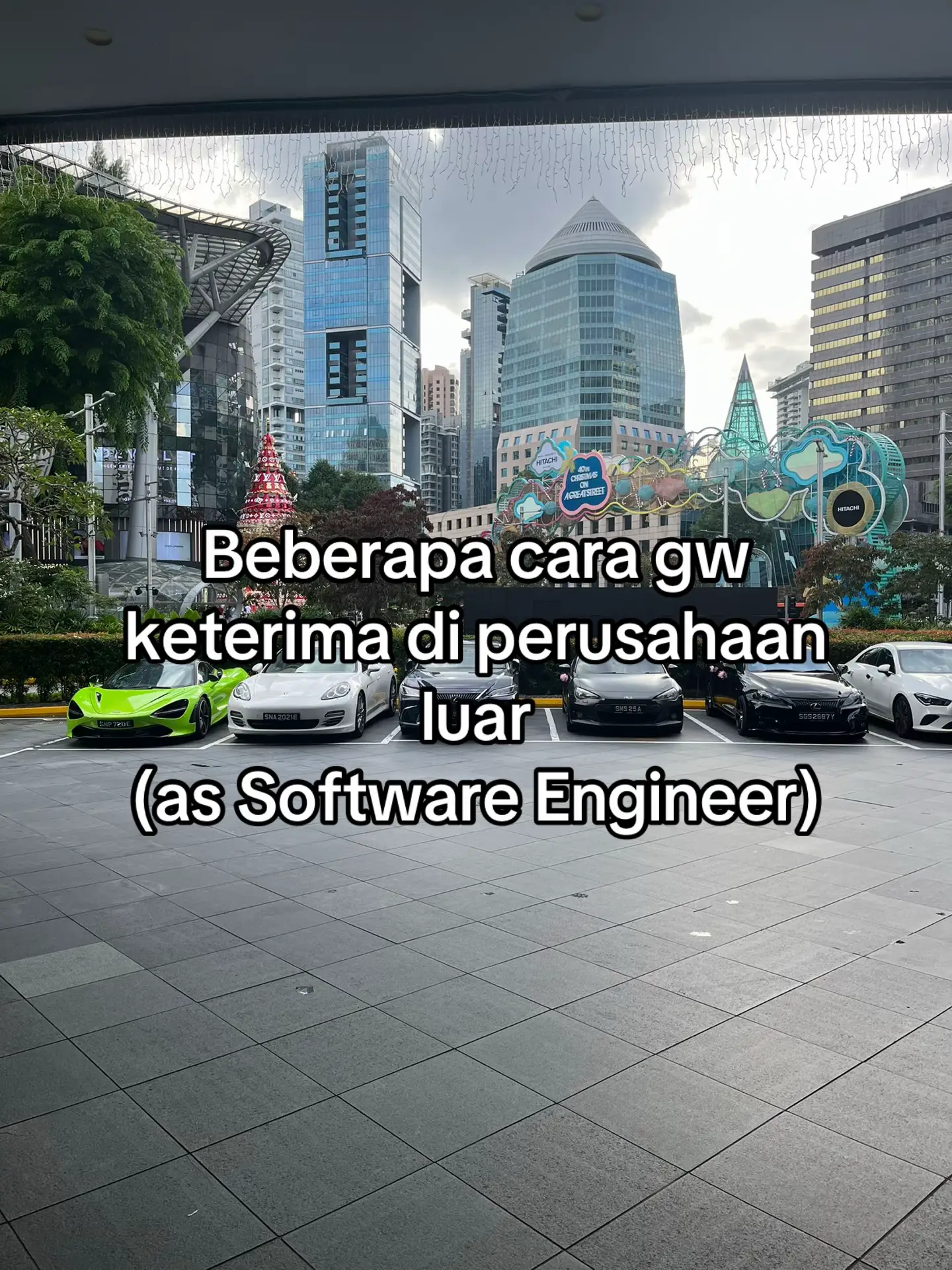
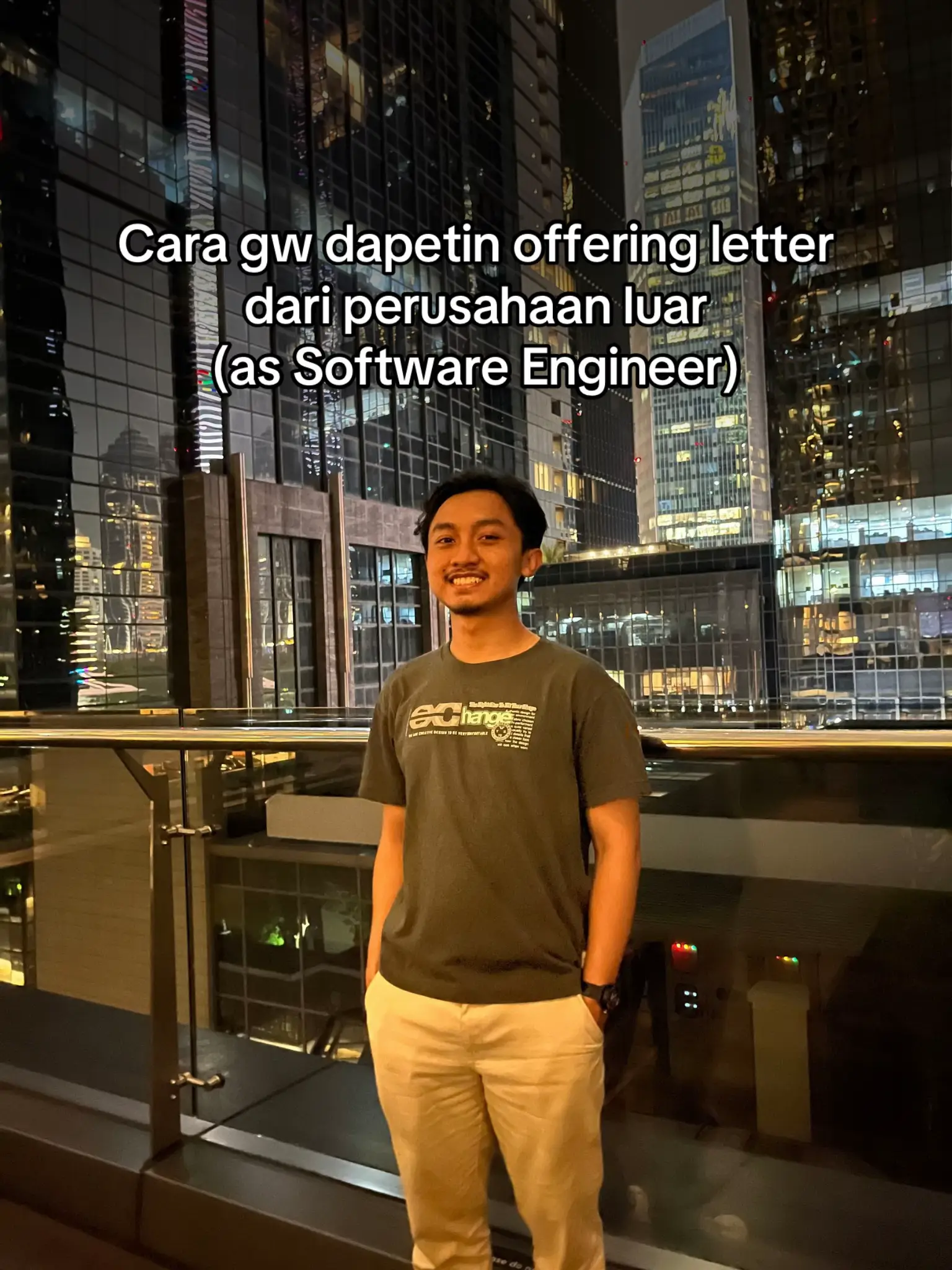
Cara gw dapetin offering letter dari perusahaan luar (as Software Engineer)
@riksasuviana
1.7K followers · usually 2.5K views a post
Views
20.4K
Likes
1.5K
Comments
6
Shares
68
Promoted product
ADPList
Why it worked
The post effectively uses a clear, comparative format (X vs. checkmark) to highlight recommended tools and platforms for aspiring software engineers. It addresses a common pain point (getting an international job offer) with actionable advice and relatable content, making it highly shareable.
Summary
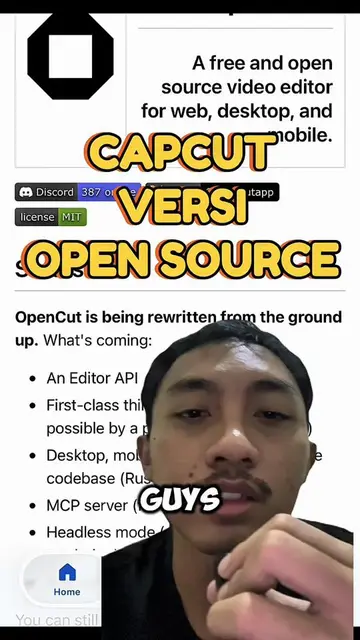
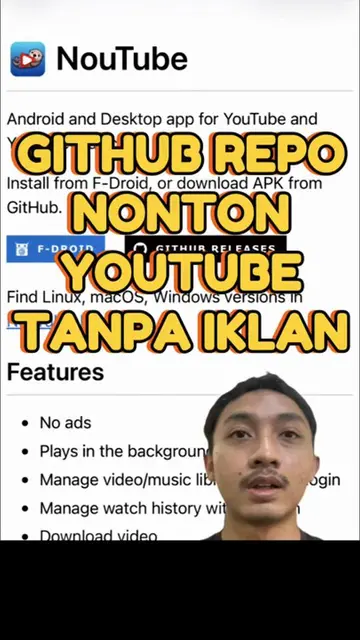
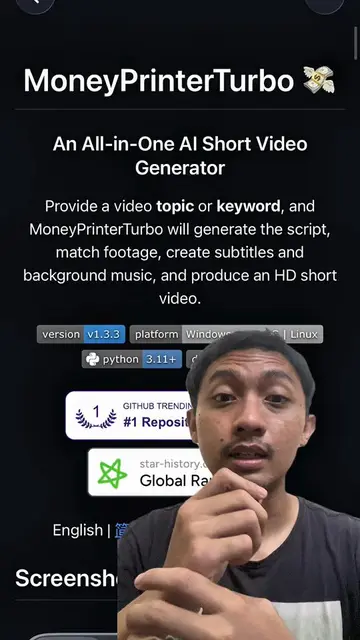
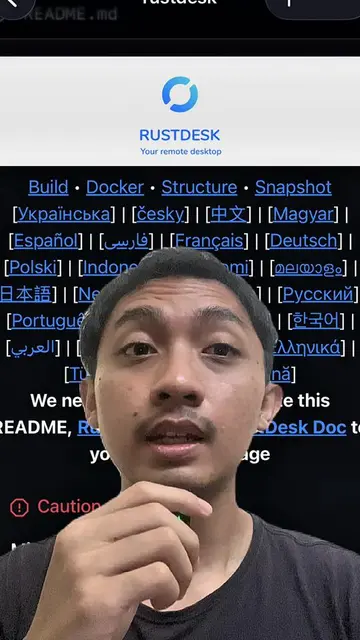
This slideshow provides advice for software engineers seeking job offers from international companies. It highlights the importance of finding a mentor through platforms like ADPList and contributing to open-source projects on GitHub, while suggesting alternatives like Udemy and LinkedIn are less effective for this goal. The creator also advises using simple tools like Google Docs or MS Word for CV creation.
Structure
- 1Introduction: Getting an offer letter from an international company as a Software Engineer
- 2Learning platforms: Udemy (not recommended) vs. ADPList (recommended) for mentorship
- 3CV creation: Use Google Docs/MS Word, no photos needed
- 4Portfolio: GitHub (recommended) for open-source contributions, LinkedIn (not recommended)
- 5Conclusion: Importance of mentorship and skill demonstration
Product placement
Udemy: an online learning platform where users can take courses. It appears on screen with a pink X, indicating it is not recommended. Removing it would not change the video's message. ADPList: a platform for finding mentors. It appears on screen with a green checkmark, indicating it is recommended. Removing it would not change the video's message. Google Docs: a word processing software used for creating documents. It is mentioned as a recommended tool for CV creation. Removing it would change the video's message. MS Word: a word processing software used for creating documents. It is mentioned as a recommended tool for CV creation. Removing it would change the video's message. LinkedIn: a professional networking platform. It appears on screen with a pink X, indicating it is not recommended. Removing it would not change the video's message. GitHub: a platform for software development and version control. It appears on screen with a green checkmark, indicating it is recommended. Removing it would not change the video's message.
Original caption
males isi deskripsi, intinya begitu wkwk semoga bermanfaat guys
More from @riksasuviana
More breakout videos from this creator.