Loading video…
All breakouts
13.9App DemoBefore / After hookConsumer Apps
Hook
मुझे लगा यह इम्पॉसिबल है
@mxtuts126
44.1K followers · usually 28.0K views a post
Views
387.6K
Likes
21.1K
Comments
199
Shares
1.5K
Why it worked
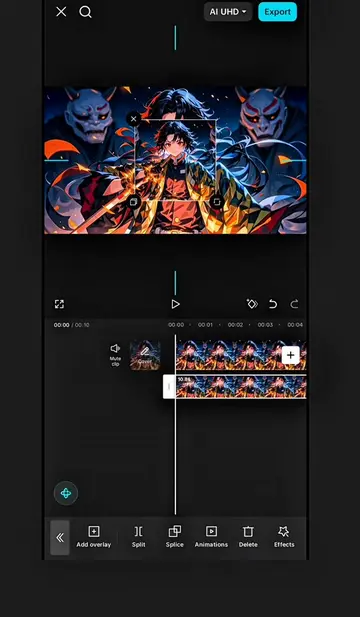
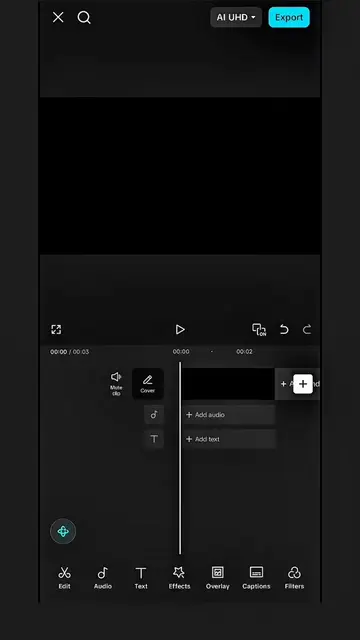
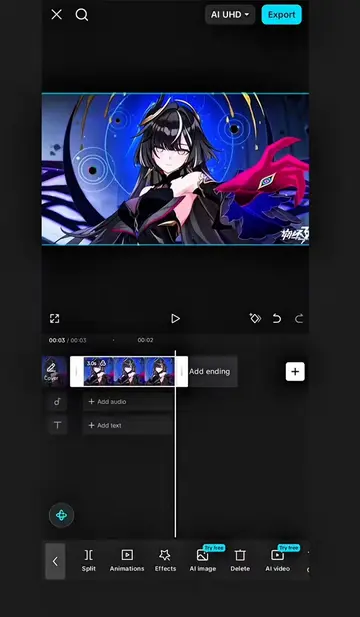
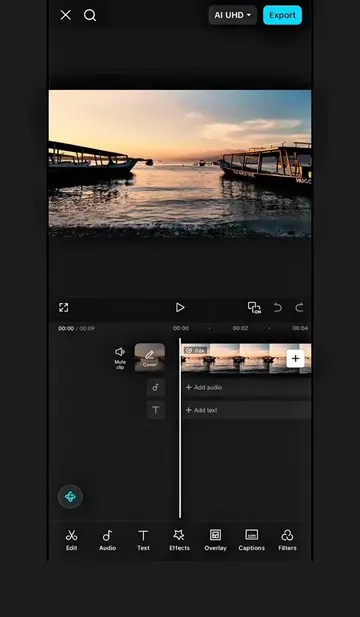
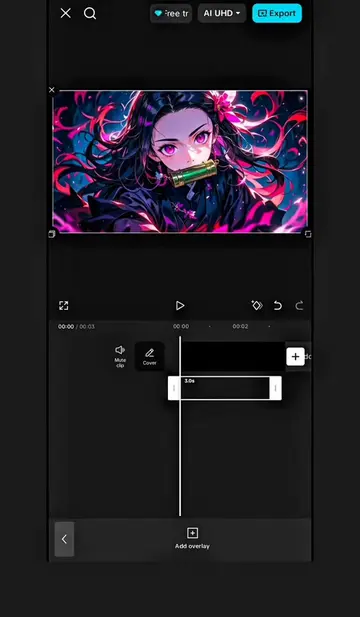
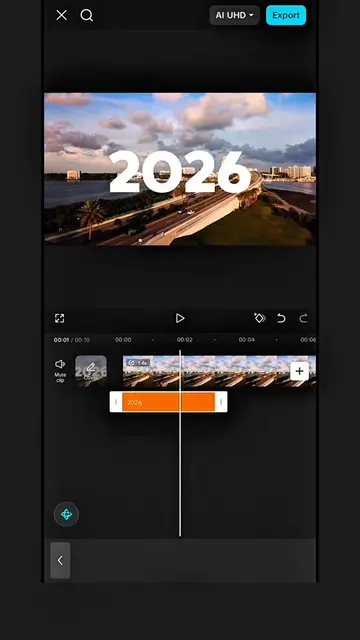
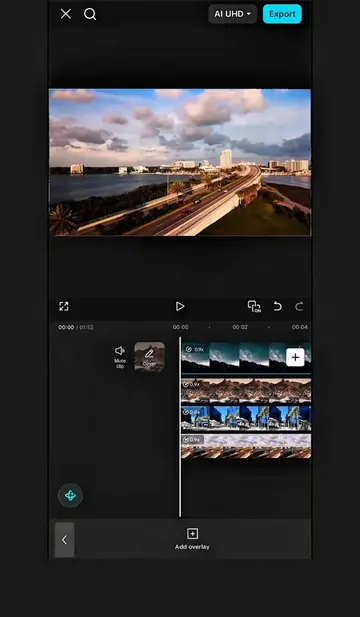
The video provides a clear, step-by-step tutorial for a visually appealing effect that is popular on platforms like TikTok. The use of on-screen text and visual cues makes it easy to follow, even for users with limited editing experience.
Summary
The video demonstrates a beat-sync flash effect tutorial using CapCut. It involves splitting clips to the beat, adding overlays, masking them, and replacing them with different clips to create a dynamic visual effect.
Free accountLocked — create a free account to open
Transcript, structure and on-screen text
9 beats, a 304-word transcript and 3 lines of on-screen text — the parts you need to write your own version.
Original caption
How to Create a Beat Sync Flash Effect in CapCut | Multi Panel Editing Tutorial. Flash Effect Tutorial. Capcut Edit Tutorial. #CapCut #capcutpioneer #capcutseries #capcuttutorial #flash
More from @mxtuts126
More breakout videos from this creator.