Loading video…
All breakouts
284Talking HeadSocial Proof hookConsumer Apps
Hook
99% of people don't know
@digitalgeniushubj
123.5K followers · usually 25.1K views a post
Views
2.3M
Likes
77.8K
Comments
1.4K
Shares
13.1K
Why it worked
The video provides practical, lesser-known tips for a widely used application (smartphone keyboard), making it highly shareable and useful for a broad audience. The 'secret' or 'hidden feature' framing also creates curiosity.
Summary
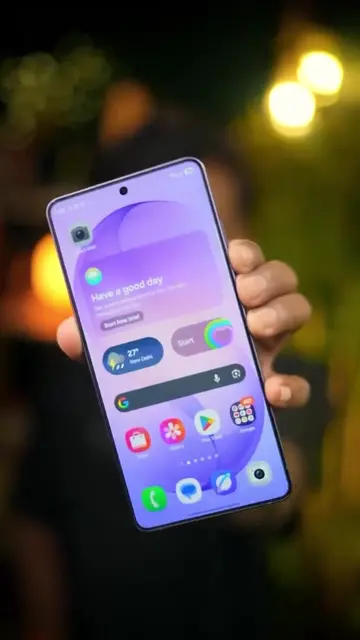
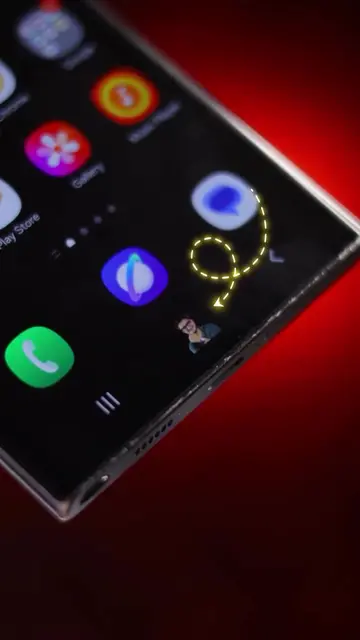
This video showcases three hidden features of the Gboard keyboard app. It demonstrates how to use the clipboard to save screenshots, the built-in translation tool for instant language conversion, and the personal dictionary feature to create shortcuts for frequently used information like credit card numbers or addresses.
Structure
- 1Introduction to 3 keyboard secrets
- 2Feature 1: Clipboard for screenshots
- 3Feature 2: Built-in translation
- 4Call to action to follow
Original caption
3 keyboard secrets🔥 . [ android keyboard, keyboard features, keyboard tips] #tiktokgrowthchallenge #keyboard #android #trick #foryou #viral #fyp #fyp
More from @digitalgeniushubj
More breakout videos from this creator.