Loading video…
All breakouts 47 videos11 creators
5.3App DemoBefore / After hookEducation
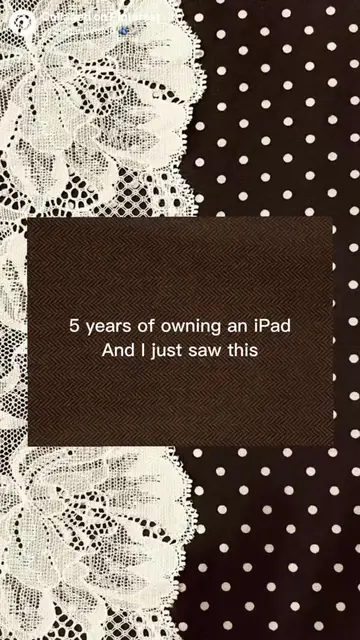
Hook
me rebranding at 3am with my 3 vision boards yes this method works
@productivenotes1
1.2K followers · usually 7.4K views a post
Views
61.6K
Likes
62
Comments
9
Shares
5
Promoted product
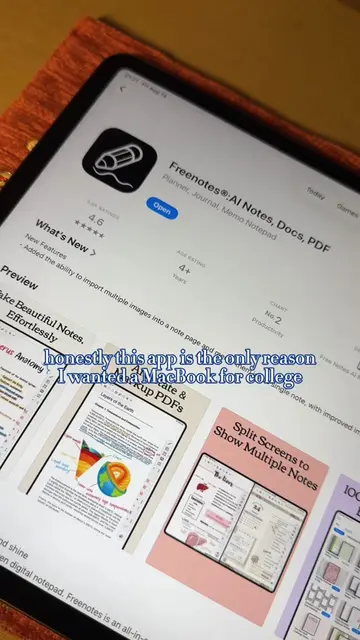
Freenotes
A revolutionary note-taking application that helps you organize your thoughts, ideas, and tasks in one place.
Why it worked
The video effectively showcases a practical and aesthetically pleasing use case for the Freenotes app, appealing to users interested in productivity, planning, and digital journaling through a visually engaging demonstration.
Summary
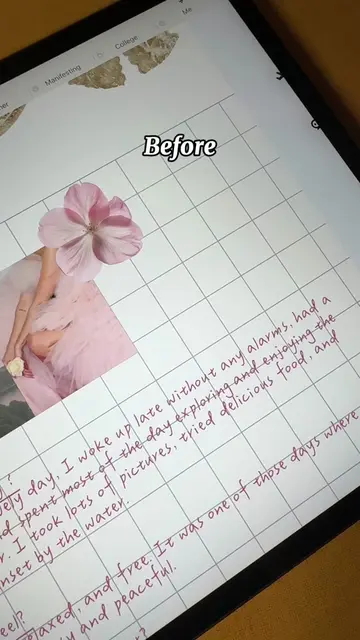
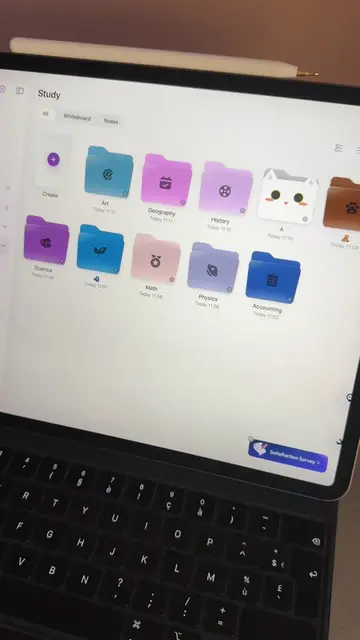
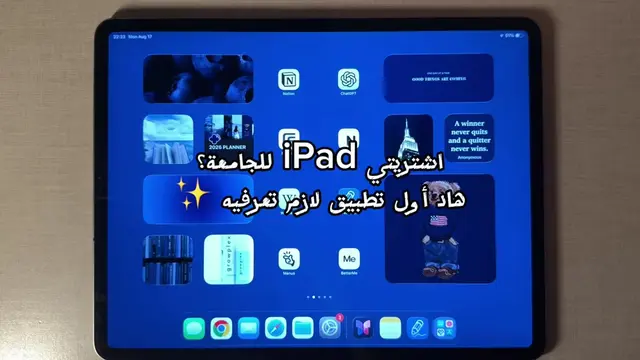
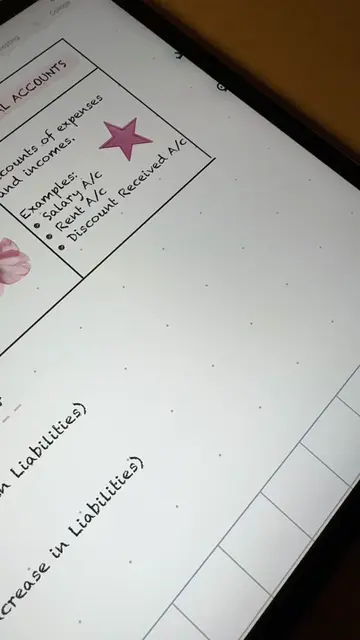
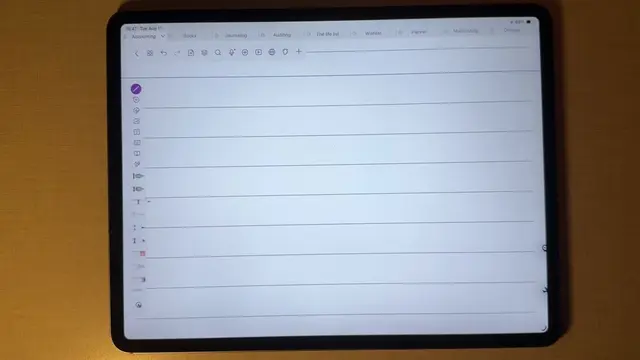
The video demonstrates how to create vision boards using the Freenotes app on an iPad. It shows the process of adding images and text to different sections like 'Mind', 'Study', and 'Lifestyle', highlighting the app's features for planning, studying, and journaling.
Structure
- 1Setting up vision board templates
- 2Adding images and text for 'Mind' section
- 3Adding images and text for 'Study' section
- 4
Original caption
Me rebranding my life at 3 am with my 3 vision boards. yes, this method works, and there's a reason for it 🫐🦢 #rebranding #backtoschool #freenotes #studytok #ipad
More from @productivenotes1
More breakout videos from this creator.