Loading video…
All breakouts
4.0App DemoOther hookConsumer Apps
Hook
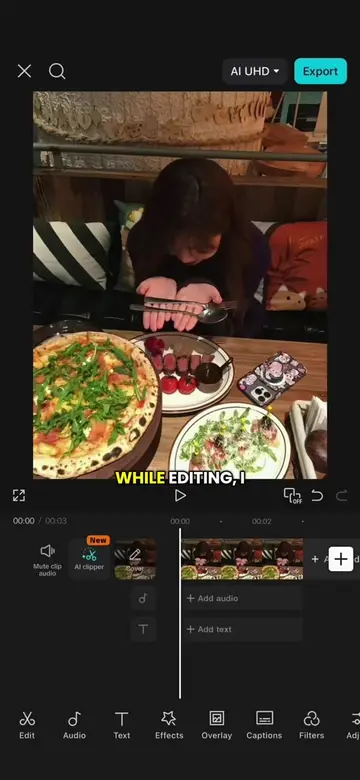
WHILE EDITING,
@ezcapcut
26.0K followers · usually 140.2K views a post
Views
552.2K
Likes
8.3K
Comments
91
Shares
300
Why it worked
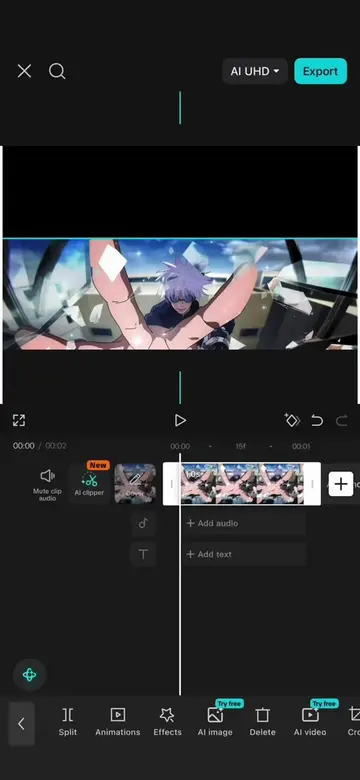
The video provides a clear, step-by-step tutorial for a popular video editing effect, utilizing the CapCut application which is widely used by content creators. The visual demonstration combined with concise on-screen text makes it easy to follow and replicate.
Summary
This video demonstrates how to create a four-panel beat sync effect in CapCut. It shows how to freeze a frame, add multiple video clips as overlays in a staircase layout, and then use the background removal feature to isolate subjects.
Free accountLocked — create a free account to open
Transcript, structure and on-screen text
5 beats, a 122-word transcript and 43 lines of on-screen text — the parts you need to write your own version.
Original caption
Four Panel Beat Sync Tutorial #CapCut #capcutpioneer #yourname #capcut #animeedit
More from @ezcapcut
More breakout videos from this creator.