Loading video…
All breakouts

23.7App DemoHow-To hook
Hook
Remove watermark for free
@faisal_851815
10.1K followers · usually 252 views a post
Views
5.7K
Likes
364
Comments
25
Shares
14
Why it worked
The video offers a practical solution to a common user pain point (removing watermarks) within a popular video editing app, making it highly shareable and useful for existing users.
Summary
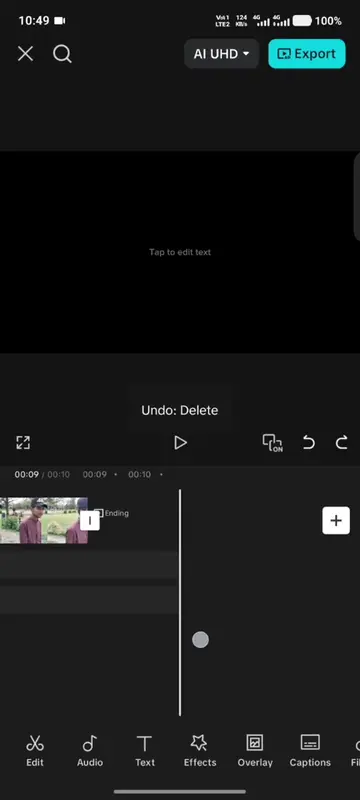
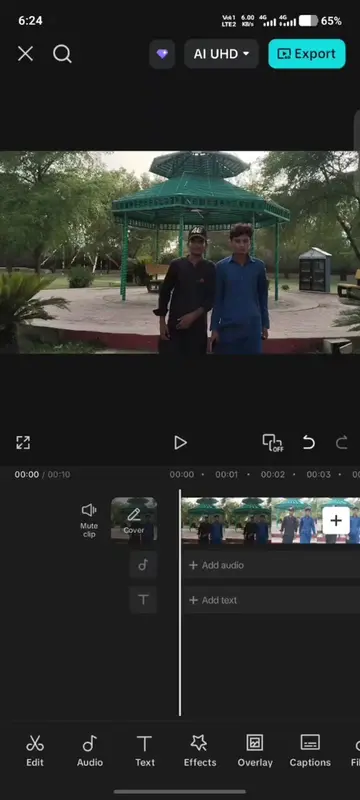
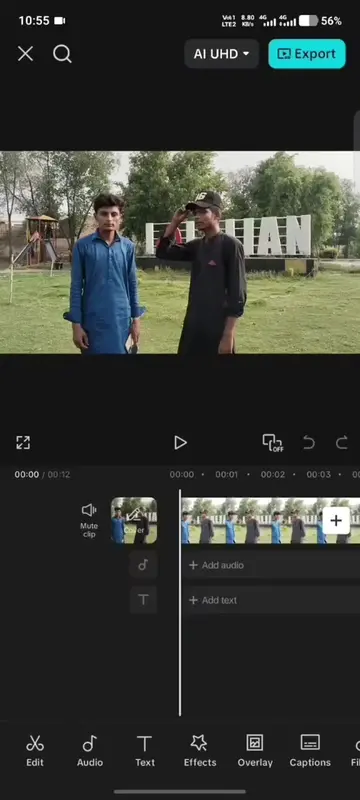
This video demonstrates how to remove the watermark from CapCut videos for free. It shows the process of editing a video and then exporting it without the CapCut watermark, implying that the editing software itself is being promoted.
Structure
- 1Video starts with a demonstration of editing a video in CapCut.
- 2The user applies various filters and adjustments to the video.
- 3The video then shows the process of removing the CapCut watermark.
- 4A progress bar indicates the watermark removal process.
- 5The video concludes with the CapCut watermark removed.
Product placement
The video is a screen recording of the CapCut video editing app, demonstrating its features and the process of removing its watermark.
Original caption
#creatorsearchinsights #Capcut video editing tutorial #CapCut #VideoEditing #CapCutTutorial
More from @faisal_851815
Their other posts in the index, biggest breakout first.