Loading video…
All breakouts

21.1App DemoOther hook
Hook
Original sounds of all clips muted
@faisal_851815
10.1K followers · usually 252 views a post
Views
5.1K
Likes
387
Comments
22
Shares
17
Why it worked
The video likely performed well because it provided a quick and visually engaging demonstration of a popular video editing tool, CapCut, which is widely used on TikTok. The use of trending filters and effects, combined with a clear demonstration of the app's capabilities, would appeal to users looking to enhance their own content.
Summary
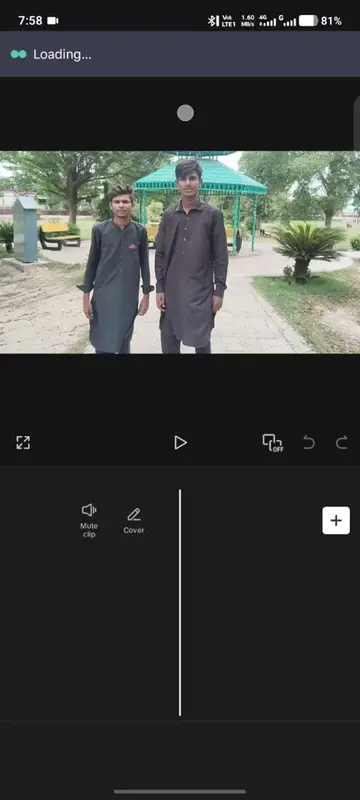
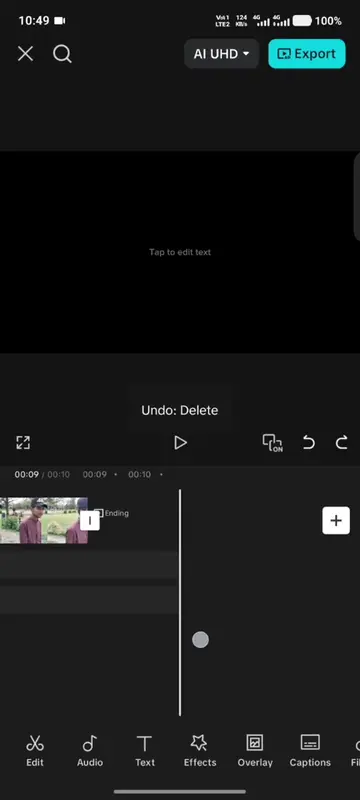
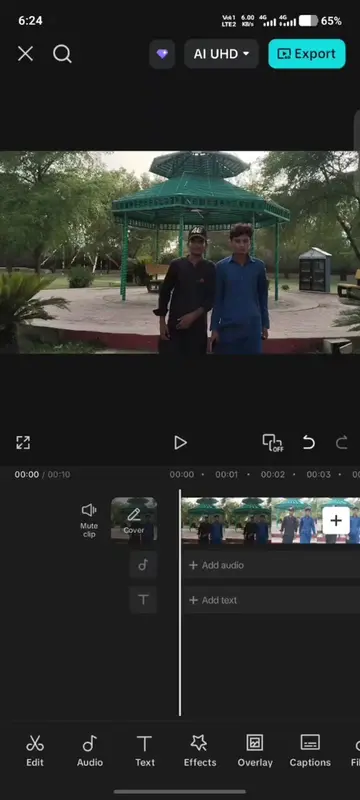
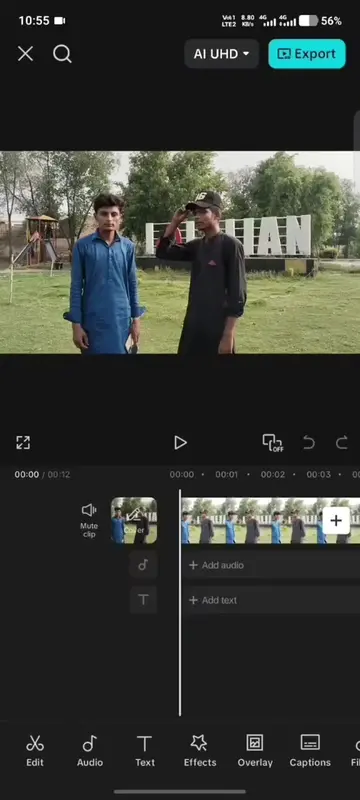
The video demonstrates the editing features of CapCut, specifically focusing on applying filters and adjustments to video clips. It shows the process of selecting filters like 'Moonshine', 'Cinematic D.', and 'Grey Orange', as well as adjusting parameters like 'Smooth', 'Saturation', and 'Brightness'. The video also showcases the 'Dynamic Blur' effect and concludes with the export process.
Structure
- 1Demonstrate CapCut interface
- 2Apply filters and adjustments
- 3Showcase specific effects like Dynamic Blur
- 4Export the edited video
Product placement
The video is a screen recording of the CapCut video editing app, demonstrating its features and filters.
Call to action
Original caption
#creatorsearchinsights #CapCut #VideoEditing #CapCutTutorial #fpyシ
More from @faisal_851815
Their other posts in the index, biggest breakout first.