Loading video…
All breakouts
 CapCutseen in 576 videos →
3.5App Demo
Hook
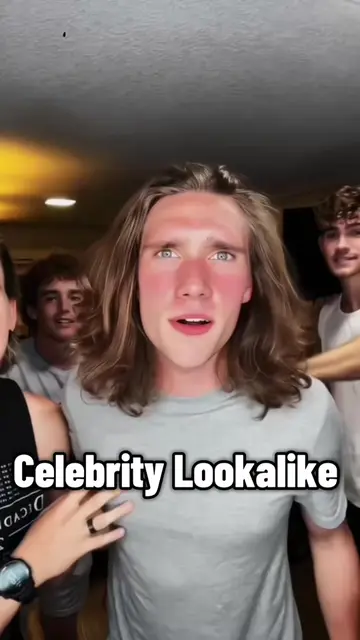
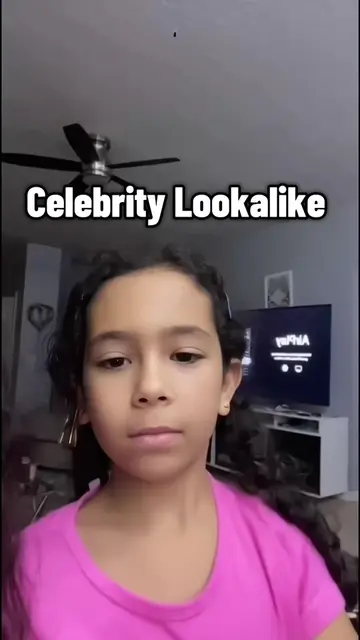
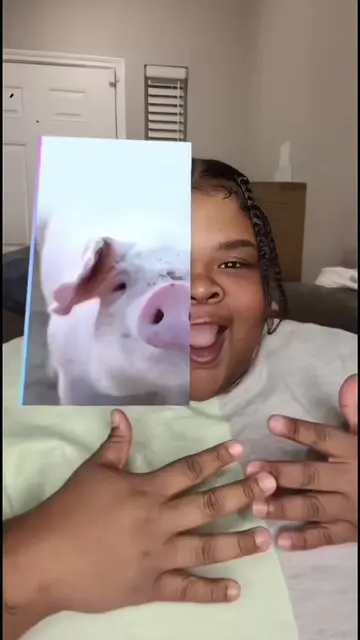
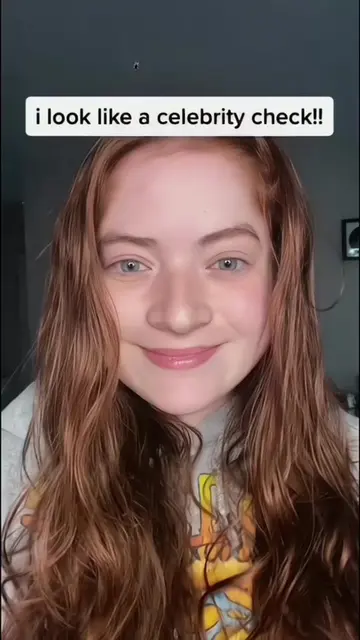
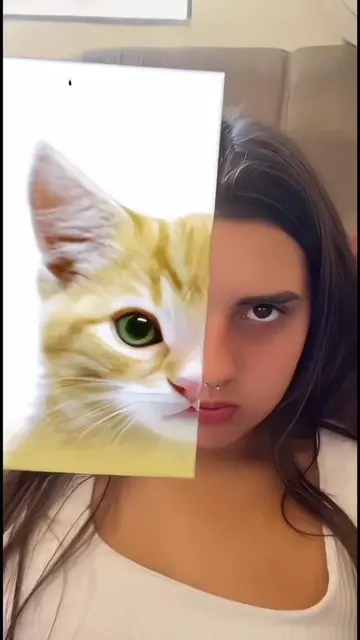
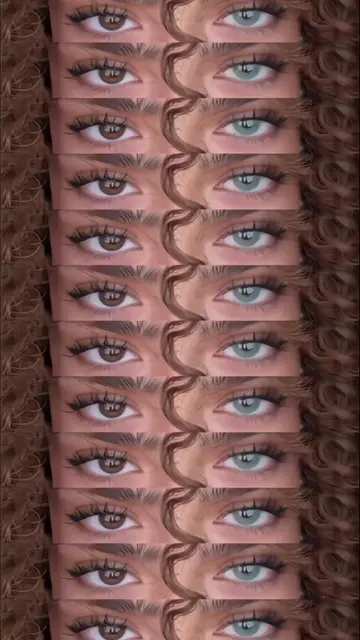
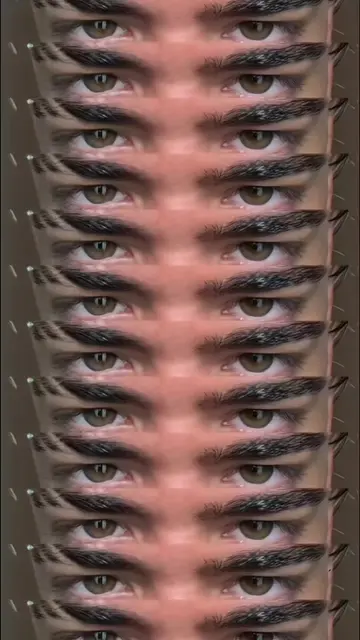
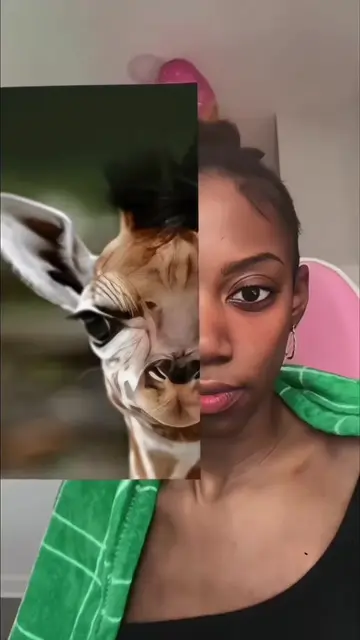
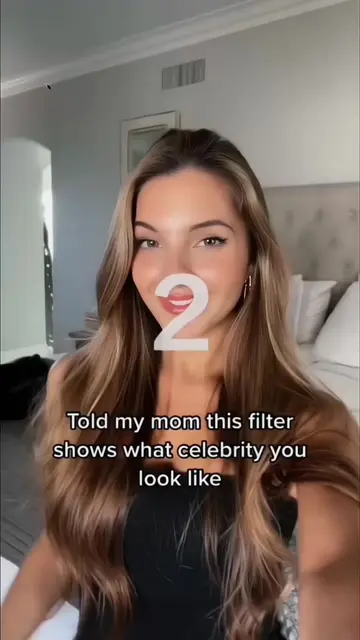
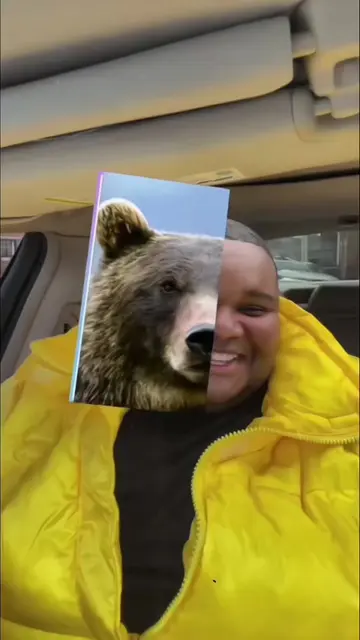
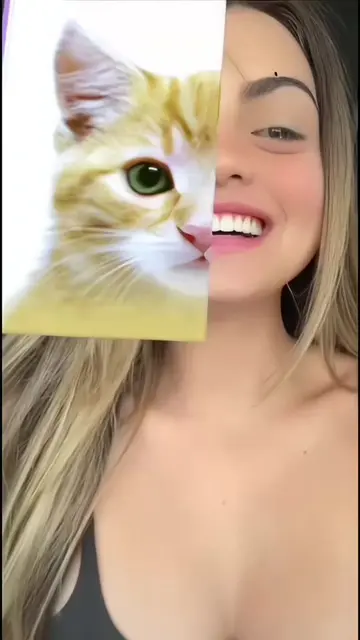
Want to make that viral eye trend footage?
@hgeb80169188
40.9K followers · usually 2.6K views a post
Views
8.5K
Likes
119
Comments
3
Shares
16
Selling · SaaS › Other SaaS
Why it worked
The video leverages a popular TikTok trend and provides a direct, easy-to-follow method for users to replicate it using a specific tool, capitalizing on the desire to participate in viral content.
Summary
This video demonstrates how to use a CapCut template to recreate a viral TikTok eye filter effect. It guides viewers through the process of applying the template and selecting photos to achieve the trending look.
Structure
- 1Showcase viral eye trend footage
- 2Introduce CapCut template for the effect
- 3Demonstrate selecting photos within CapCut
- 4Prompt user to use the template
Product placement
CapCut ACTS - it is used to create a video effect, and the user is prompted to use it. Removing it would change what happens in the video.
TikTok APPEARS - it is the platform on which the video is viewed. Removing it would not change what happens in the video.
Call to action
Try this template
On-screen text
CapCut
Try this template
CLICK AVATAR
Qri
@hgeb80169188
80
Following
25.9K
Followers
413.9K
Likes
Message
JUST WATCHED
1.3M
Pinned
15.3K
Pinned
33.5K
Annie
1.5M uses
#recordingtemplate #trend
RED BUTTON
Use template in CapCut
All
Videos
Photos
Live Photos
1 item selected
Next
Original caption
✨Want to make that viral eye trend footage? 🥰 This eye filter has totally blown up on TikTok! Today I’ll show you how to recreate this popular eye mask effect using AI, no complicated editing needed at all. 🔥 If you’ve been searching how to do the eye trend on TikTok, this video’s exactly for you! 📱 I’ll walk you through making this trending eye effect even if you’re a total beginner. ✨ Just follow my steps, and you’ll nail this viral eye trend easily with AI tools. 👀 Lots of you’ve been asking for a full TikTok eye trend tutorial, including how to get that downcast eyes look that matches your face perfectly. It’ll turn out amazing! 🧐 Save this video so you don’t lose it later! #eyetrend #tiktokeyetrend 👀#capcut #capcutpioneer #capcutnow
More from @hgeb80169188
Their other posts in the index, biggest breakout first.