Loading video…
All breakouts
6.0App DemoPOV / Skit hookSaaS
Hook
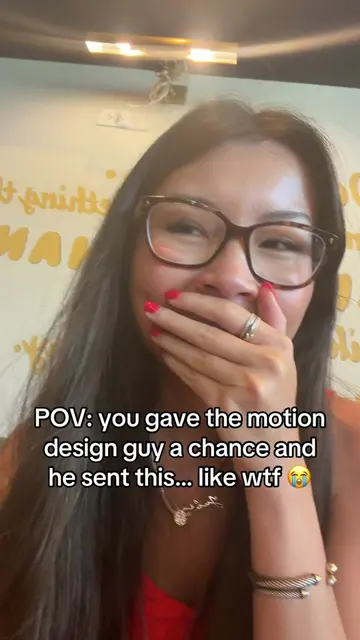
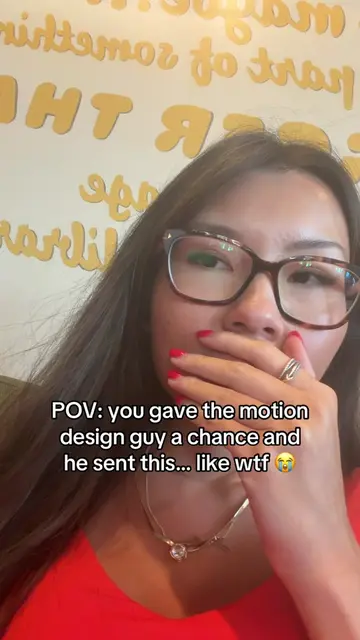
POV: you gave the motion design guy a chance and he sent this... like wtf 😭
@jules.creates26
3.5K followers · usually 1.1K views a post
Views
4.7K
Likes
45
Comments
3
Shares
2
Promoted product
Motionhttps://motion.so/ ↗
Why it worked
The video uses a relatable scenario (a date proposal) and a humorous, interactive application interface to showcase the product's capabilities in a native and engaging way, leading to a soft sell that encourages viewers to check the link in bio.
Summary
The video shows a user interacting with a web application that helps plan a date. The application guides the user through selecting a date, choosing a food preference, and confirming the date. The final screen confirms "It's a date!" with the selected details and a link to "motion.so".
Structure
- 1User reacts to a message from a motion design guy.
- 2User interacts with a date planning app.
- 3User selects a date and food preference.
- 4App confirms the date and shows the product's branding.
Product placement
The video showcases a web application called 'Motion' which is used to plan a date. The application's interface and branding are visible throughout the demo, and the URL 'motion.so' is displayed at the end.
Call to action
Check link in bio
On-screen text
POV: you gave the motion design guy a chance and he sent this... like wtf 😭
yeah, maybe
STEP 1 OF 4
Will you go on a date with me?
no
YES
not happening.
STEP 2 OF 4
So... when are you free?
October
1
2
3
4
5
6
7
8
9
10
11
12
13
14
15
16
17
18
19
20
21
22
23
24
25
26
27
28
29
30
31
pick a day first
set Oct 14
STEP 3 OF 4
What are we feeling?
Pizza
Sushi
Burgers
Pasta
Tacos
Ramen
lock in Tacos
It's a date!
Oct 14, Tacos, and hopefully you show up on time.
Oct 14 • Tacos
Check link in bio
made with love with motion.so
start over
Original caption
well… what should i do now?? he gave me no choice 😭 #coder #datenightideas #fy #codinghumor #motiongraphics
More from @jules.creates26
More breakout videos from this creator.