Loading video…
All breakouts
 CapCutseen in 576 videos →
3.9App DemoHow-To hook
Hook
iOS 26 how to get 3D spatial wallpaper background for your iPhone
@nihao9581
391.1K followers · usually 6.8K views a post
Views
25.9K
Likes
911
Comments
283
Shares
599
Selling · SaaS › Other SaaS
Why it worked
The video leverages a popular trend of creating unique phone wallpapers using editing apps. By showing a visually appealing result and a clear, simple process, it encourages viewers to try it themselves.
Summary
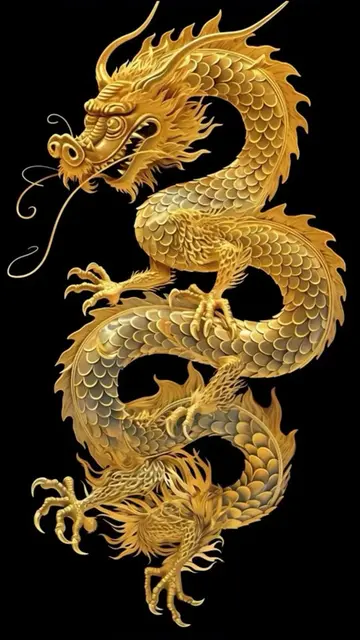
The video demonstrates how to create a 3D spatial wallpaper for an iPhone using the CapCut app. It shows the process of selecting a template and applying it to create a unique wallpaper.
Structure
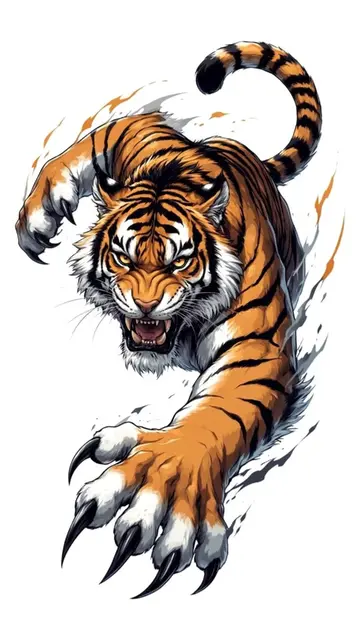
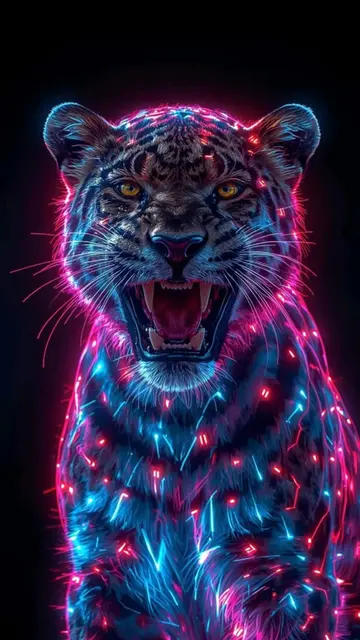
- 1Showcase of a 3D lion wallpaper on a phone
- 2Demonstrate finding related content and templates on TikTok
- 3Select the CapCut app and a template
- 4Apply the template to create the wallpaper
Product placement
CapCut: ACTS - it is used to generate a 3D spatial wallpaper. Removing it would change what happens in the video.
Call to action
Click the "CapCut" icon in the bottom right corner to generate the same effect
On-screen text
Find related content
Search
CapCut
3D
Use template
Search - Set As Wall Paper
View
Saved
Click the "CapCut" icon in the bottom right corner to generate the same effect
more
Translation
Original caption
iOS 26 how to get 3D spatial wallpaper background for your iPhone How to set up iPhone wallpaperd tutorial How to apply iPhone live wallpaper live wallpaper wallpaper iPhone wallpaper 8K wallpaper#3D #wallpaper #livewallpaper #mobilewallpaper #ios26
More from @nihao9581
Their other posts in the index, biggest breakout first.