Loading video…
All breakouts
 CapCutseen in 576 videos →
6.8App DemoOther hook
Hook
@nihao9581
@nihao9581
391.1K followers · usually 6.8K views a post
Views
46.2K
Likes
791
Comments
118
Shares
346
Selling · SaaS › Other SaaS
Why it worked
The video leverages popular characters (Tom and Jerry) and a trending effect (3D wallpaper) to create visually appealing content that is easily shareable and replicable using a popular editing app (CapCut).
Summary
The video demonstrates how to use a CapCut template to create a 3D wallpaper featuring Tom and Jerry. It shows the process of finding the template, applying it, and setting it as a phone wallpaper.
Structure
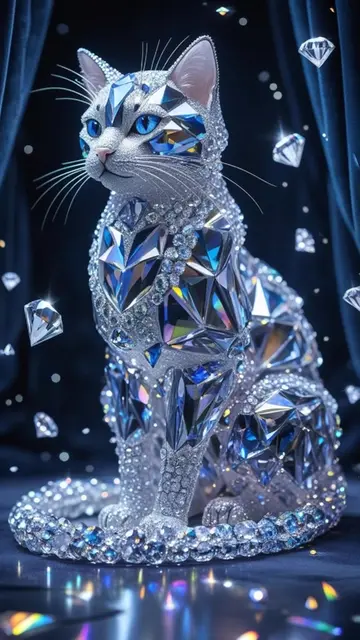
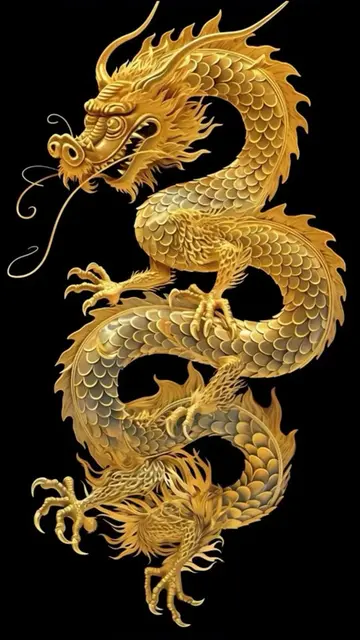
- 1Showcasing Tom and Jerry wallpaper
- 2Demonstrating CapCut template usage
- 3Explaining how to download and set wallpaper
- 4Highlighting wallpaper quality
Product placement
CapCut: ACTS - it is used to generate an effect, and the video shows how to use it. Removing it would change what happens in the video.
Tom and Jerry: APPEARS - they are characters in a wallpaper. Removing them would change the wallpaper, but not the function of the video.
Call to action
Click the "CapCut" icon in the button corner to generate the same effect...
On-screen text
@nihao9581
Find related content
Search
Saved
Search - 3d wallpaper online free
View
Add comment...
CapCut
Click the "CapCut" icon in the button
corner to generate the same effect...
See translation
Use template
Edit
@sh080182hug
53.4K uses
Use template
Edit
Albums
All
Videos
Photos
1 item selected
Next
Original caption
The same wallpaper is in the pin video of my homepage, Click CapCut template in the lower left corner, and you can download and set it as your own mobile phone wallpaper.This is the most beautiful wallpaper I have ever seen, The most beautiful 3D wallpaper. Ultra clear 8k wallpaper. 3D naked eye wallpaper. los26 wallpaper. iPhone wallpaper.HD wallpaper.lOS26 how to get 3D spatial wallpaper
#ios26wallpaper #iPhonewallpaper #livewallpaper #wallpaper #tomandjerry tom and jerry wallpaper
More from @nihao9581
Their other posts in the index, biggest breakout first.