Loading video…
All breakouts
48.5App DemoHow-To hookCreator Economy
Hook
Easy Skin Rendering Tutorial 💯
@kingdavid1095
24.9K followers · usually 10.7K views a post
Views
381.8K
Likes
38.1K
Comments
287
Shares
2.2K
Promoted product
Ibis Paint X
Why it worked
The video provides a clear, concise visual tutorial for a specific artistic technique, making it highly valuable for aspiring digital artists. The use of a popular art application like Ibis Paint X also broadens its appeal.
Summary
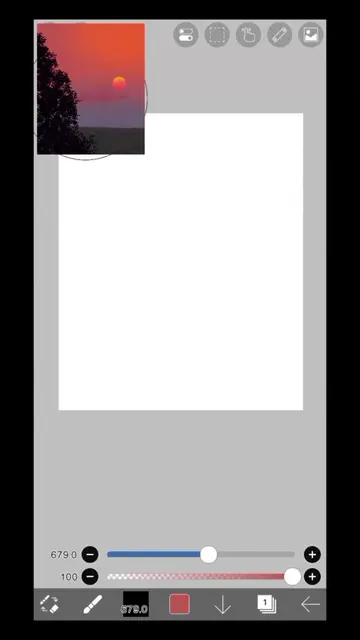
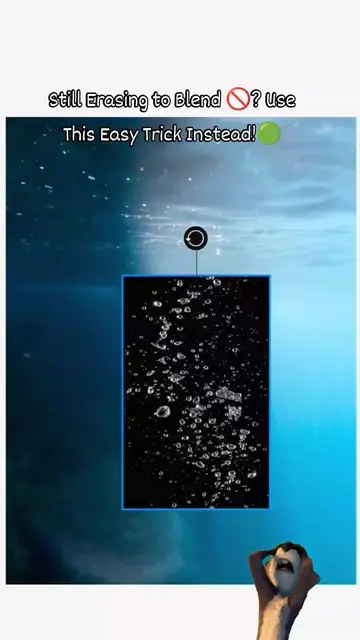
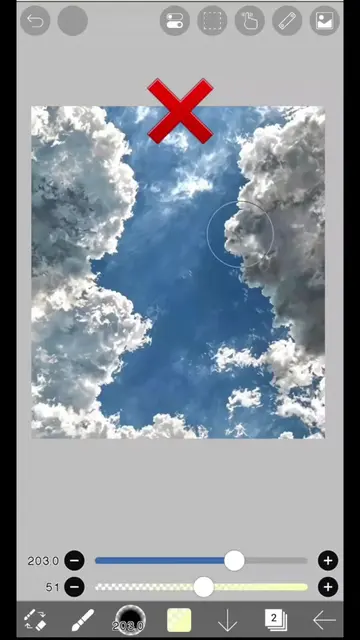
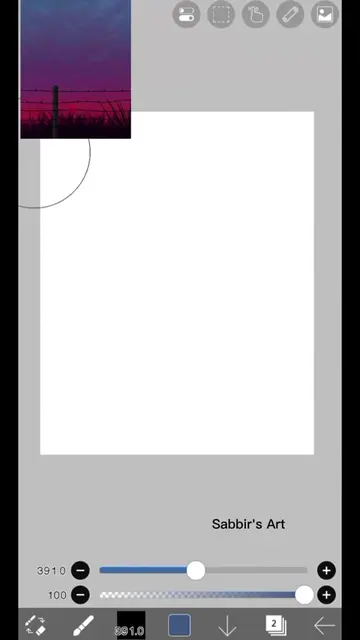
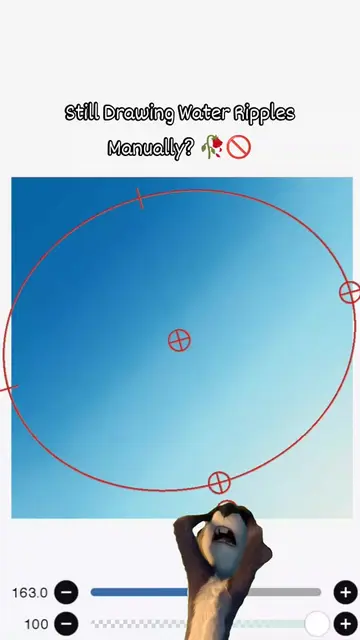
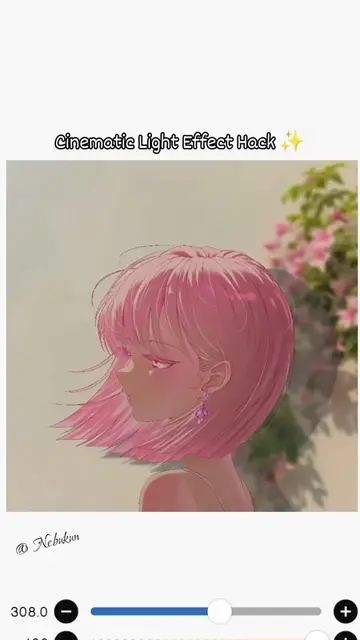
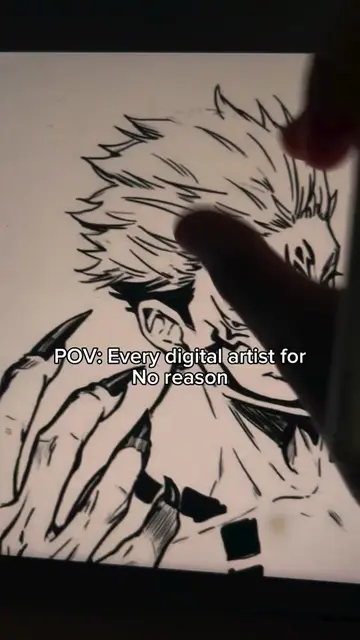
This video demonstrates a digital art tutorial on how to render soft skin using the Ibis Paint X application. The creator uses various tools and layers within the app to achieve a realistic skin texture and shading effect.
Structure
- 1Start with a base skin tone shape
- 2Add shading and highlights
- 3Adjust layer blending modes
- 4Apply blur effects for softness
- 5Refine details and finalize the rendering
Product placement
Ibis Paint X (app): used to create digital art, specifically for rendering skin. The interface is visible and tools are operated. Removing it would change what happens in the video.
On-screen text
Easy Skin Rendering Tutorial 💯
Original caption
How to render soft skin #ibrispaint#digitalart #fypシ #render
More from @kingdavid1095
More breakout videos from this creator.