Loading video…
All breakouts
295Talking HeadOther hookCreator Economy
Hook
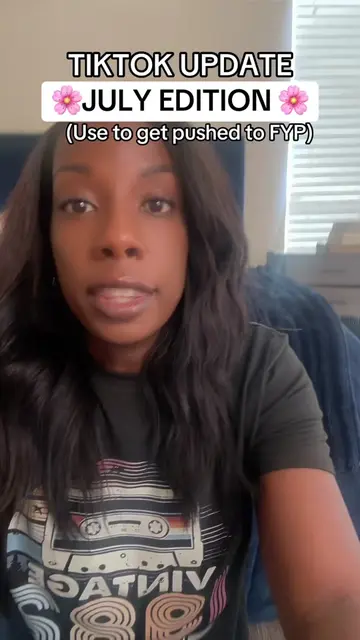
TIKTOK UPDATE 🦋 AUGUST EDITION 🌸 (Use to get pushed to fyp)
@angelagrowthcoach
99.8K followers · usually 6.9K views a post
Views
841.2K
Likes
15.9K
Comments
1.5K
Shares
2.2K
Why it worked
The video provides a clear, concise tutorial on a new TikTok feature, offering a practical benefit to creators looking to improve their content creation process and potentially increase visibility on the platform.
Summary
This video explains a new TikTok feature called AutoCut, which automatically edits videos using user-selected photos or videos. The creator advises users to select four random media items and to leave the sound that TikTok suggests to potentially boost views.
Structure
- 1Introduce new TikTok feature: AutoCut
- 2Explain how to access AutoCut
- 3Instruct on selecting media
- 4Advise on using TikTok's suggested sound
- 5Explain posting options
Product placement
TikTok (app): social media platform where users create and share videos. It ACTS by providing the interface and features for video creation and distribution. Removing it would change what happens in the video. AutoCut (feature): a video editing feature within TikTok. It ACTS by automatically editing videos. Removing it would change what happens in the video.
Call to action
Follow me for TikTok tips without all the complication.
On-screen text
TIKTOK UPDATE
🦋 AUGUST EDITION 🌸
(Use to get pushed to fyp)
Original caption
Tutorial included for new TikTok AutoCut update. #smallcreators #toktoktips #howtogoviraltips
More from @angelagrowthcoach
More breakout videos from this creator.