Loading video…
All breakouts 2 videos2 creators
4.3Talking HeadOther hookCreator Economy
Hook
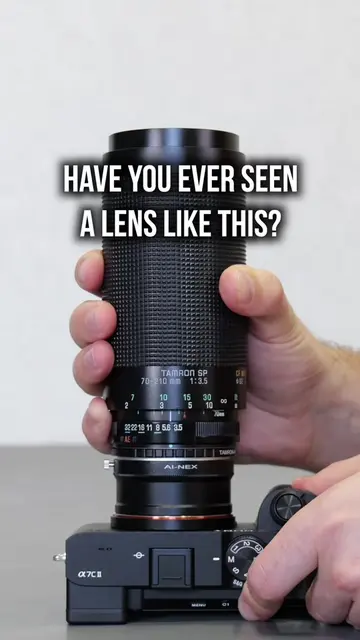
TV ZOOM LENS ON A FULL-FRAME CAMERA
@shuttario
74.4K followers · usually 46.4K views a post
Views
197.3K
Likes
9.3K
Comments
75
Shares
412
Promoted product
Sony A7C II
Why it worked
The video provides a practical, visual solution to a common problem for videographers (vignetting with adapted lenses) by clearly demonstrating a step-by-step process using specific camera features. The clear on-screen text and visual examples make it easy to understand and replicate.
Summary
The video demonstrates how to use a B4 TV zoom lens on a full-frame Sony A7C II camera. It shows how to avoid vignetting by enabling the camera's built-in 2x extender, switching to APS-C mode, and using the 1.2x lossless digital zoom feature.
Structure
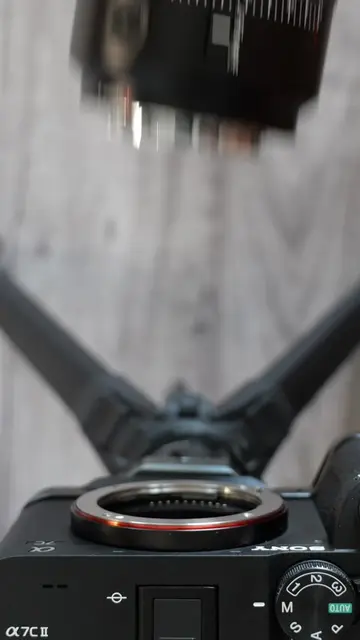
- 1Attaching TV zoom lens to full-frame camera
- 2Demonstrating vignetting with full image circle
- 3Enabling built-in 2x extender
- 4Switching to APS-C mode and Clear Image Zoom
Original caption
How to use a B4 TV zoom lens on a full-frame camera without vignetting: 1. Turn on the built-in 2× extender. 2. Switch to APS-C mode. 3. Enable 1.2x digital zoom. P.S. In 4K, lossless digital cropping is only possible on 33MP+ sensors. Camera: Sony A7C II Lens: Canon J17 #b4lens #tvzoomlens #broadcastlens #canonj17 #sonya7cii
More from @shuttario
More breakout videos from this creator.