Loading video…
All breakouts
233Talking HeadDirect Question hookCreator Economy
Hook
Are You Talking To A Scammer?
@xbulliesx
70.0K followers · usually 576 views a post
Views
101.3K
Likes
3.3K
Comments
488
Shares
731
Why it worked
The video addresses a common fear and provides a practical, step-by-step solution that is easy to follow. The creator's direct and engaging delivery, combined with the promise of a useful list, encourages viewers to save and share the content.
Summary
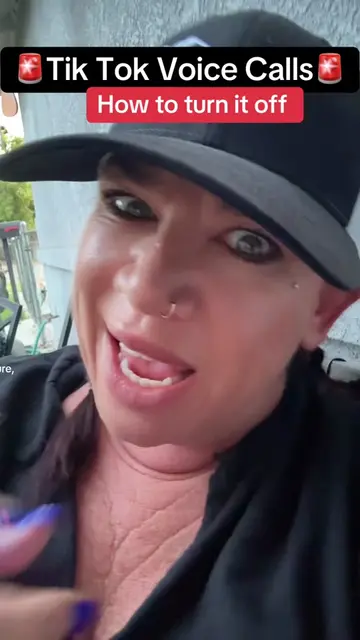
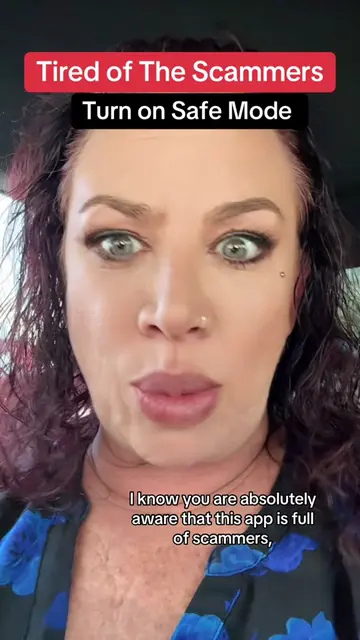
This video explains how to enable 'Safe Mode' on TikTok to protect against scammers in direct messages. It guides viewers through the settings to activate this feature and mentions a list of keywords that will be provided to filter out suspicious messages.
Structure
- 1Introduction to the scammer problem on TikTok
- 2Instruction to save the video for later
- 3Step-by-step guide to enabling Safe Mode
- 4Explanation of filtered keywords
- 5Concluding remarks and call to repost
Product placement
TikTok (platform, appears, removing it would change the video as the content is about using the platform's features)
Call to action
Save this to your favourites just in case you need to come back to it
On-screen text
Are You Talking To A Scammer?
Original caption
Tik tok is full of scammers and if you are talking in your DM’s, there’s a good possibility you’re talking to a Scammer. Here’s a tutorial how to turn on your safe mode so they can’t get into your messages anymore. #scammers #dms #tiktoktips #safemode
More from @xbulliesx
More breakout videos from this creator.