Loading video…
All breakouts
5.5App DemoHow-To hookEducation
Hook
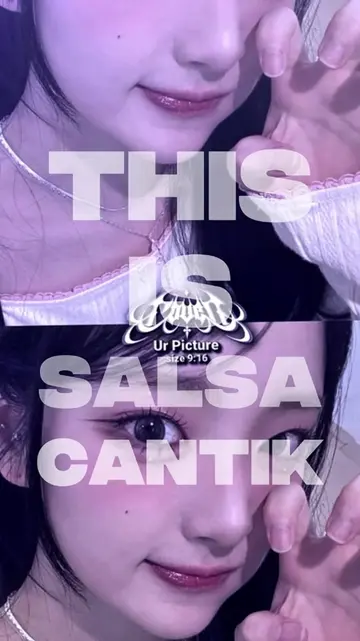
tutorial mengubah wajah yang ada du film menggunakan capcut sedance 2.5
@nsrltutorial
365.9K followers · usually 177.9K views a post
Views
928.8K
Likes
43.1K
Comments
288
Shares
2.3K
Why it worked
The video provides a clear, step-by-step tutorial on a popular AI-powered video editing feature, making it highly shareable and useful for creators looking to enhance their content.
Summary
This video demonstrates how to use the Seedance 2.5 feature within the CapCut app to swap faces in a video. It guides viewers through selecting media, setting parameters like duration and aspect ratio, and applying the AI model to achieve the desired face swap effect.
Free accountLocked — create a free account to open
Transcript, structure and on-screen text
6 beats, a 223-word transcript and 93 lines of on-screen text — the parts you need to write your own version.
Original caption
tutorial mengubah wajah yang ada du film menggunakan capcut sedance 2.5#capcut #capcutpioneer #seedance25 #1mincapcut #CapCut
More from @nsrltutorial
More breakout videos from this creator.