Loading video…
All breakouts
23.4App DemoHow-To hookCreator Economy
Hook
HOW TO
@dustlayer
1.8K followers · usually 994 views a post
Views
23.1K
Likes
2.4K
Comments
52
Shares
95
Why it worked
The video provides a clear, step-by-step tutorial on a specific creative process (speedpainting timelapse) using popular free software (Krita) and a necessary tool (FFmpeg). The combination of practical instruction, visual demonstration, and a clear call to action for engagement likely resonated with aspiring digital artists.
Summary
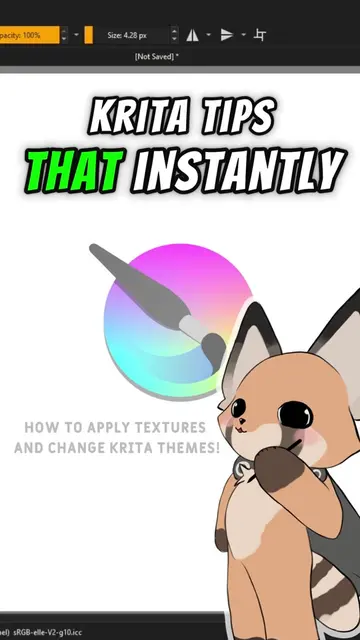
This video demonstrates how to create a speedpaint in Krita and export it as a timelapse video. It guides viewers through downloading and setting up FFmpeg, configuring Krita's recording dock, and exporting the final video.
Structure
- 1Introduction to speedpainting in Krita
- 2Downloading and setting up FFmpeg
- 3Configuring Krita's recording dock
- 4
Original caption
How to do speedpaint in Krita! If it helped you hit the follow button, and if you need a help comment it or private chat me! #krita #digitalart #speedpaint #speedpainting #furryart
More from @dustlayer
More breakout videos from this creator.