Loading video…
All breakouts
25.6Talking HeadOther hookConsumer Apps
Hook
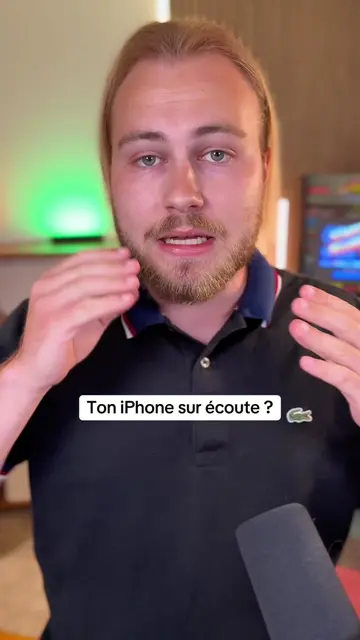
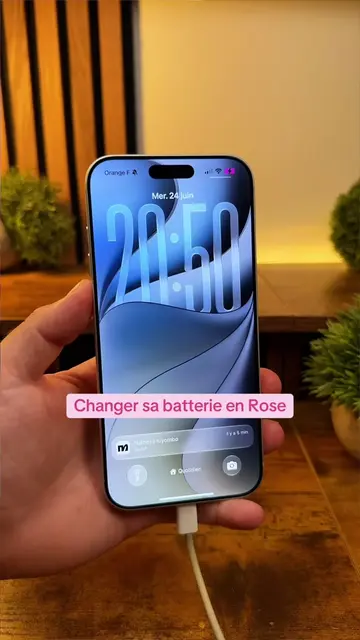
iPhone personnalisé 👀
@nowistech
1.2M followers · usually 87.5K views a post
Views
2.2M
Likes
96.7K
Comments
1.0K
Shares
4.3K
Promoted product
Nowistech
La tech simplifiée pour s'informer
Why it worked
The video provides a practical and visually appealing customization tip for iPhones, leveraging a common desire for personalization. By showing a quick and easy method using built-in iOS features and a simple external tool, it offers high value with minimal effort for the viewer.
Summary
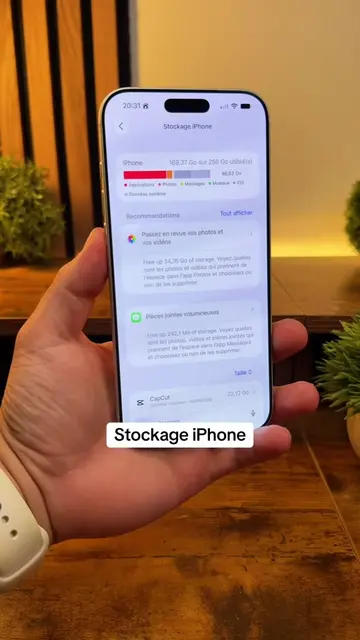
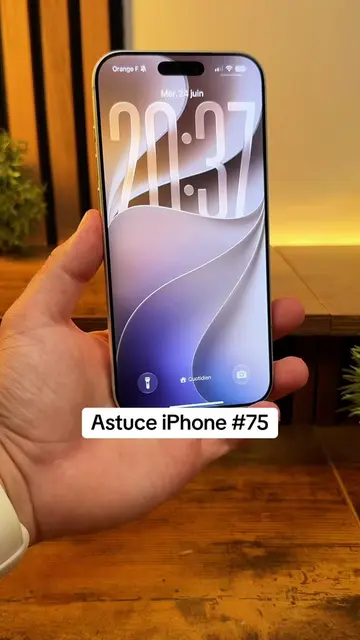
This video demonstrates how to customize your iPhone's lock screen by adding your name and an emoji next to the clock. It guides viewers through the iPhone's settings, specifically the 'Concentration' feature, and shows how to use an external website to find unique fonts for the text.
Structure
- 1Intro: Show personalized iPhone lock screen
- 2Explain the goal: add name and emoji to lock screen
- 3Navigate to Settings > Concentration
- 4Create a new Concentration mode
- 5
Original caption
Tu veux personnaliser ton iPhone en y ajoutant une icône / un emoji à côté de l’heure ainsi que ton nom en bas de l’écran ? Rien de compliqué tout se passe dans les réglages et ça se fait en 2 minutes 👀 #iphone #astuce #ios #apple #Tech
More from @nowistech
More breakout videos from this creator.