Hook

Their other posts in the index, biggest breakout first.
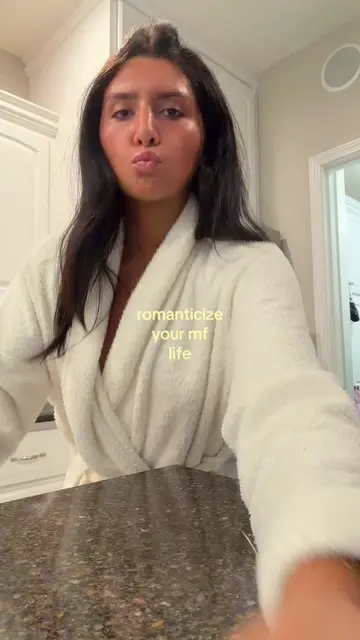
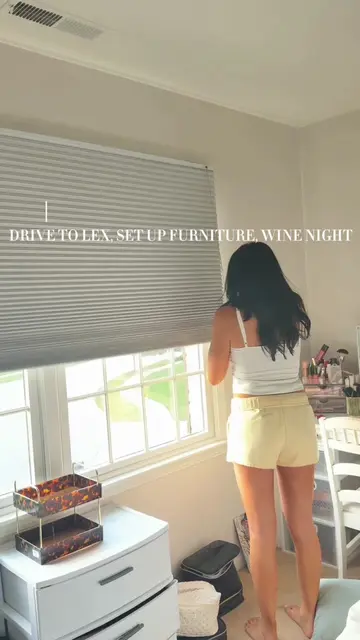
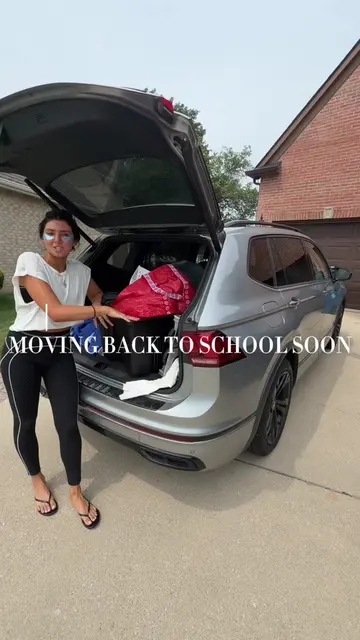
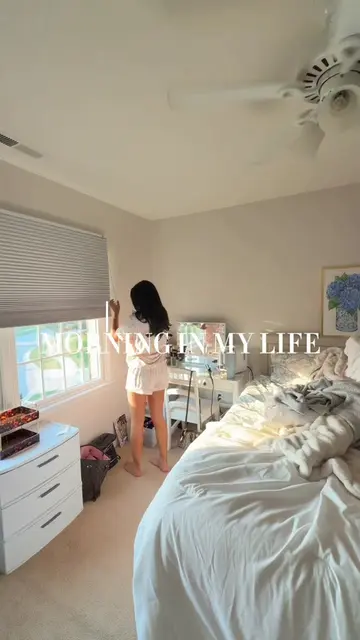
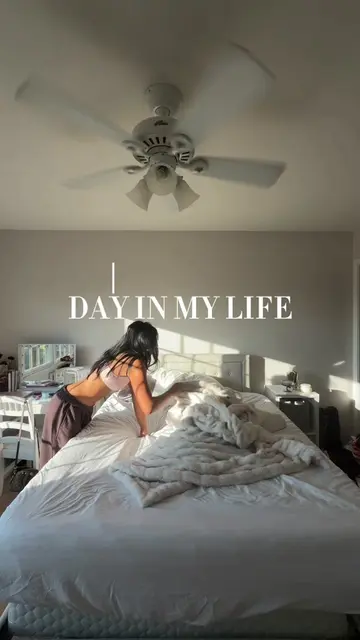
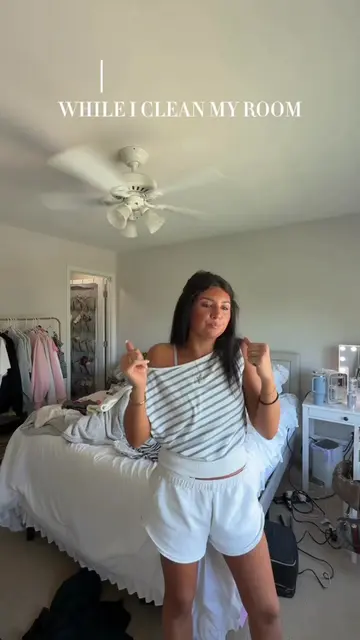
Let's go through how I edit my videos to look like this. First, you're gonna want to go to CapCut and I already edited the entire vlog and then I just exported it. So, once it's exported, I then went back into CapCut and I put it in twice. The first one I'm going to mute because that's what I'm going to be cutting up to the beginning. And then the second one is going to be the actual video. So for this, I normally know which ones I put as the cover. I'm just looking for aesthetic things that I did throughout the morning. So I'll do me pulling the blinds, you also want to try and have it in motion, then it'll look cool when all the smaller clips are put together. So basically, just go through each section and the whole reasoning of doing the smaller clips is getting people's attention and making them want to watch your video till the end. So I want to put the most aesthetic things and things that people would be like, oh, I want to watch this video. So once I'm done, rough clipping them, I make sure they're all the same length. So usually do between 0.2 or 0.3, just depends on how many clips I have. Sometimes I have more like today, I'll do 0.2, just because there's more clips. Once that's done, I'm going to put "Monday" and then I do the same thing, almost every single video. So for these mornings in my life, I'll do Monday and then the yellow font and then the exact same font that I have saved. And then I'll go over to the animation and I have the typewriter saved. So it'll type across. Then underneath, I'll do "Morning in my life" all caps in a certain font again that I have saved, but in white. And having the things saved just makes it so much easier. So I don't have to go through all the fonts and pick out the same one. So for the morning in my life, I don't do any animation. I leave it in the front. And then underneath, I usually just say something either that's going on in the video or like a motivational thing. So today I did "setting the tone for the week" because I also do a talking part in it and I said that earlier. Then again, I have a specific font that I use for this and for the color, I do this like pale pink. And then I put it right under the "Morning in my life". And for the animation for this one, it has a "Showing Up" so it just comes up right underneath. Then once all that is done, I go through and look and just make sure that I like it or if I don't want to add or rearrange clips. I also drag out the text to be like a second or two, so then people can actually see what I wrote on the screen. Now for what most people ask me about is the typing sounds. So what I actually did was save a video on TikTok and then I added it into CapCut and then I put it in my extracted files. The typing doesn't stop till a couple seconds, so I just go in and cut that out and then move it to the front. I let the typing go all the way until the shorter clips are done and then it will stop once the actual video starts. But yeah, that's how I get my videos to look like this.