Loading video…
All breakouts
12.6Talking HeadContrarian hookEducation
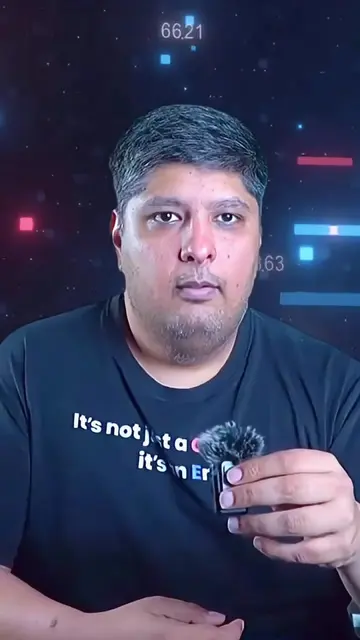
Hook
Your content looks cheap
@eminenceofficial21
12.2K followers · usually 5.4K views a post
Views
68.2K
Likes
3.5K
Comments
22
Shares
1.2K
Promoted product
Adobe Podcast, Mixkit, Jitter, Opus.pro/captionspodcast.adobe.com, mixkit.co, jitter.video, opus.pro/captions ↗
Why it worked
The video provides a list of genuinely useful free resources for content creators, addressing common pain points like poor audio quality and the need for engaging visuals. The clear, concise presentation and direct URLs make it highly actionable.
Summary
This video introduces four free online tools that creators can use to enhance their content. It covers Adobe Podcast for audio enhancement, Mixkit for stock footage and music, Jitter for motion graphics, and Opus.pro/captions for animated captions.
Structure
- 1Introduction to free tools
- 2Adobe Podcast for audio
- 3Mixkit for stock footage/music
- 4Jitter for motion graphics
- 5Opus.pro for captions
- 6Call to action
Product placement
Adobe Podcast: ACTS - it enhances audio quality, making it sound studio-quality. Removing it would change the audio output. Mixkit: ACTS - it provides free stock footage, music, and sound effects for video projects. Removing it would remove access to these assets. Jitter: ACTS - it allows users to create pro-level animations with text and other elements. Removing it would remove the ability to create these animations. Opus.pro/captions: ACTS - it generates eye-catching animated AI captions for videos. Removing it would remove the ability to generate these captions.
Original caption
Stop paying for expensive editing tools! These 4 FREE tools will instantly make your content look premium. Save this before you forget! 🚀🔥 #ContentCreator #FreeTools #VideoEditing #TikTokTips #CreatorTools
More from @eminenceofficial21
More breakout videos from this creator.