Loading video…
All breakouts
11.8App DemoOther hookCreator Economy
Hook
Balance
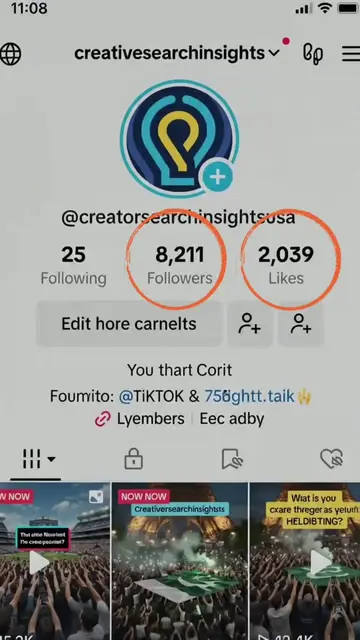
@creatorsearchinsightsusa
19.8K followers · usually 46.3K views a post
Views
85.3K
Likes
511
Comments
34
Shares
84
Promoted product
Creator Search Insightshttps://tiktok-creator-search-insights.blogspot.com/ ↗
Why it worked
The video effectively leverages TikTok's native features and trending topics to provide value to creators. By demonstrating how to use Creator Search Insights, it offers actionable advice for content creation and growth, which is highly relevant to the platform's user base.
Summary
The video demonstrates how to access and use TikTok's Creator Search Insights tool. It shows the user navigating through TikTok's menu to find the tool, highlighting its features like suggested topics, trending content, and AI-generated outlines. The video also displays related content ideas, titles, and hashtags to help creators find viral content.
Structure
- 1Navigate to Creator Search Insights
- 2Explore suggested and trending topics
- 3View AI-generated content ideas
- 4Analyze titles and hashtags
- 5Discover hook ideas
Product placement
TikTok Studio: This is a tool within TikTok that creators can use to manage their content and business. It merely appears in the video, and removing it would not change what happens.
Creator Search Insights: This is a tool within TikTok that provides data on search trends and content ideas. It is operated by the creator, and the video shows its interface and results. Removing it would change what happens in the video.
TikTok: This is the platform on which the video is hosted and demonstrated. It merely appears in the video, and removing it would not change what happens.
Original caption
Master Creator Search, Viral Growth Hacks, AI Content Secrets #creatorsearchinsights #creatorsearch #tiktoktips #contentgrowth #aicreator #tiktokstrategy #growonplatform
More from @creatorsearchinsightsusa
More breakout videos from this creator.