Loading video…
All breakouts
14.2Talking HeadOther hookLifestyle
Hook
My new custom Flux60 HE keyboard build⚡️
@patrik.setup
8.5K followers · usually 29.7K views a post
Views
363.7K
Likes
12.2K
Comments
68
Shares
513
Promoted product
MCAPS
MCAPS Aluminum Keycaps
Why it worked
The video taps into the popular "tech tok" and custom keyboard building communities by showcasing a visually appealing and satisfying build process. The use of aesthetically pleasing components and a clean "minimalist" setup likely contributed to its shareability.
Summary
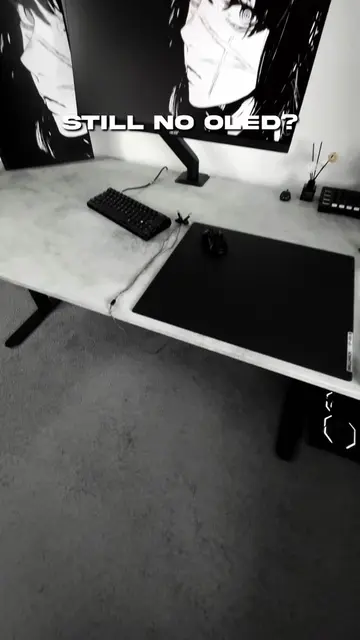
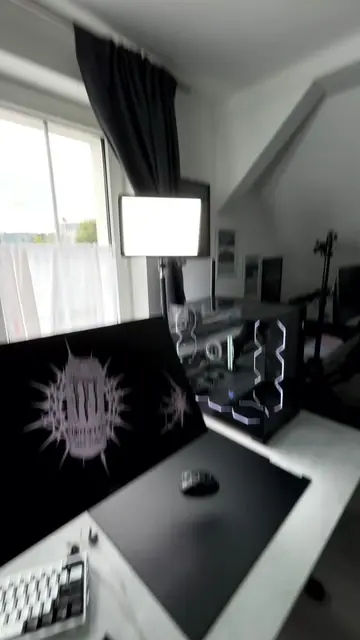
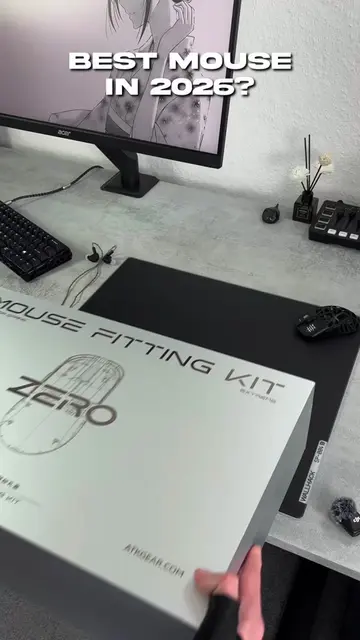
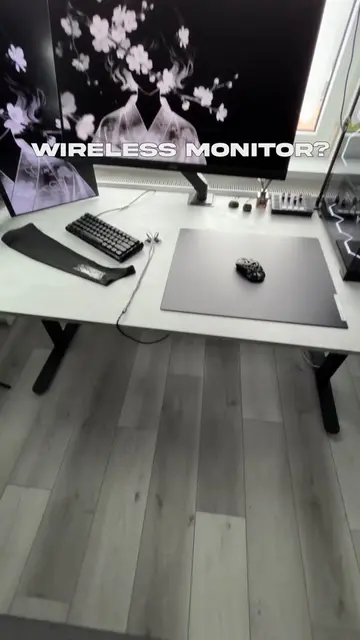
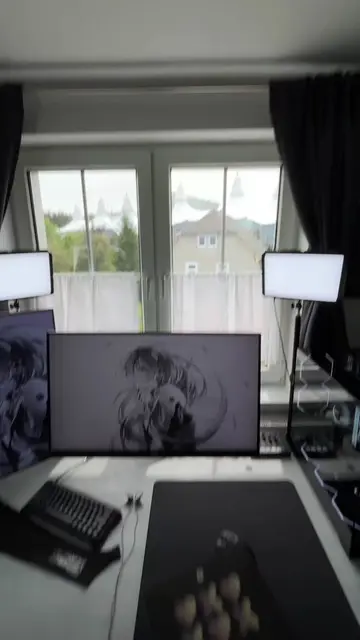
The creator unboxes and assembles a custom mechanical keyboard, showcasing the MCAPS keycaps and other components. The video highlights the build process and the final aesthetic of the keyboard.
Structure
- 1Unboxing MCAPS keycaps
- 2Showing other keyboard components
- 3Assembling the keyboard
- 4Displaying the finished keyboard build
Product placement
MCAPS: Keycaps. It appears in a box and is shown being placed into a keyboard. Removing it would change what happens in the video.
wuquestudio Flux60 HE: PCB. It appears in a box and is shown being placed into a keyboard. Removing it would change what happens in the video.
WS Flux Ocean Whisper: Switches. They appear in a box and are shown being placed into a keyboard. Removing them would change what happens in the video.
Holy60 Clone: Case. It appears in a box and is shown being placed into a keyboard. Removing it would change what happens in the video.
AliExpress: Marketplace. It is mentioned as the source for the case and backplate. Removing it would not change what happens in the video.
WALLHACK: Unknown. It appears in the creator's bio with a code. It is unclear what it does. Removing it would not change what happens in the video.
MAXESPORT: Unknown. It appears in the creator's bio with a code. It is unclear what it does. Removing it would not change what happens in the video.
iQunix: Unknown. It appears in the creator's bio with a code. It is unclear what it does. Removing it would not change what happens in the video.
Monster Energy: Drink. It appears on a computer monitor wallpaper. Removing it would not change what happens in the video.
Original caption
My new custom Flux60 HE keyboard build⚡️ Specs: -PCB: @wuquestudio Flux60 HE -Keycaps: @meletrix MCAPS Aluminum Keycaps -Switches: WS Flux Ocean Whisper -Case: Holy60 Clone (AliExpress) -Backplate: Aliexpress #techtok #setup #minimalist #GamingSetup #wallpaper
More from @patrik.setup
More breakout videos from this creator.