Loading video…
All breakouts ChatGPTseen in 615 videos →
10.8Talking HeadListicle hook
Hook
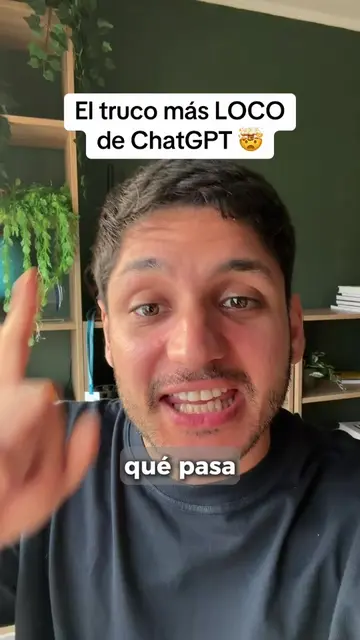
El Truco más LOCO de ChatGPT
@mr.aifo
481.1K followers · usually 42.4K views a post
Views
428.6K
Likes
12.5K
Comments
63
Shares
7.5K
Selling · SaaS › AI Tool
Why it worked
The video offers a practical and time-saving solution for a common task (creating presentations) using a popular AI tool, presented in a concise and engaging format with clear on-screen text and a direct call to action.
Summary
The video demonstrates a "crazy trick" for ChatGPT: using it as a PowerPoint add-in to automatically generate presentations with text and images. The creator shows how to install the add-in and prompt ChatGPT to create a presentation on a chosen topic, which is then generated in seconds and can be further edited.
Free accountLocked — create a free account to open
Transcript, structure and on-screen text
5 beats, a 88-word transcript and 24 lines of on-screen text — the parts you need to write your own version.
The hook, the summary, why it worked and what it sells stay open on every video, signed in or not.
Original caption
Truco más Loco de ChatGPT en Powerpoint 😳 #chatgpt #ppt #chatgptwork #ia
More from @mr.aifo
Their other posts in the index, biggest breakout first.