Loading video…
All breakouts
24.3Text-HeavyOther hookCreator Economy
Hook
Alt + Ctrl + G
@letsdesign9
121.1K followers · usually 21.3K views a post
Views
501.9K
Likes
19.4K
Comments
23
Shares
1.2K
Why it worked
The video provides quick, actionable visual tutorials for useful Photoshop shortcuts, making complex editing techniques easily digestible and memorable for viewers interested in graphic design.
Summary
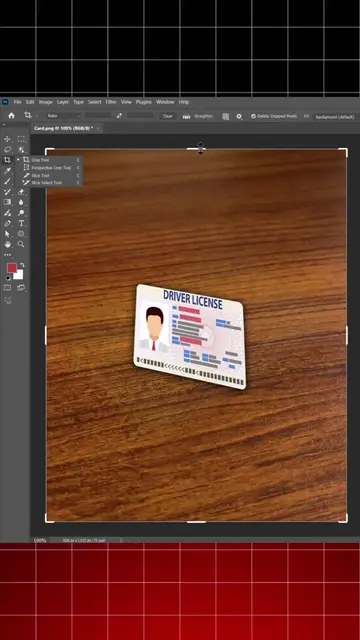
The video demonstrates three Photoshop shortcuts for image manipulation: Clipping Mask (Alt + Ctrl + G), Blend on White (Alt + Shift + M), and Blend on Black (Alt + Shift + S). It shows how to apply these effects to different images, including a sunset scene, a moon, and an astronaut.
Structure
- 1Introduce Photoshop and the first shortcut (Clipping Mask)
- 2Demonstrate Clipping Mask with 'HOLLYWOOD' text and a sunset image
- 3Introduce the second shortcut (Blend on White)
- 4
Original caption
Adobe Photoshop useful shortcuts everyone should know Follow for more tips #graphicdesign #adobeillustrator #adobephotoshop #photoshop #adobephotoshop
More from @letsdesign9
More breakout videos from this creator.