Loading video…
All breakouts
43.6Talking HeadDirect Question hookLifestyle
Hook
¿que hay en mi iPad?
@shiningpaperless
17.0K followers · usually 1.8K views a post
Views
76.5K
Likes
3.7K
Comments
9
Shares
111
Why it worked
The video taps into the popular 'What's on my phone/iPad' trend, appealing to viewers' curiosity about others' digital organization and aesthetic choices. The customization and aesthetic presentation of the iPad's interface likely resonated with users interested in personalization and digital lifestyle content.
Summary
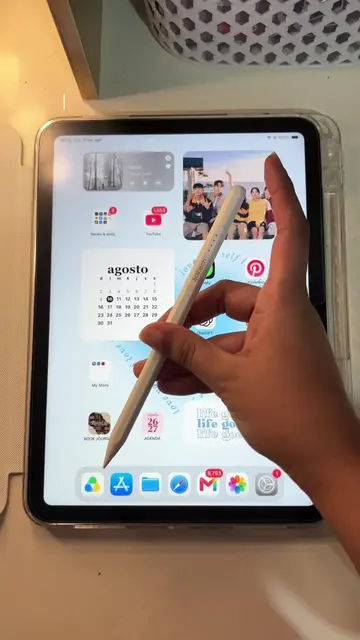
The video shows a person navigating through the apps and widgets on their iPad. The iPad's home screen is customized with various app icons, widgets for calendar and photos, and a personalized background. The creator asks viewers if they would like a more detailed tour of their iPad setup.
Structure
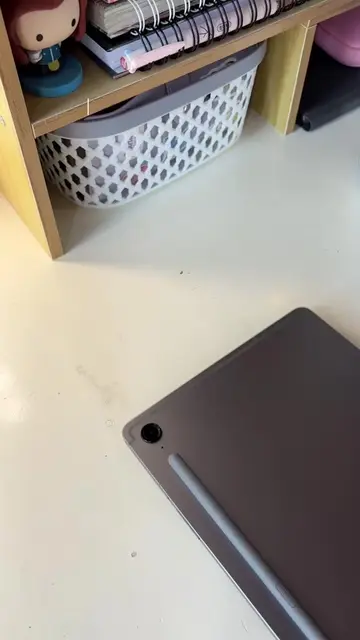
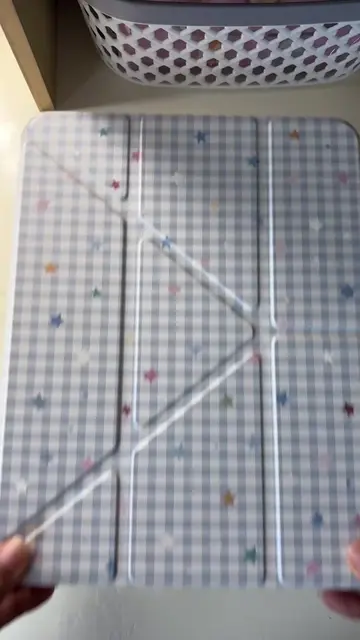
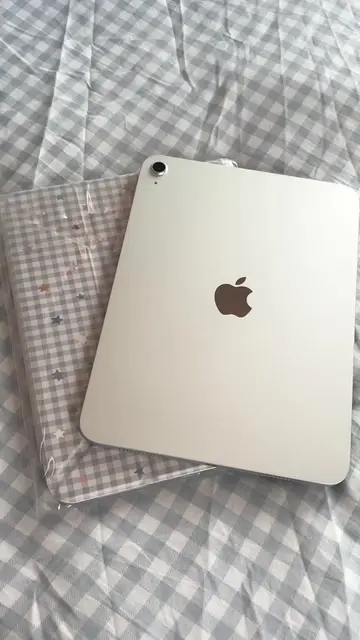
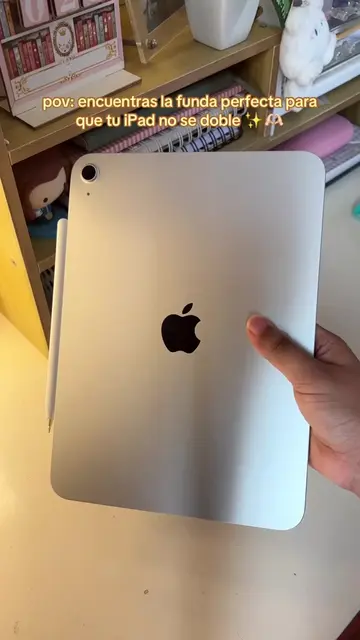
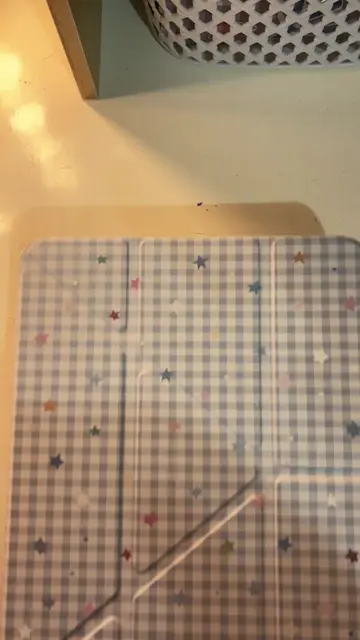
- 1Showcase of the iPad's exterior with decorative stickers.
- 2Display of the iPad's home screen with various apps and widgets.
- 3Demonstration of navigating through different app folders (e.g., 'Series y pelis', 'Redes sociales', 'Digital notes', 'Foto y video', 'Juegos', 'Documentos').
- 4Highlighting specific widgets like calendar, photos, and weather.
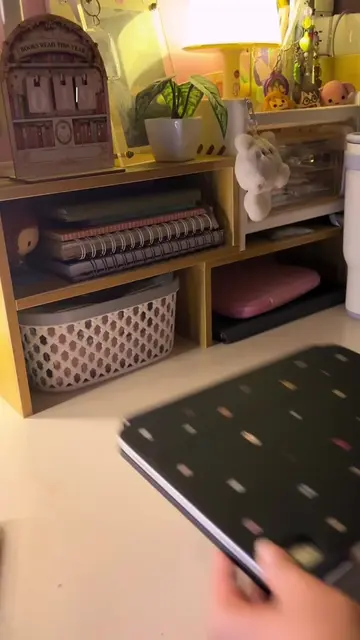
- 5Closing shot of the iPad's lock screen and then the exterior again.
Product placement
Apple: appears as a logo on the iPad case. Removing it would not change what happens in the video.
iPad: acts as the device on which apps are displayed and interacted with. Removing it would change what happens in the video.
Netflix: appears as an app icon. Removing it would not change what happens in the video.
Hulu: appears as an app icon. Removing it would not change what happens in the video.
Max: appears as an app icon. Removing it would not change what happens in the video.
Disney+: appears as an app icon. Removing it would not change what happens in the video.
Amazon Prime Video: appears as an app icon. Removing it would not change what happens in the video.
Paramount+: appears as an app icon. Removing it would not change what happens in the video.
Spotify: appears as an app icon. Removing it would not change what happens in the video.
Pinterest: appears as an app icon. Removing it would not change what happens in the video.
TikTok: appears as an app icon. Removing it would not change what happens in the video.
Instagram: appears as an app icon. Removing it would not change what happens in the video.
WhatsApp: appears as an app icon. Removing it would not change what happens in the video.
Facebook: appears as an app icon. Removing it would not change what happens in the video.
YouTube: appears as an app icon. Removing it would not change what happens in the video.
Canva: appears as an app icon. Removing it would not change what happens in the video.
Procreate: appears as an app icon. Removing it would not change what happens in the video.
VSCO: appears as an app icon. Removing it would not change what happens in the video.
GoodNotes: appears as an app icon. Removing it would not change what happens in the video.
Notion: appears as an app icon. Removing it would not change what happens in the video.
Book Journal: appears as an app icon. Removing it would not change what happens in the video.
Apple Calendar: appears as a widget. Removing it would not change what happens in the video.
Apple Photos: appears as a widget. Removing it would not change what happens in the video.
Apple Clock: appears as a widget. Removing it would not change what happens in the video.
Apple Weather: appears as a widget. Removing it would not change what happens in the video.
Apple Mail: appears as an app icon. Removing it would not change what happens in the video.
Apple Safari: appears as an app icon. Removing it would not change what happens in the video.
Apple App Store: appears as an app icon. Removing it would not change what happens in the video.
Apple Notes: appears as an app icon. Removing it would not change what happens in the video.
Apple Calculator: appears as an app icon. Removing it would not change what happens in the video.
Apple Camera: appears as an app icon. Removing it would not change what happens in the video.
Apple Messages: appears as an app icon. Removing it would not change what happens in the video.
Apple Maps: appears as an app icon. Removing it would not change what happens in the video.
Apple Settings: appears as an app icon. Removing it would not change what happens in the video.
Apple Files: appears as an app icon. Removing it would not change what happens in the video.
Apple Reminders: appears as an app icon. Removing it would not change what happens in the video.
Apple Health: appears as an app icon. Removing it would not change what happens in the video.
Apple TV Remote: appears as an app icon. Removing it would not change what happens in the video.
Apple Music: appears as an app icon. Removing it would not change what happens in the video.
Apple Podcasts: appears as an app icon. Removing it would not change what happens in the video.
Apple Books: appears as an app icon. Removing it would not change what happens in the video.
Apple News: appears as an app icon. Removing it would not change what happens in the video.
Apple Games: appears as an app icon. Removing it would not change what happens in the video.
Apple Utilities: appears as an app icon. Removing it would not change what happens in the video.
Apple Documents: appears as an app icon. Removing it would not change what happens in the video.
Beacons.ai: appears as a link in the creator's bio. Removing it would not change what happens in the video.
Original caption
¿que hay en mi iPad? 📱💗✨◡̈ Diganme si les gustaría un tour por mi iPad más detallado 🫶🏻 #ipadtour #ipad #ipadgirly #ipada16 #whatsonmyipad
More from @shiningpaperless
More breakout videos from this creator.