Loading video…
All breakouts 3 videos
27.1Text-HeavyHow-To hookSaaS
Hook
How to Type a Gift Box & Heart in Word 🎁♡
@sablute.ergonomic
18.9K followers · usually 917 views a post
Views
24.9K
Likes
1.2K
Comments
28
Shares
42
Promoted product
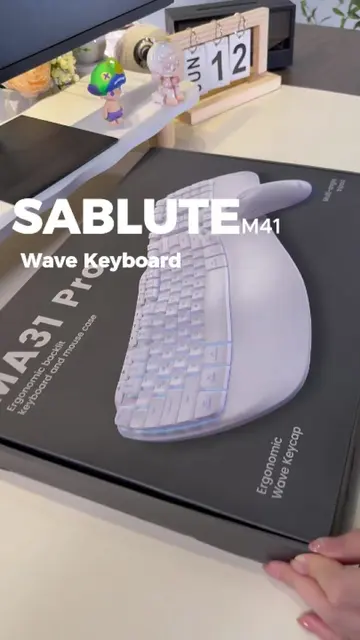
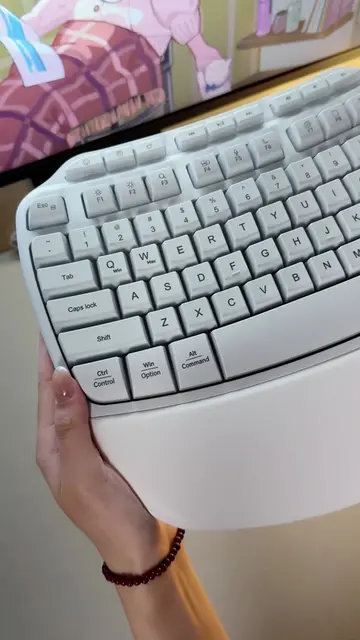
Sablute MA31 Pro
Why it worked
The video provides a quick, useful, and visually satisfying tutorial on a niche but interesting keyboard shortcut, making it easily shareable and memorable.
Summary
The video demonstrates how to type a gift box and heart symbol in Microsoft Word using Alt+X codes on the SABLUTE MA31 Pro keyboard. It shows the codes being typed and the resulting symbols appearing on screen.
Structure
- 1Introduction of the task: typing symbols in Word
- 2Demonstration of typing Alt+X codes on the SABLUTE MA31 Pro
- 3Display of the resulting gift box and heart symbols
- 4Call to action to save the tip
Product placement
SABLUTE MA31 Pro: This is a keyboard that is used to type out Alt+X codes. It is shown to be used to type the codes, and the result of typing the codes is shown on screen. Removing it would change what happens in the video. SABLUTE: This is the brand of the keyboard. It appears as a watermark on the video. Removing it would not change what happens in the video.
Original caption
How to Type a Gift Box & Heart in Word 🎁♡ Two cute Alt + X symbols to try on the SABLUTE MA31 Pro ✨ Type the code, press Alt + X, and turn it into a gift box or heart. Save this one for later 🤍 #altxcodes #wordtips #MA31Pro #keyboardshortcuts #computertips
More from @sablute.ergonomic
More breakout videos from this creator.